 ChipApex | Global Electronic Components Supplier
SEARCH
Search Product
Search Post
— IC芯片 | 连接器 | 传感器 | 被动器件 —
Search productSearch post
— IC芯片 | 连接器 | 传感器 | 被动器件 —
The trend of science and technology is changing rapidly.
A digital-to-analog converter (DAC) turns a digital number into an analog voltage or current. It lets a controller set a physical output, such as an instrument’s test voltage, an industrial control signal, or an audio waveform. Choosing a DAC means matching its output range, accuracy, speed, and interface to the circuit.
Start with the signal the board must deliver. A slowly changing calibration voltage has different requirements from multichannel audio or a fast waveform generator. Use those requirements to narrow the component options in ChipApex’s digital to analog converters category.
A DAC uses an input code to select an analog output level. A reference establishes the conversion scale, while the internal conversion network and output stage determine how the device produces a voltage or current. Depending on the part, the reference and output buffer may be internal or external.
In a typical embedded design, a microcontroller IC writes a value through SPI or I²C. The DAC updates its output when the relevant register or update signal takes effect. The downstream circuit may need a buffer, gain stage, or filter before the signal reaches its load.
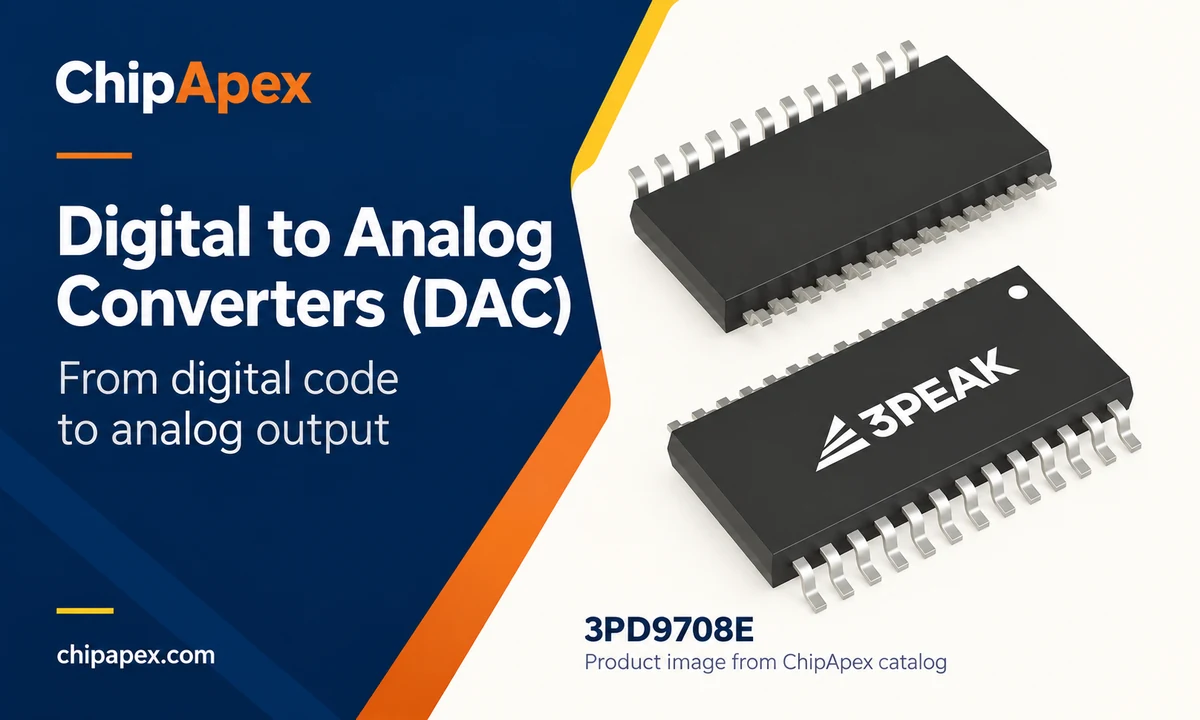
For an ideal unipolar, straight-binary voltage DAC with unity gain, one common transfer function is:
VOUT = VREF × D / 2N
Here, D is the input code from 0 to 2N − 1, and N is the resolution in bits. With a 2.5 V reference and a 12-bit DAC, one ideal least significant bit (LSB) is 2.5 / 4,096, or about 610 µV. Code 2,048 gives 1.25 V; code 4,095 gives about 2.49939 V.
This example assumes an ideal converter without offset, gain error, or loading. Bipolar outputs, programmable gain, and other coding formats use different equations. Use the transfer function in the selected part’s datasheet.
A DAC converts digital data into an analog output. An ADC converter measures an analog input and represents it as digital data. A control system can use both: the ADC measures the process, the controller calculates a response, and the DAC sets the output.
| Component | Input | Output | Example task |
|---|---|---|---|
| DAC | Digital code or sample stream | Analog voltage or current | Set an instrument’s output voltage |
| ADC | Analog voltage or current through a suitable input circuit | Digital measurement | Read a sensor signal |
| DSP | Digital samples | Processed digital samples | Filter or equalize an audio stream before conversion |
A digital signal processor can calculate the samples sent to a DAC. The DSP handles the arithmetic; the DAC produces the analog signal.
Use architecture to understand a converter’s likely strengths, then check the finished device’s specifications. Output circuitry, segmentation, calibration, and filtering can change the tradeoffs within each family.
| Architecture | Operating principle | Useful starting point | What to check |
|---|---|---|---|
| Resistor string | Selects a tap on a resistor chain | Bias adjustment and control outputs | Resolution, settling behavior and output drive |
| R-2R ladder | Switches a resistor network built around two resistance values | Precision voltage generation and instrumentation | Linearity, major-carry glitch and reference loading |
| Current steering | Switches weighted or segmented current sources | Fast waveform generation | Output compliance, distortion and clock quality |
| Delta-sigma | Uses oversampling and noise shaping with a conversion stage and filtering | Audio and other bandwidth-limited signal paths | Latency, filter response and in-band noise |
A multiplying DAC scales a varying reference signal according to its digital code. It can be useful for programmable gain or waveform scaling, subject to the device’s reference-input bandwidth and output-circuit requirements. For background on these circuit approaches, see the DAC architecture tutorial.
Define the required analog output before comparing bit counts. Record the voltage or current range, the load, the allowable error, and how quickly the output must respond. These requirements make it easier to rule out unsuitable parts early.
A low-voltage DAC does not automatically provide a 0 to 10 V industrial output. The design may require additional gain and a suitable supply. Similarly, a current-output DAC is not automatically a complete 4 to 20 mA transmitter. Check the output topology, compliance range, protection, and any external circuitry needed.
Include the actual load in the comparison. An output that meets its settling specification with a light resistive load may behave differently when connected to a cable, capacitive input, or heavier load. Check output swing and source/sink capability under the intended conditions.
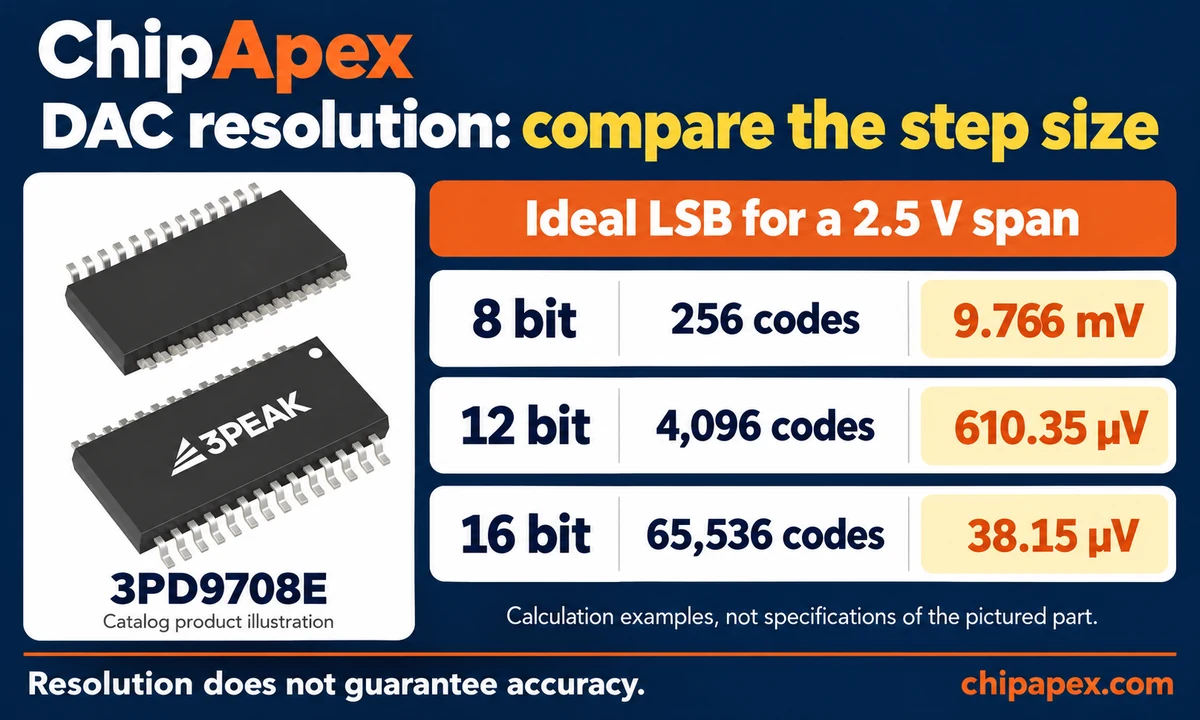
Resolution describes the nominal size of one code step. Accuracy describes how closely the output meets its intended value. More bits provide smaller steps, but offset, gain error, nonlinearity, noise, and temperature drift can still limit the result.
| Resolution | Number of codes | Ideal step with a 2.5 V span |
|---|---|---|
| 8 bit | 256 | 9.766 mV |
| 12 bit | 4,096 | 610.35 µV |
| 16 bit | 65,536 | 38.15 µV |
These are calculated step sizes, not guaranteed accuracy figures. For example, a 0.1% reference error corresponds to approximately 2.5 mV near the top of a 2.5 V range. That alone is much larger than one ideal 16-bit step. Review the voltage reference alongside the DAC, including initial accuracy, drift, noise, and loading.
Integral nonlinearity (INL) describes deviation from a specified ideal transfer line. Differential nonlinearity (DNL) describes the error in the step between adjacent codes. A monotonic DAC does not move its output backward as the input code increases.
For a control loop or calibration function, check guaranteed limits across the required temperature range. Typical room-temperature curves are useful for understanding behavior, but they are not a substitute for the limits the design must meet.
Update rate describes how often new output values can be applied. Settling time describes how long the analog output takes to reach a specified error band after a change. Compare settling specifications only after checking code-step size, load, and error band.
Interface bandwidth also sets a limit. As an illustrative calculation, a 24-clock write at a 10 MHz serial clock takes 2.4 µs, allowing at most about 416,667 writes per second before overhead. Chip-select timing, channel addressing, update commands, and the analog response can reduce usable throughput. This calculation does not establish any particular DAC’s output rate.
Check logic levels, register format, channel addressing, and the timing of output updates. A multichannel design may need all outputs to change together. Also review the power-on value, reset behavior, and what happens if communication stops, especially when the output controls another circuit.
For further explanation of error terms and output timing, see the precision DAC training series.
For an industrial setpoint, start with output range, monotonicity, drift, and the permitted error over temperature. In test equipment, the load and settling tolerance can be just as important as nominal resolution. A waveform generator also needs suitable dynamic performance, including distortion and glitch behavior.
A digital audio DAC has a different set of priorities: supported sample formats, channel count, noise, distortion, clocking, and filter latency. The output stage must also match the next circuit. A line-level DAC output generally needs an appropriate amplifier to drive a loudspeaker.
Some applications can use a microcontroller’s built-in DAC. Compare its guaranteed specifications with the system requirements before adding an external device. An external DAC becomes useful when the design needs capabilities such as more channels, a different output range, or tighter performance limits.
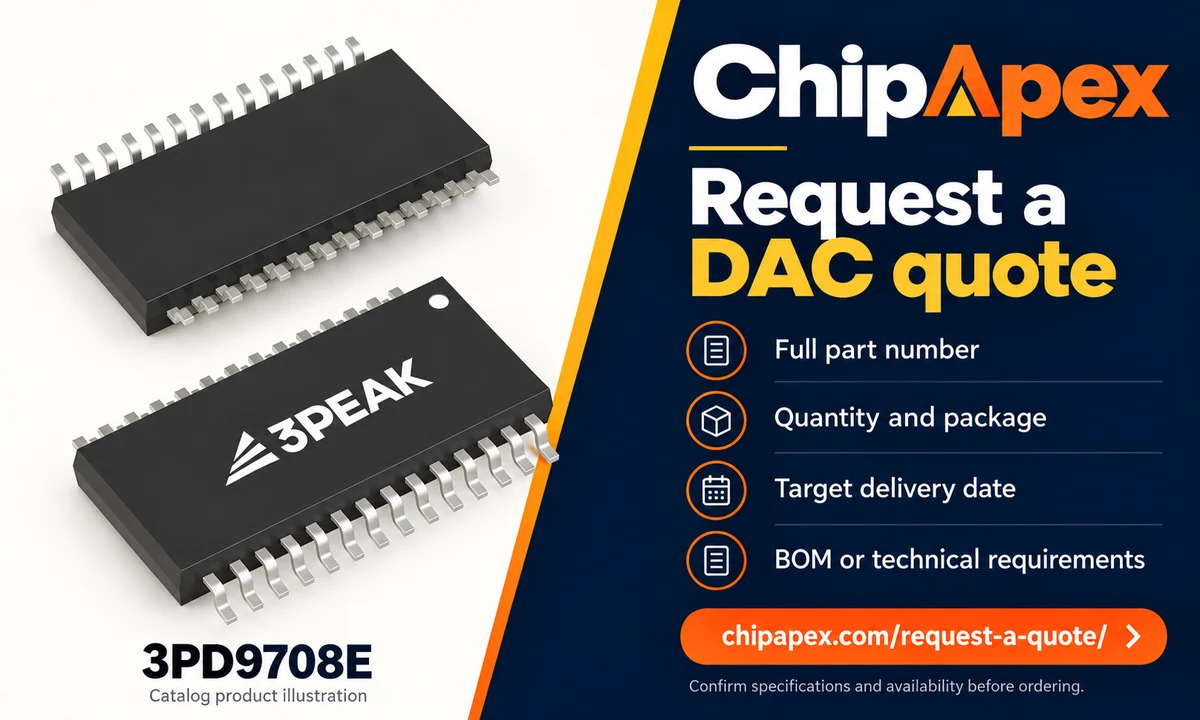
Keep the full manufacturer part number on the BOM, including its suffix. Similar names can describe different packages, temperature grades, or packing options. A substitute with the same resolution and channel count still needs an electrical and firmware review.
| RFQ information | Why the buyer needs it |
|---|---|
| Full part number and manufacturer | Identifies the exact ordering variant |
| Prototype quantity and production demand | Gives the supplier context for the quote |
| Package, temperature grade and packing format | Helps match the board and assembly process |
| Required delivery date and destination | Allows lead time and shipping options to be discussed |
| Documentation, traceability and date-code requirements | Defines purchasing acceptance criteria before an order |
| Whether alternatives are acceptable | Separates exact-part sourcing from options requiring engineering approval |
Confirm current availability and delivery terms for the quoted quantity. A catalog listing alone does not establish stock, lifecycle status, or suitability for a new design.
A DAC generates an analog voltage or current from digital data. Common uses include programmable test voltages, control-system setpoints, audio playback, and waveform generation. The conversion function is similar across these applications, but the required output range, speed, and accuracy can be very different.
A 16-bit DAC has finer nominal steps over the same output span. Whether that improves the circuit depends on its noise, reference quality, linearity, and other error sources. If those errors exceed the required step size, additional resolution may add little practical value. Compare guaranteed performance under the intended conditions.
Some DACs support bipolar output ranges; others need external level shifting and an amplifier with suitable supply rails. A basic unipolar DAC cannot directly produce a voltage below its analog ground. Check the output-range equation, supply requirements, and output swing before selecting a part for a bipolar signal.
Filtered pulse-width modulation can create an average analog level when the application tolerates its ripple and response time. More filtering reduces ripple but slows changes in the output. Evaluate supply variation, timer resolution, and load behavior as well. A dedicated DAC is often easier to specify when these limits are tight.
It depends on the device. Some DACs include a reference, while others require an external source or use a supply-related reference. An internal reference can simplify the circuit. An external reference allows a separate choice of voltage, noise, and drift performance, provided its drive capability meets the DAC’s requirements.
A matching footprint is only one requirement. Compare pin functions, supplies, logic thresholds, command format, output range, reference connections, and power-on behavior. Even parts with similar electrical specifications may require different firmware. Engineering approval should cover both the circuit and the software before a purchasing team accepts a substitute.
Send your DAC part number or BOM, quantity, package requirements, and target delivery date to request a quote from ChipApex. If alternatives are acceptable, include the required output range, resolution, channel count, interface, and accuracy limits. Your engineering team can use these requirements to assess any proposed substitute.
Discover why SRAM remains essential in industrial, medical & aerospace systems—thanks to its deterministic performance and long-term reliability. Trusted by engineers worldwide.
View details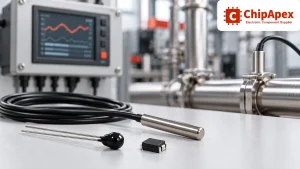
Compare thermistors, RTDs, thermocouples and temperature ICs. Learn how range, accuracy, response, interfaces and mounting affect component selection.
View details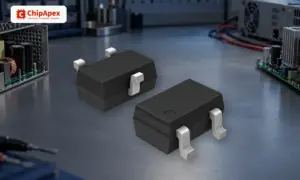
Learn how a diode conducts, how to identify anode and cathode, and when to choose rectifier, TVS, Zener or photodiode types for a circuit.
View details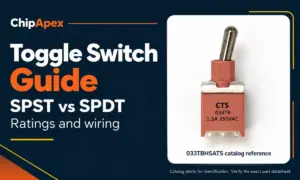
Compare SPST and SPDT toggle switches, understand AC/DC ratings, and follow wiring examples. Check contact action, mounting and parts in the ChipApex catalog.
View details
The activity of extra discounts on wholesale prices is in full swing…
Please fill in your contact information and we will send you the latest wholesale price list.