 ChipApex | Global Electronic Components Supplier
SEARCH
Search Product
Search Post
— IC芯片 | 连接器 | 传感器 | 被动器件 —
Search productSearch post
— IC芯片 | 连接器 | 传感器 | 被动器件 —
The trend of science and technology is changing rapidly.
A DIP switch is a group of small, manually operated switches in one package, commonly used to configure a circuit board. Choose one by its contact arrangement, number of independent switches or coded positions, footprint, contact ratings and assembly requirements. The switch position becomes a setting only through the surrounding circuit and firmware.
A controller may use a DIP switch to select an address before startup. Another board may use one to enable a termination resistor or choose an operating mode. Those jobs look similar on the enclosure, but they can require different contacts and different electrical connections. Start with the function each contact must perform.
Most configuration applications use a bank of independent single-pole, single-throw contacts. Closing a contact joins two circuit nodes; opening it separates them. The molded ON legend identifies the manufacturer’s intended mechanical contact position. It does not establish the voltage a processor will read.
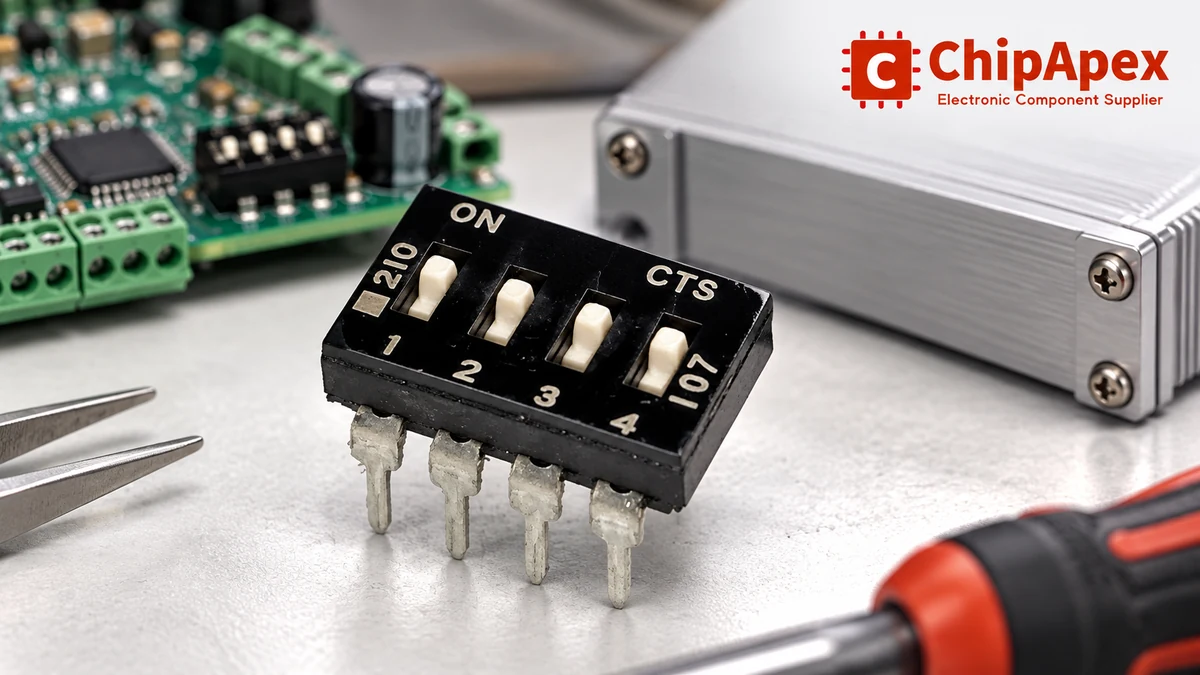
For example, connect an input to the supply through a pull-up resistor and connect its switch to ground. With the contact open, the input reads high. With it closed, the input reads low. Firmware can then interpret that low level as “option enabled.” An address chart that simply equates ON with logic 1 can therefore be wrong for the board in front of you.
When comparing dip switches, distinguish the physical contact diagram from the software meaning of each setting. Record both in the design documentation. That prevents an apparently interchangeable switch or reversed assembly orientation from changing how a technician interprets the configuration.
Actuator style affects access and operation. The electrical function still comes from the contact or coding diagram. A manufacturer’s overview of DIP switch types is useful background when separating these two choices.
| Style | How the user operates it | Selection checks |
|---|---|---|
| Slide DIP bank | Moves individual sliders between positions | Finger or tool access, actuator height, switch numbering |
| Piano DIP bank | Moves individual actuators in a different plane from a slide bank | Enclosure opening, approach direction, access after assembly |
| Rotary coded switch | Turns one selector to a numbered position | Binary or other code, common terminal, valid positions, switching sequence |
| Rotary contact selector | Turns an actuator to select contacts | Pole/throw arrangement and contact timing, rather than an assumed code |
A rotary switch with sixteen positions is not the same mechanism as sixteen independent ON/OFF switches. Its output may be encoded through a smaller set of terminals. Check whether the code is binary, binary-coded decimal, complementary or another specified arrangement. A decimal-coded selector does not acquire sixteen valid positions merely because it has four output bits.
For a user-accessible selection outside a DIP package, slide switches may suit the mechanical layout. Equipment that needs a displayed numeric setting may instead use thumbwheel switches. Choose the operator interface before committing to a PCB footprint.
For a bank of n independent two-state contacts, the maximum number of combinations is 2^n. Four independent contacts provide sixteen combinations; eight provide 256. The equipment may use fewer because some combinations are reserved or invalid.
Consider an illustrative four-switch address bank. Firmware assigns weights of 1, 2, 4 and 8 after converting the electrical inputs to logical enabled/disabled states. Enabling the first and third options represents address 5. That result depends on the documented weighting and polarity. It cannot be inferred from the switch’s position on a photograph.
Keep a configuration table beside the schematic and in the service documentation. Include the bit order, contact-closed state, firmware interpretation and when a changed setting takes effect. If all-zero or all-one codes have special meanings, explain them explicitly.
Some microcontrollers sample configuration pins only during reset; other applications read them repeatedly in firmware. The board designer determines that behavior. A replacement switch cannot make a startup-only setting update while the equipment is running.
Two parts described as “four-position DIP switches” can have different land patterns, body widths, row spacing or actuator directions. Obtain the mechanical drawing for the exact orderable variant.
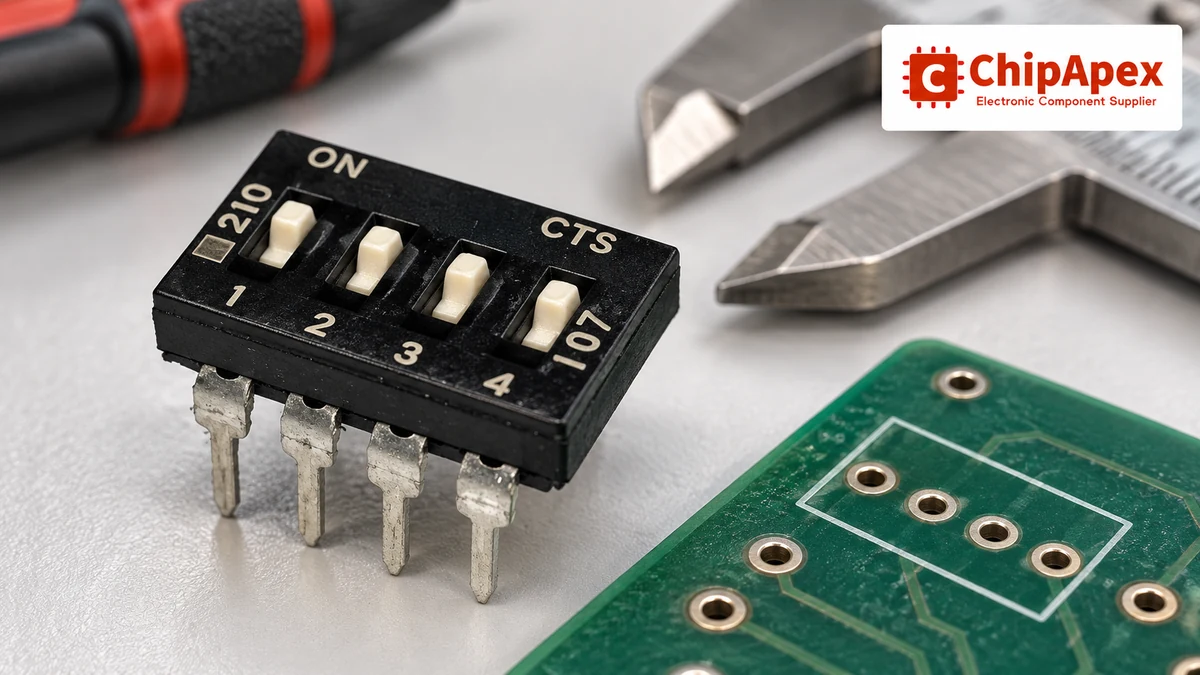
Check pin pitch, row spacing, lead width and the dimensions that define the PCB holes or pads. Then check body height, overall length, actuator movement and clearance to the enclosure. A part that fits the bare board may become inaccessible once the cover, cable or adjacent module is installed.
Through-hole and surface-mount variants also bring different assembly constraints. Review the specified soldering process, maximum exposure conditions, packaging orientation and any tape seal. A tape-covered actuator is not proof that the switch can survive every cleaning solvent or process.
Photographs help identify a product family. They cannot verify pad dimensions, contact plating or a sealing qualification. Treat the drawing and ordering code as the approval documents.
A contact’s permissible current depends on the conditions under which it carries or switches that current. A carry rating and a switching rating may differ. Do not select a configuration switch as a load-power switch simply because a current value appears in its catalog entry.
For low-current logic inputs, review contact resistance, insulation resistance and any stated minimum applicable load. Contact materials and plating matter when the switched signal is small. Check the complete operating conditions instead of assuming that a larger maximum current rating guarantees better behavior at a very small signal current.
Environmental requirements belong in the same review: operating temperature, vibration, contamination, expected operating cycles and the chance of accidental movement. A factory-set option adjusted a few times has a different usage pattern from a frequently operated front-panel control.
An open mechanical contact does not automatically create a valid high or low voltage. The circuit needs a defined bias, whether from a suitable internal pull-up/pull-down or external components. Review input leakage, noise exposure, resistor tolerances and the processor’s input thresholds.
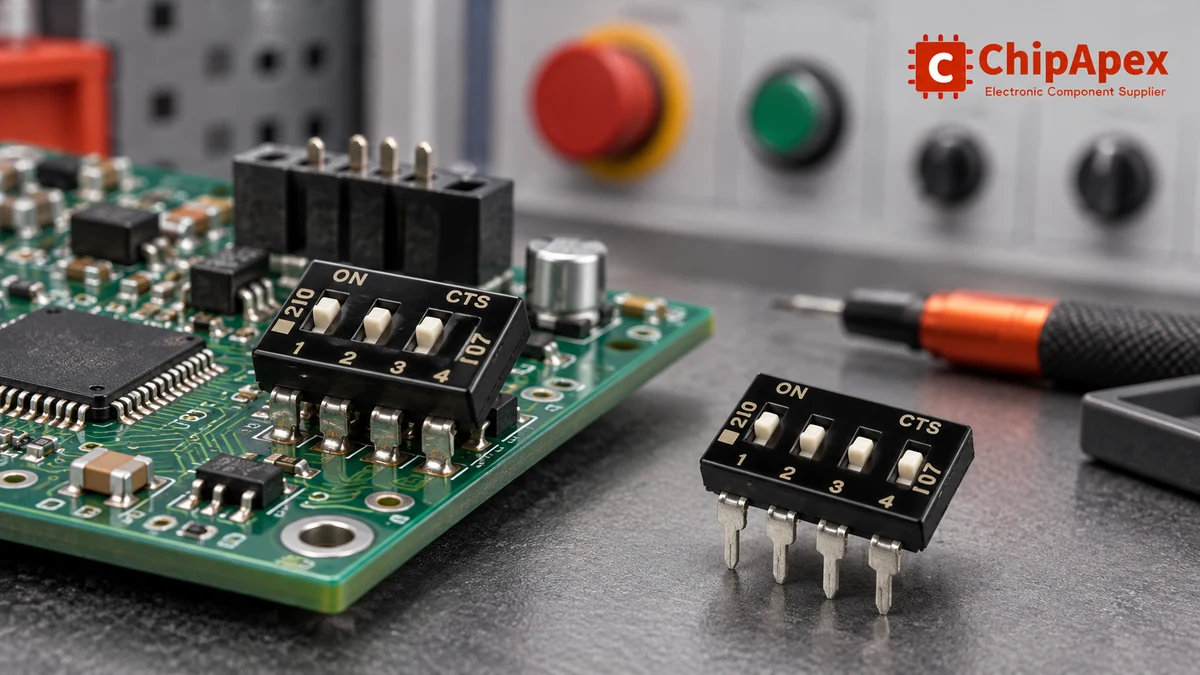
For a simple pull-up arrangement, the closed-contact current is approximately supply voltage divided by pull-up resistance, with contact and wiring resistance neglected. That estimate helps check switch current and power consumption. The open-state voltage still needs to remain within the receiver’s guaranteed input range under worst-case leakage and noise.
Long traces, connectors and exposed service wiring can pick up interference. Keep the return path and filtering appropriate to the application. If the design needs deliberate polarity inversion or a suitable threshold characteristic, a logic inverter ic may be part of the interface. Its input specifications must fit the switch network; it does not remove the need to define an open input.
Mechanical contacts can bounce during movement. For a configuration read only at startup, firmware can wait for inputs to settle before accepting them. A continuously read setting needs a defined policy for debounce, invalid intermediate codes and changes during operation. Apply that policy to the equipment’s behavior, not just to the switch signal.
Power-off configuration is often the simplest service instruction, especially when a changed setting could start motion, change an output or alter a communication address. Hot adjustment requires an intentional design and a switch rated for the electrical conditions involved.
A rotary selector may pass through intermediate contacts or codes as it moves. Several independent sliders may also be changed one at a time. Firmware should not treat every transient combination as a confirmed command.
Physical configuration remains useful when a setting must be visible without opening a software menu. The discussion of DIP switch configuration in connected equipment provides examples of that role. For a particular product, document access, authorized users and the restart or confirmation procedure that makes the new setting active.
An RFQ should identify the required function before listing acceptable package alternatives. Include the number of independent contacts or valid coded positions, the contact diagram, actuator type, PCB drawing, mounting method and switching conditions.
Add requirements for contact material, minimum signal conditions where relevant, operating temperature, assembly and cleaning process, sealing, expected cycles and packaging. Supply the full manufacturer part number when replacing an approved item. A shortened family name can omit the actuator or terminal option that determines whether the part fits.
ON normally identifies a mechanical contact position. The circuit determines the voltage at the input, and firmware determines its meaning. With a pull-up and a switch to ground, closing the switch produces a low input. The application may interpret that low as enabled. Use the schematic and equipment address chart together.
Eight independent two-state switches provide 256 possible combinations mathematically. A product may reserve some of them, so the number of usable addresses or modes can be smaller. A coded rotary device needs its own coding table; the number of visible positions and its output code cannot be inferred from the independent-switch calculation.
Only when the switch ratings and equipment design allow it. Confirm the current being switched, contact behavior and how firmware handles intermediate settings. A device that reads configuration during reset may require a restart. If changing the setting could affect an active output or machine state, follow the equipment’s specified service procedure.
Their electrical contacts may perform the same function, but mechanical interchangeability needs a drawing comparison. Check pin pitch, row spacing, body dimensions, actuator direction and the accessible opening in the enclosure. The assembly process and ordering-code options must also match. Similar appearance or the same number of switches is insufficient.
An input connected to an open contact needs a defined electrical state. Follow the receiver’s datasheet for internal or external biasing and unused-input treatment. A floating CMOS input can respond to interference or remain in an unsuitable voltage region. Evaluate the complete input circuit, including leakage and the voltage range guaranteed as high or low.
Provide the complete original part number, contact or coding diagram, number of positions, actuator style, PCB dimensions and mounting method. Add current and voltage conditions, required contact material, temperature, cleaning and sealing requirements. Photos help with identification, but the datasheet and mechanical drawing establish whether the replacement is acceptable.
For a ChipApex enquiry, send those requirements with quantity and the target delivery date. Ask for the exact datasheet and ordering-code match when considering an alternative. Keep the equipment’s address chart and firmware interpretation in the engineering record so a purchasing substitution cannot silently reverse the intended setting.
Learn what an integrated circuit is, how ICs work, the main types and the specs to check before choosing a part for your design with ChipApex.
View details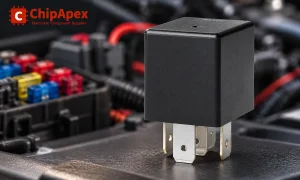
Learn the relay definition, coil and contact operation, NO and NC forms, load ratings and suppression choices. Compare mechanical, reed and solid-state types.
View details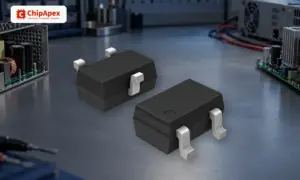
Learn how a diode conducts, how to identify anode and cathode, and when to choose rectifier, TVS, Zener or photodiode types for a circuit.
View details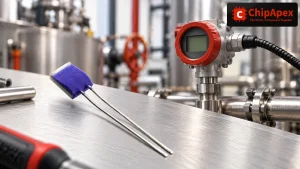
Compare Pt100 and Pt1000 RTDs, two-, three- and four-wire connections, excitation and self-heating. Build an error budget from element to reported temperature.
View details
The activity of extra discounts on wholesale prices is in full swing…
Please fill in your contact information and we will send you the latest wholesale price list.