 ChipApex | Global Electronic Components Supplier

SEARCH
Search Product
Search Post
— IC芯片 | 连接器 | 传感器 | 被动器件 —
Search productSearch post
— IC芯片 | 连接器 | 传感器 | 被动器件 —
The trend of science and technology is changing rapidly.
A VGA connector usually means the high-density, 15-contact D-sub connector used for analog computer video. Its three rows carry red, green and blue video, sync, returns and, on many systems, display identification signals. When replacing a plug or making a cable, check the mating-face view and the signal direction before assigning pins.
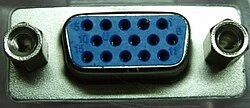
The common VGA shell has three rows of five contacts. It is generally called DE-15 or HD-15. Some listings use DB-15 loosely. A two-row 15-contact D-sub, such as a DA-15, has a different layout. Count rows and contacts, then check the mechanical drawing rather than relying on the title of a listing.
A male connector has pins and a female connector has sockets. Drawings can show either the front mating face or the rear termination side. The two views reverse horizontal order. The same problem occurs when comparing face-on views of mating male and female connectors. Match the view label first, then use molded contact numbers or the manufacturer’s drawing.
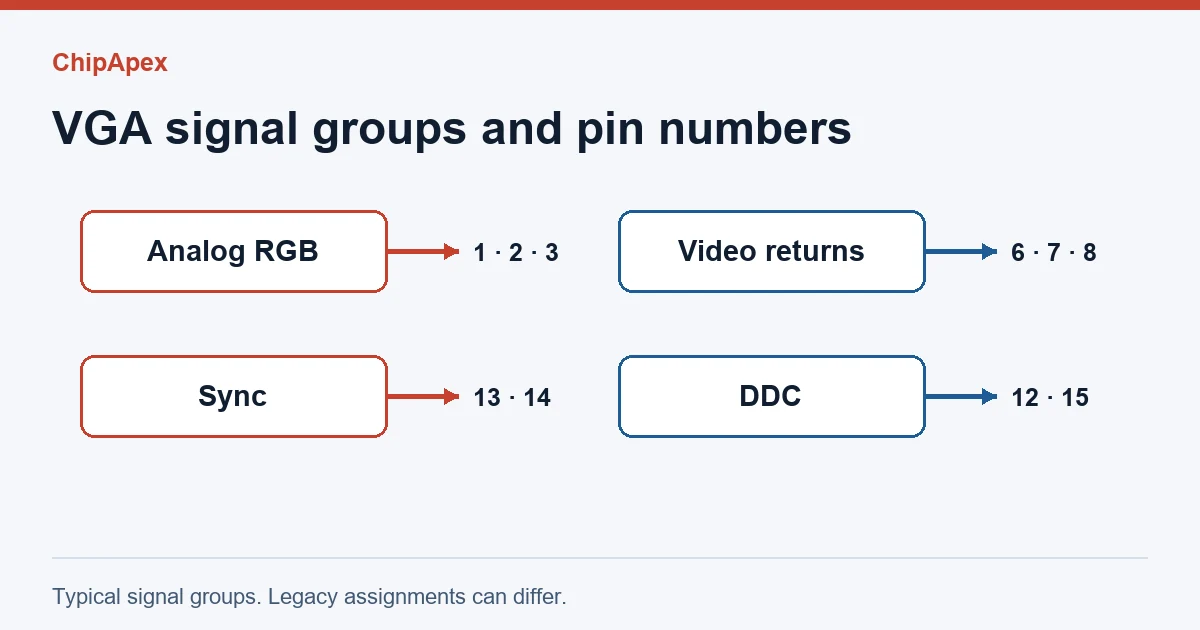
| Pins | Typical role |
|---|---|
| 1, 2, 3 | Analog red, green and blue |
| 6, 7, 8 | Returns for red, green and blue |
| 10 | Sync return on the documented Dell example |
| 13, 14 | Horizontal and vertical sync |
| 12, 15 | DDC data and clock on compatible equipment |
| 4, 5, 9, 11 | Check the equipment documentation for ground, self-test, supply or legacy assignments |
For pin 9 in particular, older equipment and newer DDC-enabled ports can differ. The Dell P2222H guide lists a computer supply on pin 9 and self-test on pin 5. Use the actual display or source manual before making assumptions about these contacts. Dell P2222H monitor guide, pin assignments
A useful continuity check begins with a known numbered pin at each mating face. For a disconnected straight-through cable, confirm that the same documented contact reaches the other end. Sketching both ends from the same physical viewing position helps avoid a mirrored repair.
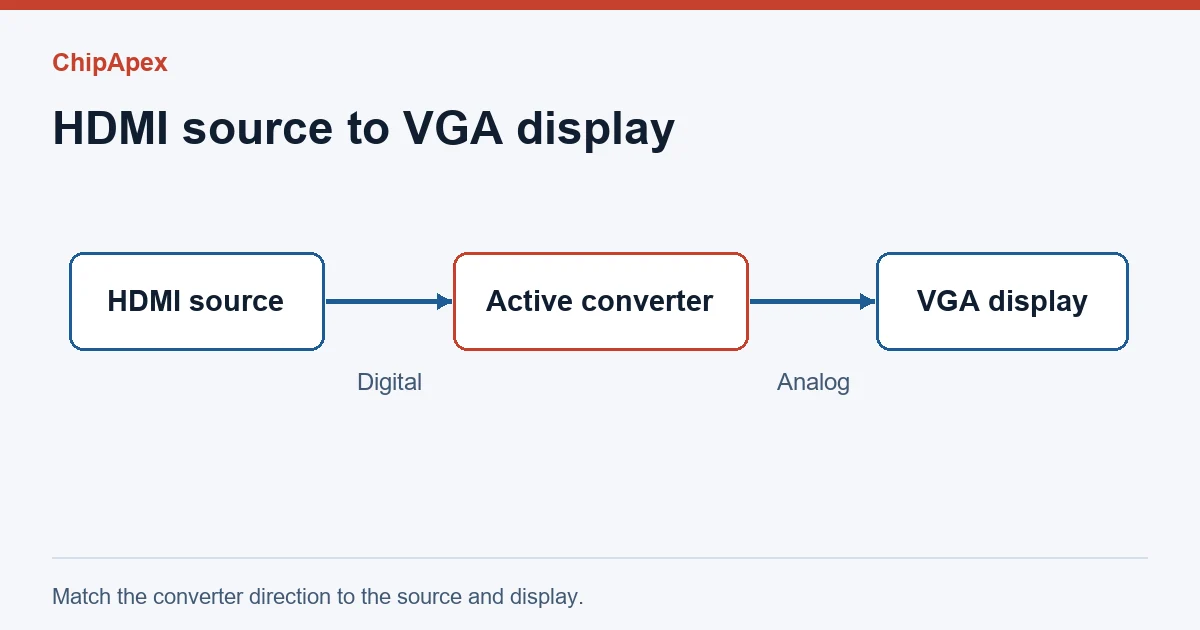
Write down the source and display interfaces in that order. An HDMI source sends digital video. A VGA display accepts analog video. HDMI-to-VGA therefore needs a converter that accepts HDMI and generates VGA. VGA-to-HDMI needs the opposite direction, with analog input and digital output. Connector shape and gender adapters alone cannot convert the signal. Extron analog RGB to HDMI converter specifications
| What you see | What to check first |
|---|---|
| Connector fits, but there’s no image | Source and display direction, converter power, supported timing and resolution |
| A missing color | The corresponding RGB signal and return continuity |
| Flicker or unstable sync | Sync contacts, cable condition and the source timing supported by the display |
| Display detected inconsistently | DDC path and presence of a supported display identification mode |
For a replacement, note contact sex, mount style, termination, mating screws and panel clearance. Use ChipApex’s connectors and interconnects catalog to look for the mechanical family. Send the drawing and mating part number when asking for a match.
Standard VGA is a video interface. A setup that needs sound generally uses a separate audio connection.
VGA and SVGA can describe display modes and related hardware. Many products use the same 15-contact analog connector. Confirm supported timing and display modes on both devices.
D-sub denotes a connector family. VGA usually uses one specific high-density member, the DE-15. Other D-sub connectors can carry entirely different signals.
One drawing may show the wiring side or the mating connector’s face. Check contact numbering and the orientation label before making connections.
It can if the display has compatible analog VGA input or if an active converter provides the digital interface the display needs.
Learn how a TRIAC switches AC loads. Understand triggering, latching, holding current, phase control and thermal limits before choosing a component.
View details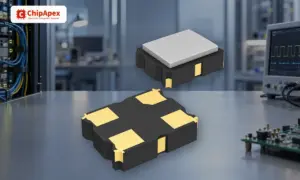
Understand how oscillators generate timing signals, how they differ from crystals, and which frequency, output and stability specs matter when choosing one.
View details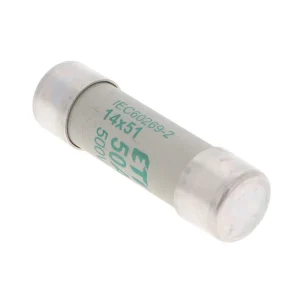
Understand HRC fuse breaking capacity, voltage and current ratings, time-current curves, and the checks needed for motor, feeder and converter protection.
View details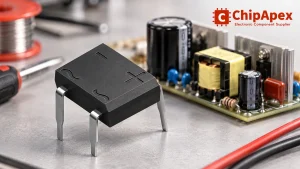
Select a bridge rectifier by reverse voltage, capacitor charging current, startup surge and cooling. Work through a stated DC voltage and ripple example.
View details
The activity of extra discounts on wholesale prices is in full swing…
Please fill in your contact information and we will send you the latest wholesale price list.