 ChipApex | Global Electronic Components Supplier

SEARCH
Search Product
Search Post
Search productSearch post
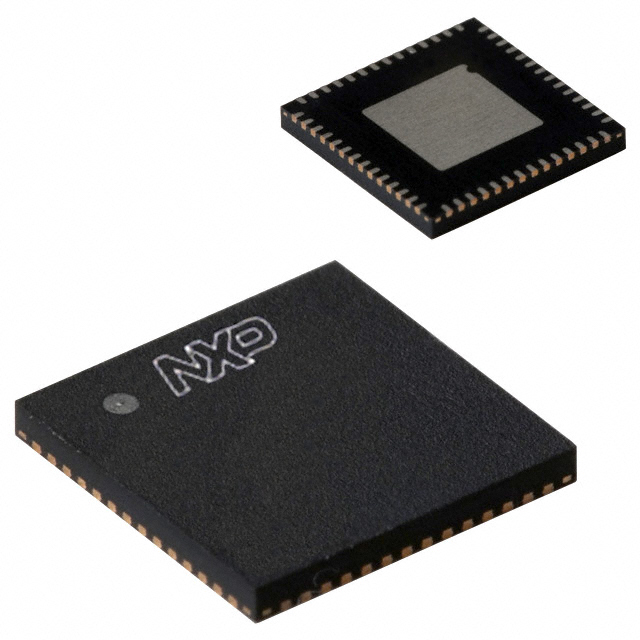
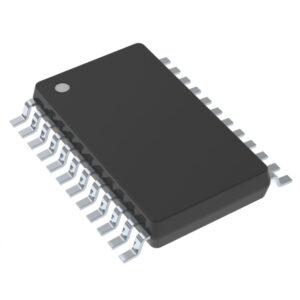
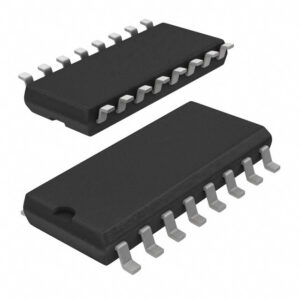
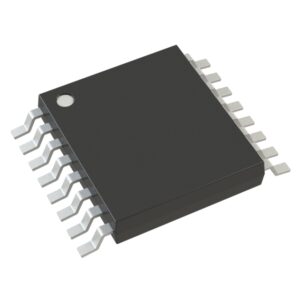
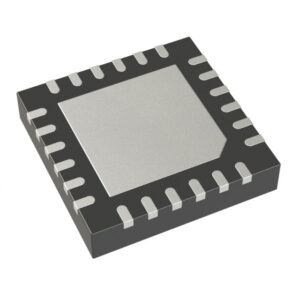
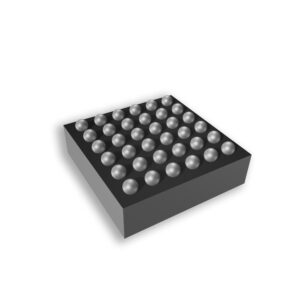
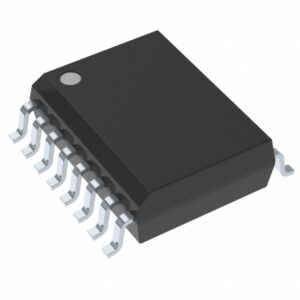
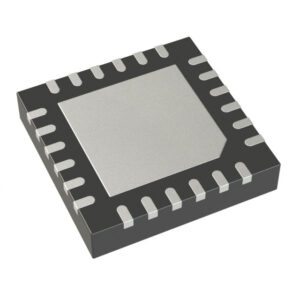
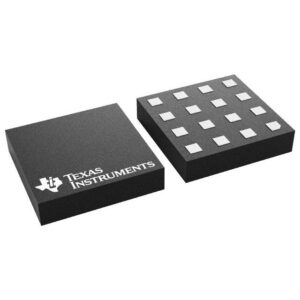
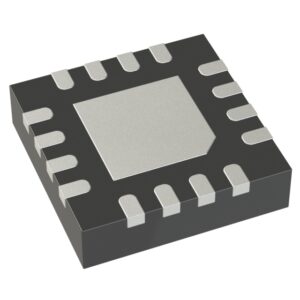
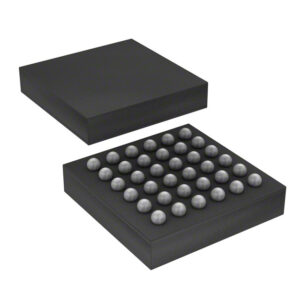
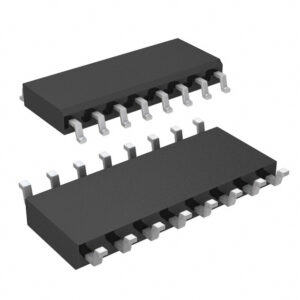
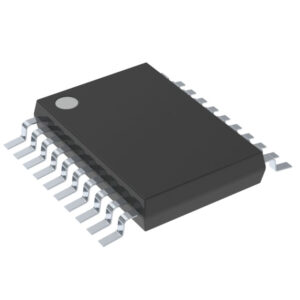
Devices in this family are used in conjunction with microcontrollers, microprocessors, or similar devices for the purpose of increasing the number of signal connections available for connecting peripheral devices. The typical concept of operation involves the use of serial communications requiring only a few I/O lines on the host device to read/write the status of many input/output pins on the expander device. The technique exchanges speed of communication for increased connectivity, and is best suited for applications where fast response is not critical, such as in many human interface applications.
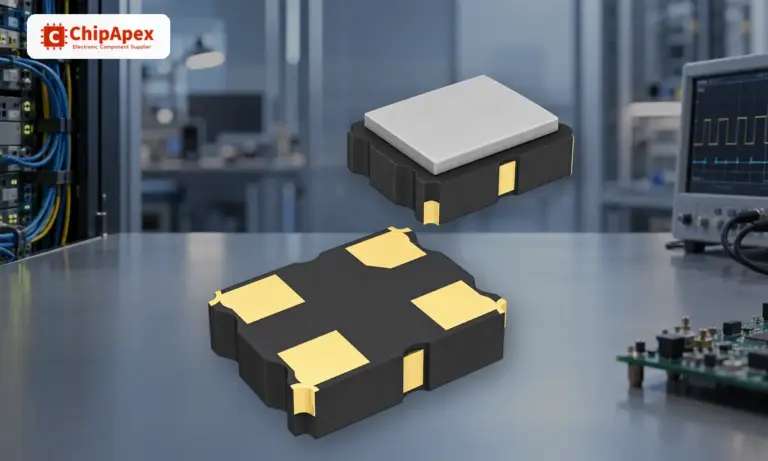
Understand how oscillators generate timing signals, how they differ from crystals, and which frequency, output and stability specs matter when choosing one.
Read More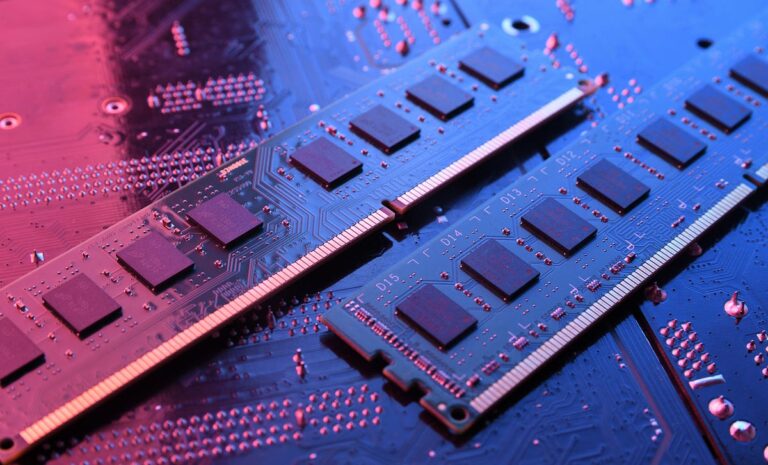
In the world of electronics, memory components play a critical role in system performance—and DRAM (Dynamic Random-Access Memory) is one of the most widely…
Read More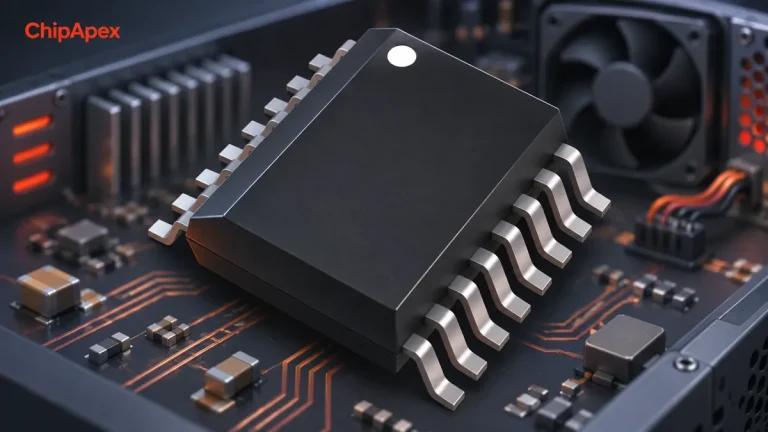
Plan electronics thermal management with power-loss estimates, thermal metrics, sensor placement and fan control. Check heat paths and validate your system.
Read More
Recently, the global electronic component market has witnessed a series of new developments. The strategic layouts and market collaborations of major enterprises are constantly…
Read More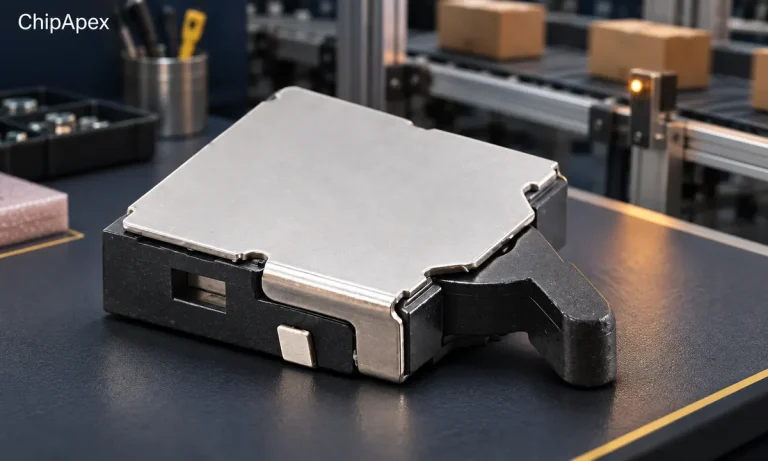
Choose a limit switch by actuator, travel, contact ratings and environment. Understand pretravel, overtravel and practical checks for machine integration.
Read More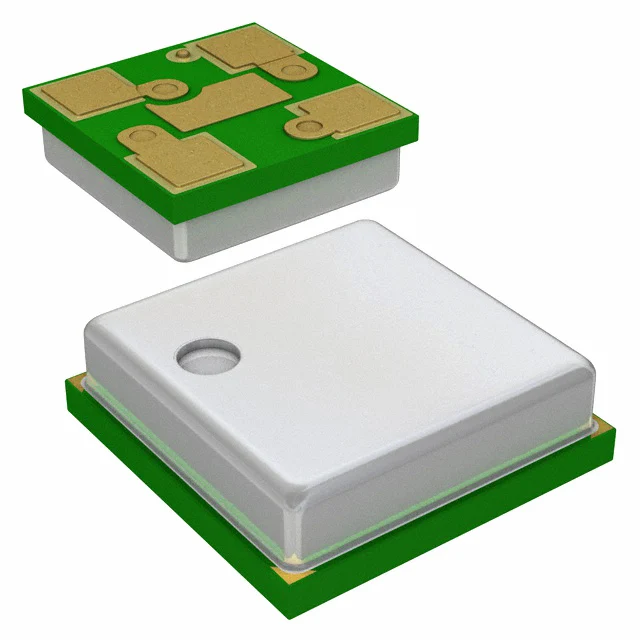
Interpret MAP sensor readings using local atmospheric pressure, convert a ratiometric signal to kPa and distinguish a pressure change from a signal fault.
Read More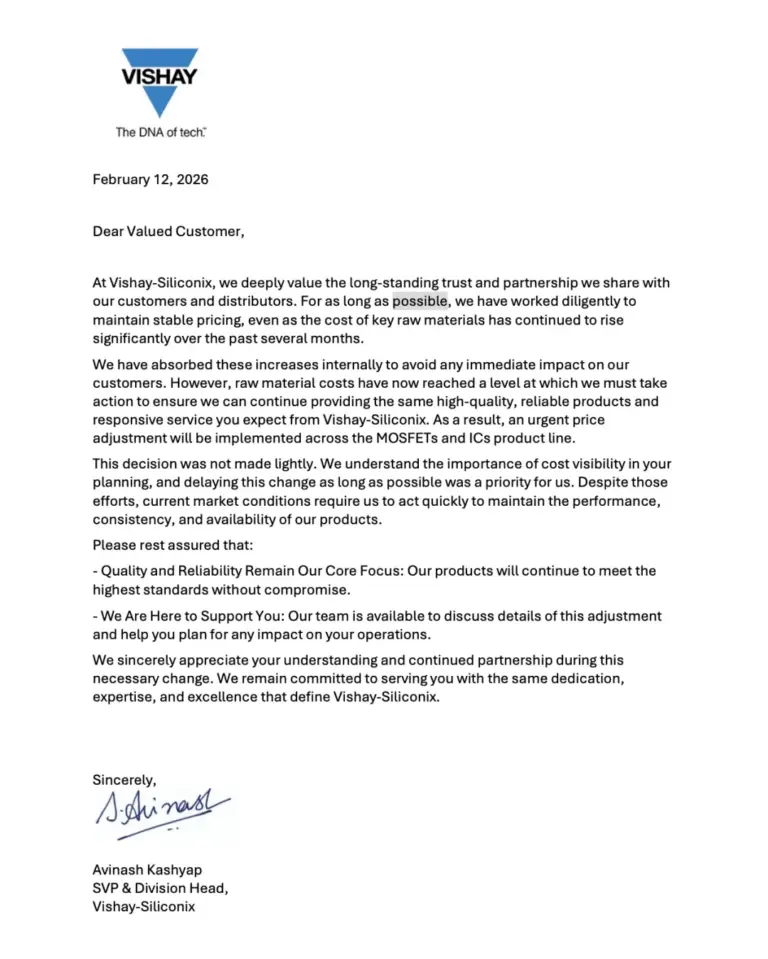
Vishay Intertechnology, Inc., a global leader in discrete semiconductors and passive electronic components, has officially announced a price adjustment for its Metal-Oxide-Semiconductor Field-Effect Transistors…
Read More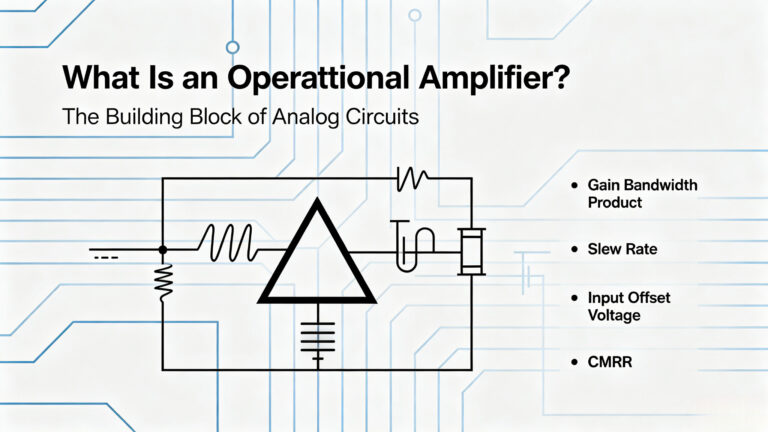
If you’ve spent any time staring at a schematic, you’ve seen the triangle. Two inputs, one output, and a gain symbol that looks deceptively…
Read More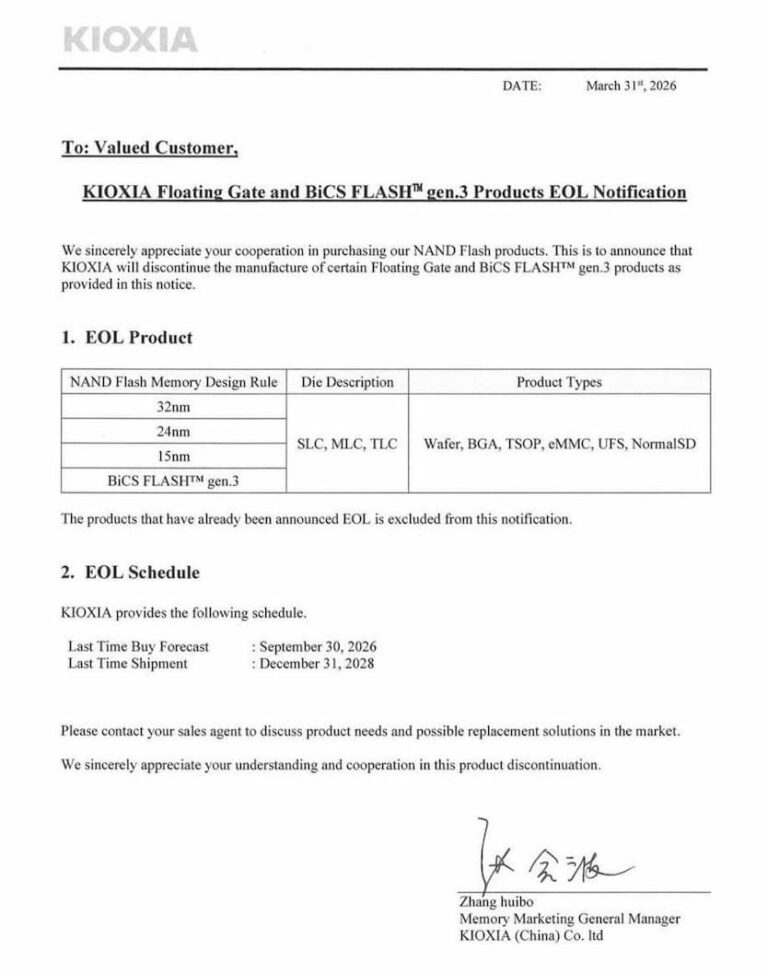
TOKYO, April 1, 2026 – Kioxia Corporation (formerly Toshiba Memory Corporation), a global leader in flash memory and storage solutions, has officially issued a…
Read More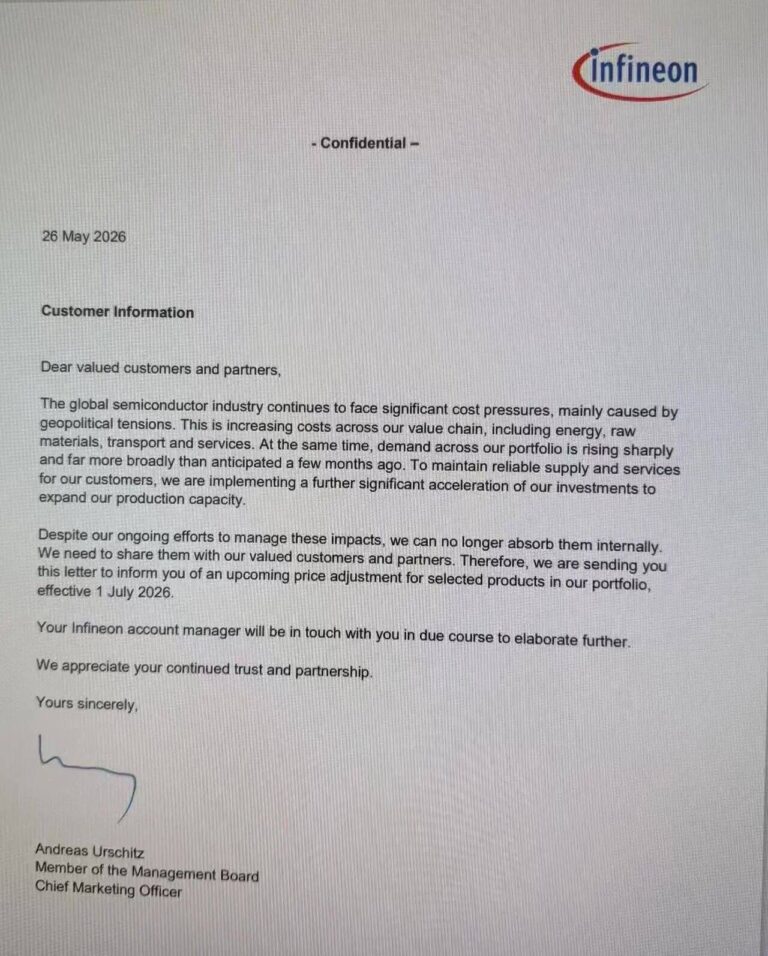
Munich, Germany – May 26, 2026 – Power semiconductor and automotive chip giant Infineon Technologies AG has formally notified customers worldwide of a second…
Read More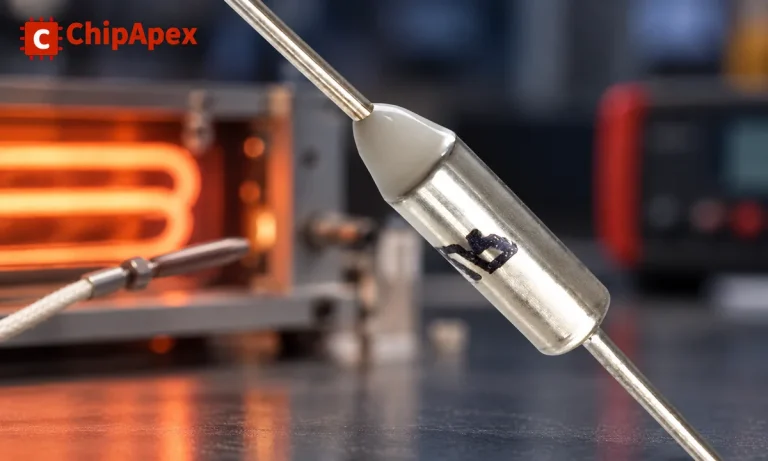
Understand thermal fuse operation, Tf, Th and Tm, electrical ratings and mounting. Check temperature limits and replacement requirements for your design.
Read More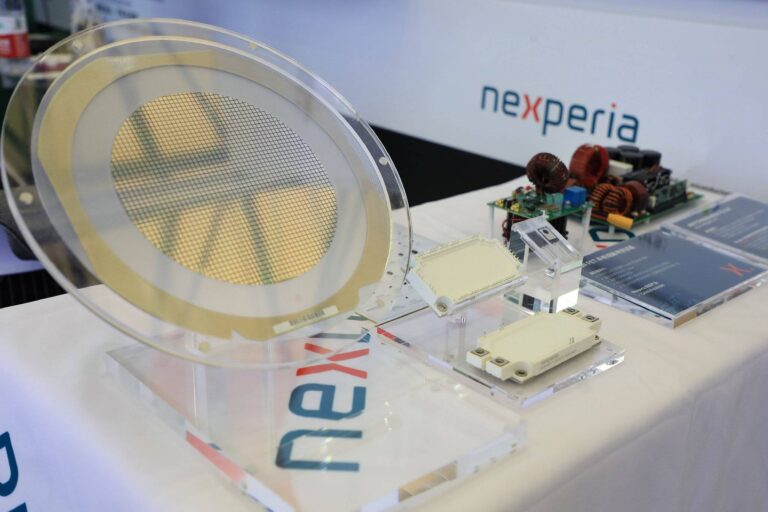
Dutch authorities announced on November 7 the lifting of control measures on Nexperia (formerly NXP Semiconductors' Standard Products division), marking the end of a…
Read More
The activity of extra discounts on wholesale prices is in full swing…
Please fill in your contact information and we will send you the latest wholesale price list.