 ChipApex | Global Electronic Components Supplier
SEARCH
Search Product
Search Post
Search productSearch post

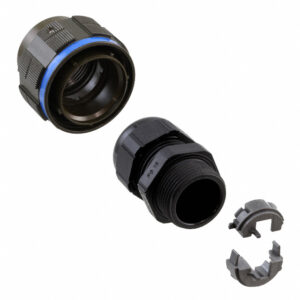
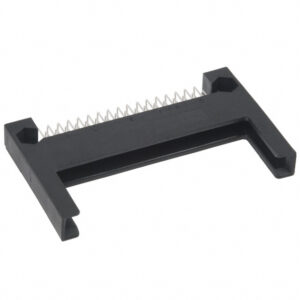
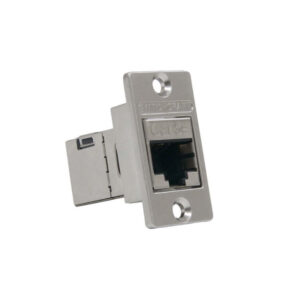
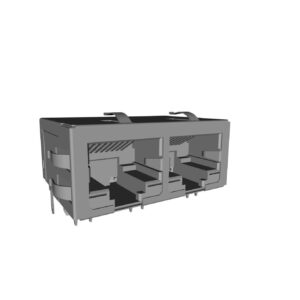
Connectors and interconnects are essential components that enable the connection of electrical circuits or fiber optic cables. They provide a reliable and reusable method for transmitting electrical signals or light pulses between different parts of an electronic system. The vast array of connector and interconnect designs caters to a wide range of applications and functionalities. A wide variety of styles are available for most applications, including banana plugs for lab equipment, coaxial connectors for RF, sockets for transistors and integrated circuits, standard AC power connectors, headphone plugs and jacks, high-voltage connectors, USB connectors, and more! The key features and benefits of connectors and interconnects include: Electrical Connection: Establish a secure and reliable path for electrical signals or light pulses to flow between components. Mating and Unmating: Allow for easy connection and disconnection of circuits, facilitating maintenance, repair, and modularity in electronic systems. Environmental Protection: Shield connections from dust, moisture, and other environmental elements to ensure reliable performance. Signal Integrity: Maintain signal quality by minimizing signal loss or distortion, particularly in high-frequency applications. Standardization: Many connector types adhere to industry standards, ensuring compatibility between components from different manufacturers. Connectors and interconnects are ubiquitous in modern electronics. They are found in everything from computers and smartphones to industrial machinery and medical devices. The specific type of connector chosen depends on factors like voltage, current rating, required bandwidth, environmental conditions, and desired mating mechanism.
| Select products | Mfr | Description | Package | Supplier Device Package | Mounting Type | Series | Operating Temperature |
|---|---|---|---|---|---|---|---|
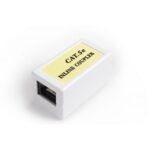
| Hyperline | Coupler Inline RJ-45 8P8C Cat 5e | Retail Package | Free Hanging (In-Line) | - | |||
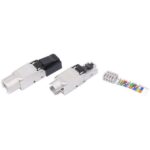
| Hyperline | Plug Modular RJ45 field terminat | Retail Package | - | ||||
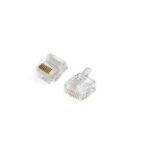
| Hyperline | "Plug Modular RJ45 Cat 5 for Twi | Retail Package | - | ||||
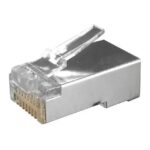
| Hyperline | Plug Modular RJ45 Cat 6A for Shi | Retail Package | - |
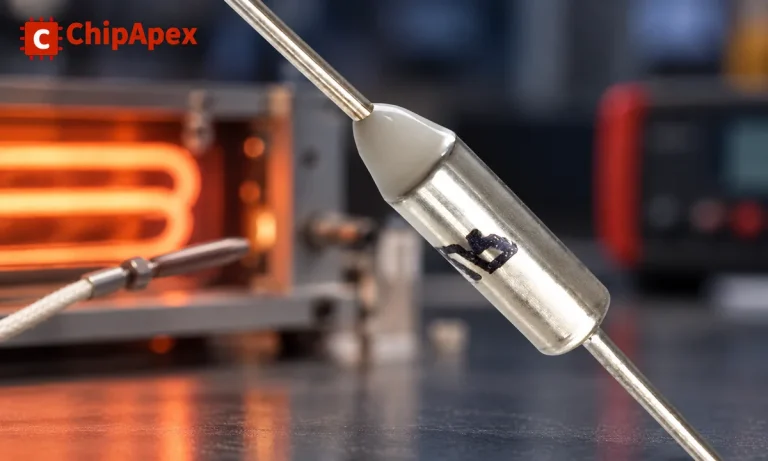
Understand thermal fuse operation, Tf, Th and Tm, electrical ratings and mounting. Check temperature limits and replacement requirements for your design.
Read More
Wilmington, Mass. & Milpitas, Calif. – May 19, 2026 – Analog Devices, Inc. (NASDAQ: ADI), a global leader in high-performance analog and mixed-signal semiconductors,…
Read More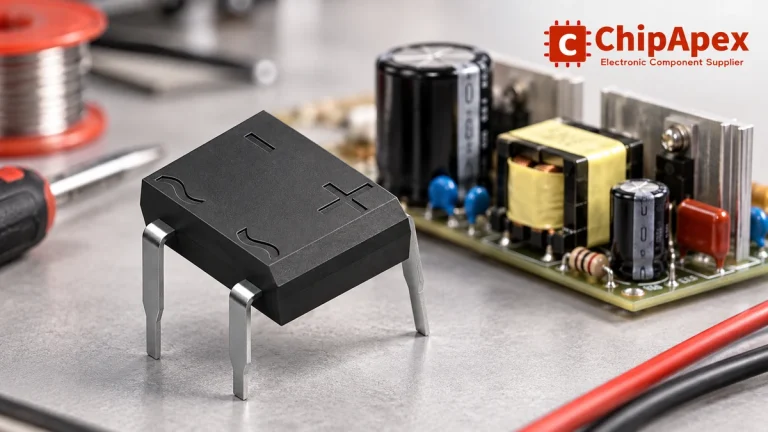
Select a bridge rectifier by reverse voltage, capacitor charging current, startup surge and cooling. Work through a stated DC voltage and ripple example.
Read More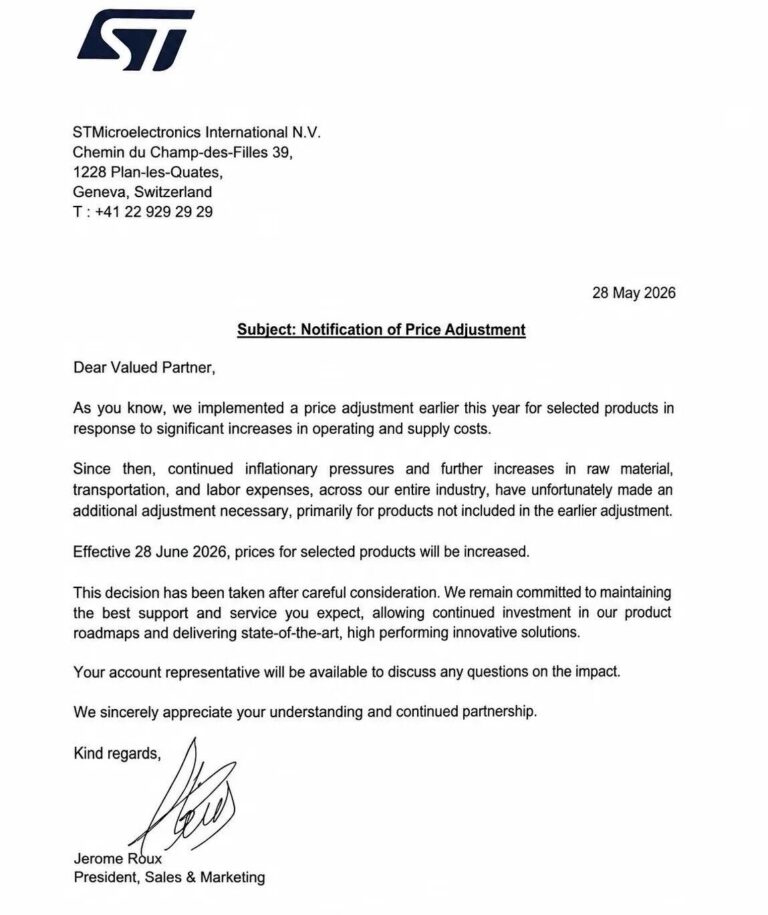
STMicroelectronics (ST), a global leader in semiconductor manufacturing, has officially notified customers of a new round of price increases for selected products, set to…
Read More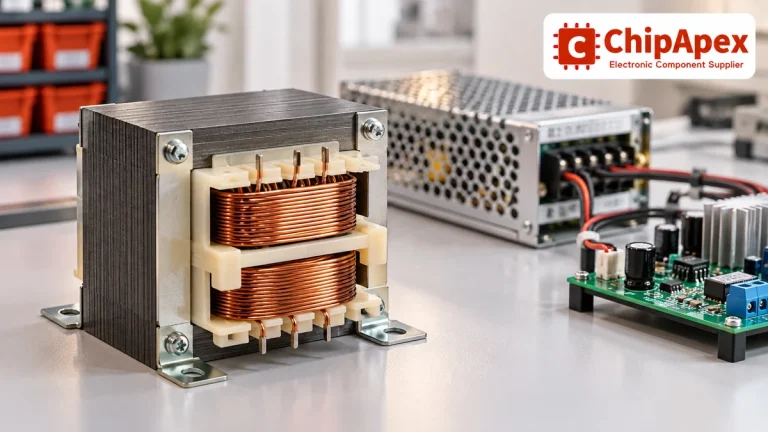
Select power transformers by input frequency, secondary VA, rectifier load, isolation, regulation and inrush. Build a clearer specification for your next RFQ.
Read More
Tokyo / Munich / Tessenderlo, December 24, 2025 As the global semiconductor industry enters the first year of the 2nm process era, international electronic…
Read More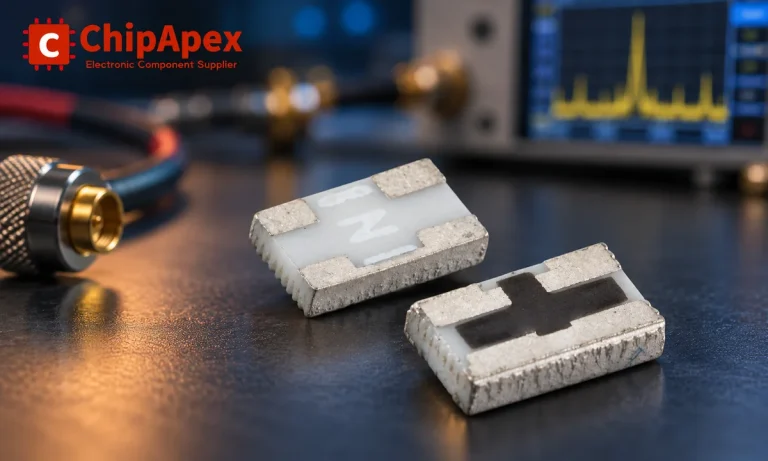
Understand RF attenuator dB values, fixed and programmable types, impedance, power limits and noise tradeoffs before choosing parts for an RF signal path.
Read More
Recently, the global electronic components market has been constantly evolving, and different regions and enterprises have witnessed new moves in aspects such as technological…
Read More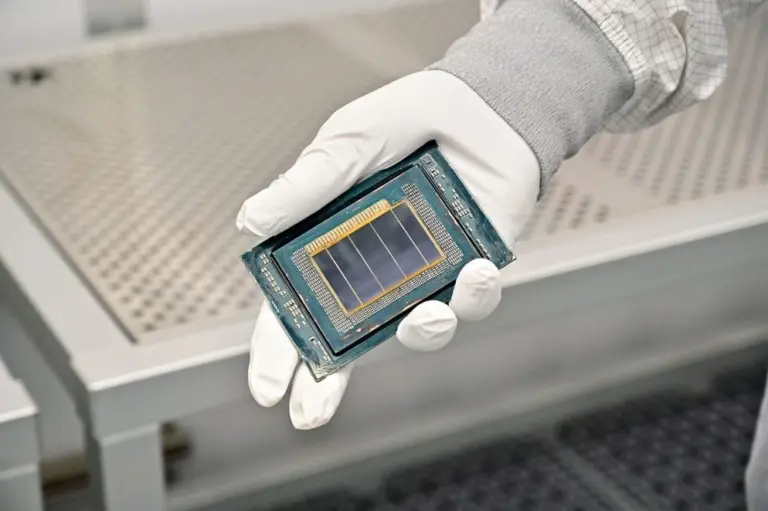
Recently, global semiconductor manufacturers have been constantly taking actions and presenting numerous new developments in aspects such as process technology and product research and…
Read More
SANTA CLARA, Calif. — Leading semiconductor solution provider Marvell Technology (NASDAQ: MRVL) officially rolled out a selective price adjustment for its core electronic component…
Read More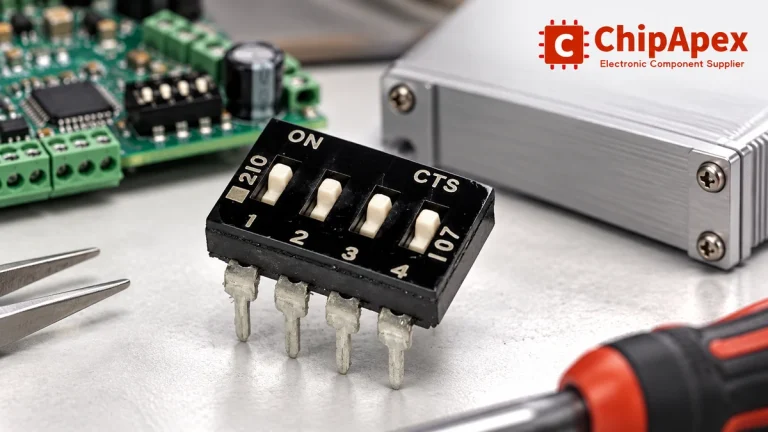
Choose a DIP switch by contact type, coded positions, footprint and signal ratings. Check logic polarity, assembly conditions and PCB configuration behavior.
Read More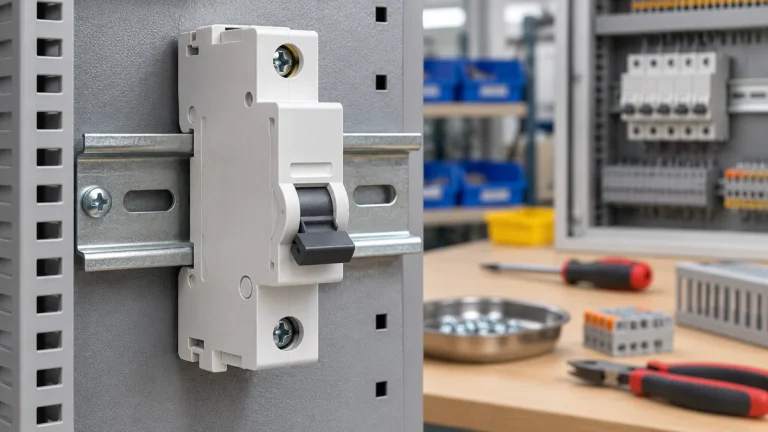
Choose a miniature circuit breaker for a control panel. Compare trip curves, startup duration, interrupting capacity and branch protection requirements.
Read More
The activity of extra discounts on wholesale prices is in full swing…
Please fill in your contact information and we will send you the latest wholesale price list.