 ChipApex | Global Electronic Components Supplier

SEARCH
Search Product
Search Post
Search productSearch post
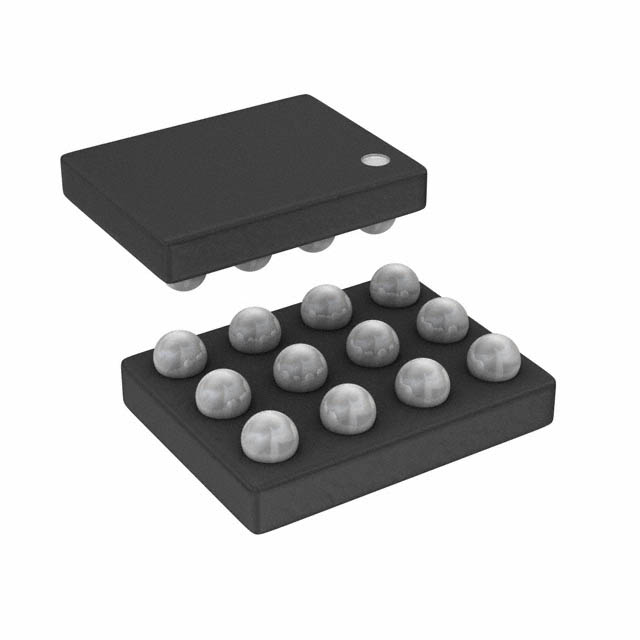
Touch screen controllers are integrated circuits that provide an interface between the touch screen sensor array and the device the screen operates. The controller receives position information from the sensor array which is usually resistive or capacitive. In turn, the position information is passed along to a microcontroller via a serial, parallel, USB, or UART interface.
 ATMXT1066TD-NHU002View Product
 ATMXT2496M1E-ARVAOView Product
 ADS7846E/2K5G4View Product
 ATMXT2113TD-ABVA3View Product
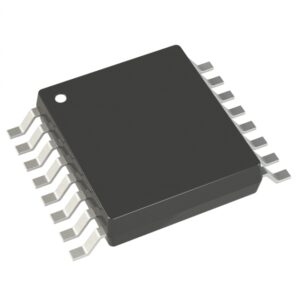 AD7873ARUZ-REELView Product
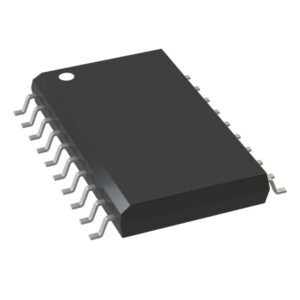 AR1011T-I/SOView Product
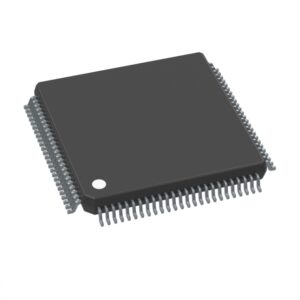 CYAT81685-100AA77View Product
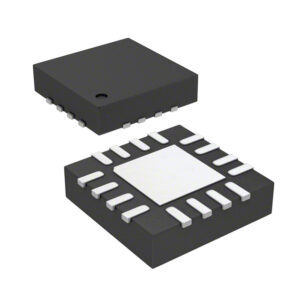 STMPE811QTRView Product
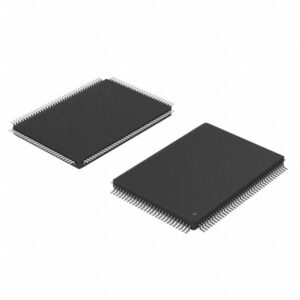 CYAT817AZS98-523DAView ProductCYAT847AZA77-42002View Product
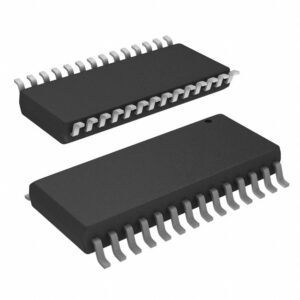 BU21024FV-ME2View ProductCYTMA545-48LQI36ZZATView Product

Identify a VGA DE-15 connector, check RGB, sync and DDC pin groups, and choose the right adapter direction for a legacy analog display or…
Read More
Choose a solid-state relay by AC or DC load, leakage, switching mode and heat. Review practical SSR limits and prepare component requirements for ChipApex.
Read More
Wilmington, Mass. & Milpitas, Calif. – May 19, 2026 – Analog Devices, Inc. (NASDAQ: ADI), a global leader in high-performance analog and mixed-signal semiconductors,…
Read More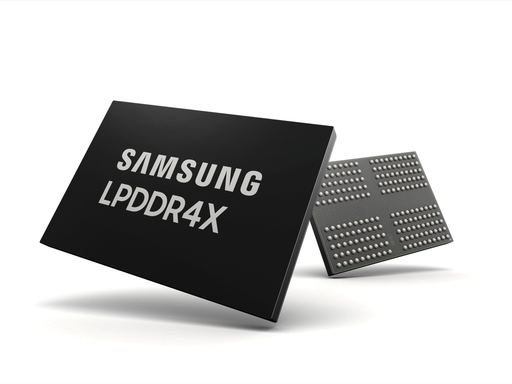
Samsung Electronics, the world's largest memory chip manufacturer, has officially confirmed the end-of-life (EOL) for its LPDDR4 and LPDDR4X low-power DRAM products, marking a…
Read More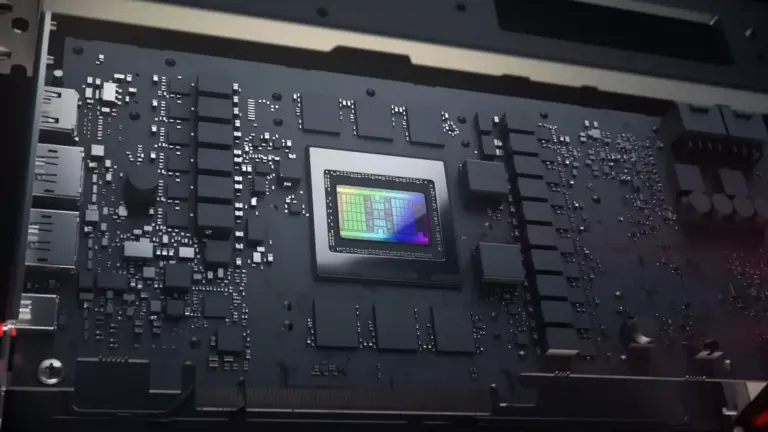
Latest updates from leading semiconductor manufacturers: Wolfspeed launches new SiC modules, AMD reveals MI430X with HBM4, TSMC eyes third Japan fab, and Samsung samples…
Read More
TOKYO, July 31, 2026 — Renesas Electronics Corporation has officially announced a major domestic manufacturing restructuring, confirming plans to gradually discontinue all wafer fabrication…
Read More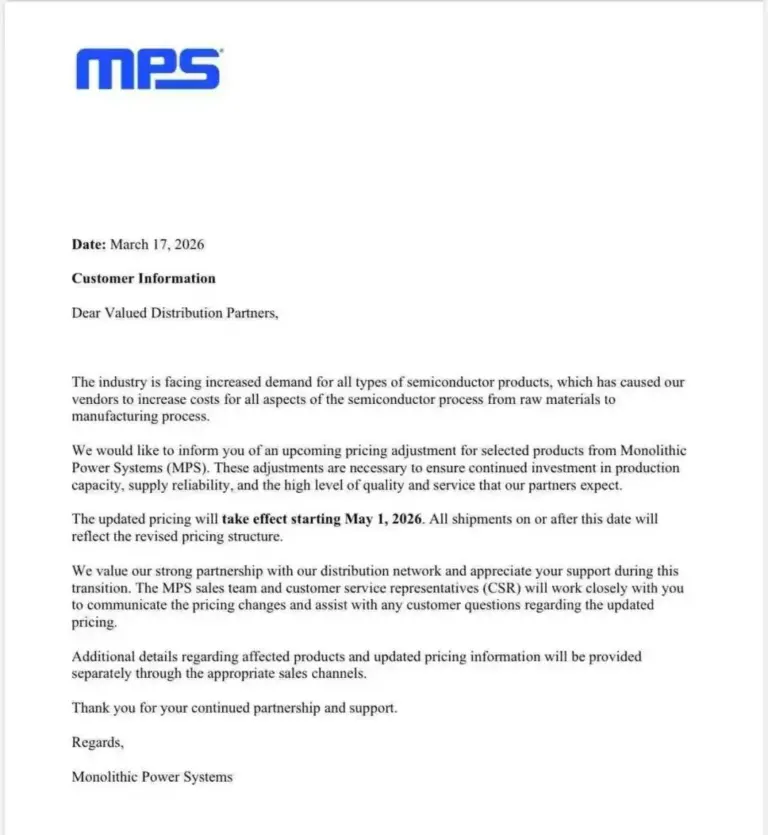
Monolithic Power Systems (MPS), a global leader in analog and mixed-signal semiconductors, has notified its distribution partners of an upcoming price increase for selected…
Read More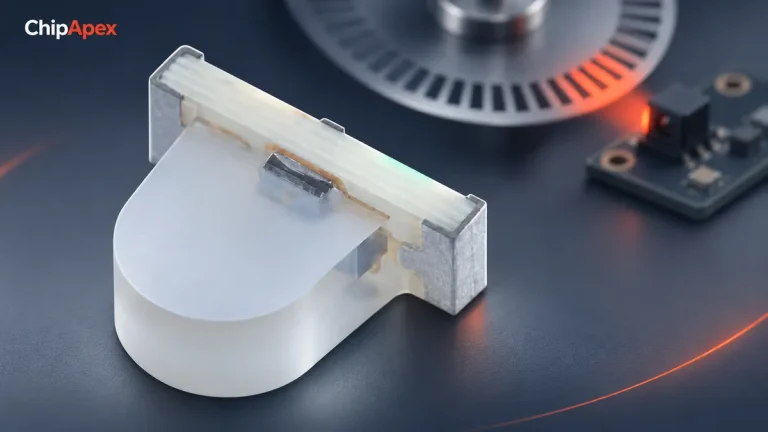
Understand phototransistor operation, load-resistor selection, saturation and response time. Compare detector types and prepare component sourcing requirements.
Read More
Learn how CPLDs implement hardware logic, compare them with FPGAs and MCUs, and check timing, I/O voltage, startup behavior and programming requirements.
Read More
TOKYO, April 15, 2026 – Taiyo Yuden Co., Ltd. (TAIYO YUDEN), a leading global manufacturer of passive electronic components, has officially notified its worldwide…
Read More
Hsinchu, Taiwan – April 18, 2026 – United Microelectronics Corporation (UMC, NYSE: UMC), a leading global semiconductor foundry specializing in mature process technologies, has…
Read More
Stay ahead with ChipApex Insights — technical deep dives, market trends, and sourcing tips for memory, microcontrollers, power management, and industrial-grade components. Trusted by…
Read More
The activity of extra discounts on wholesale prices is in full swing…
Please fill in your contact information and we will send you the latest wholesale price list.