 ChipApex | Global Electronic Components Supplier

SEARCH
Search Product
Search Post
Search productSearch post
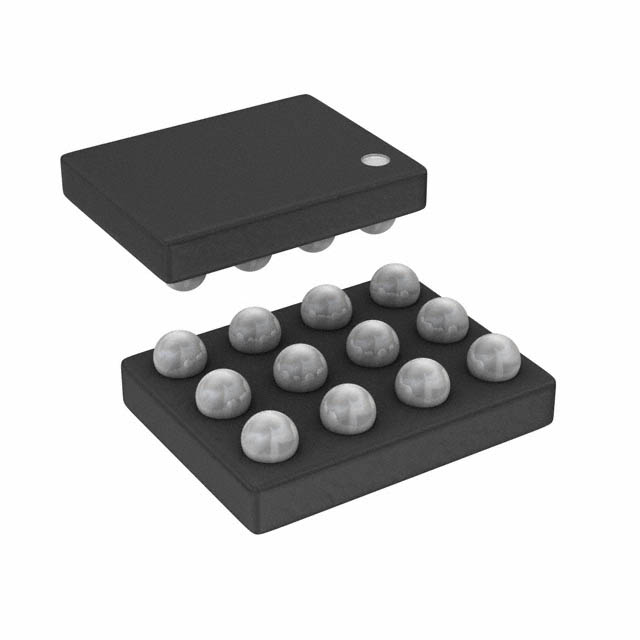
Touch screen controllers are integrated circuits that provide an interface between the touch screen sensor array and the device the screen operates. The controller receives position information from the sensor array which is usually resistive or capacitive. In turn, the position information is passed along to a microcontroller via a serial, parallel, USB, or UART interface.
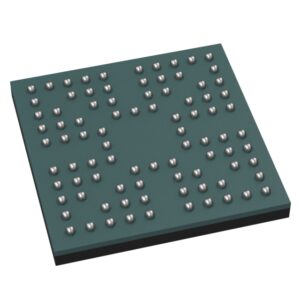 ATMXT640U-CCUR023View Product
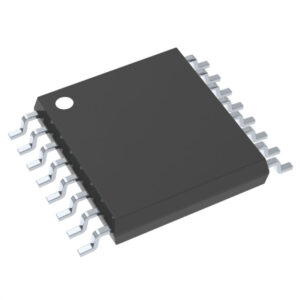 TSC2003IPWRView Product
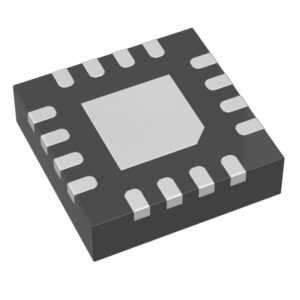 TSC2008IRGVTView Product
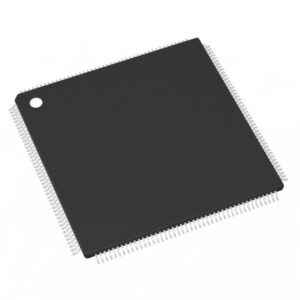 ATMXT2113TD-ABVA3View Product
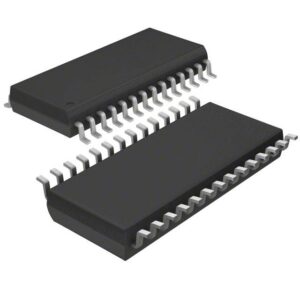 TSC2200IPWView Product
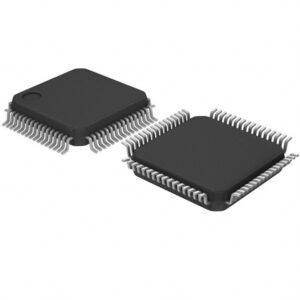 CYAT61659-64AA48View Product
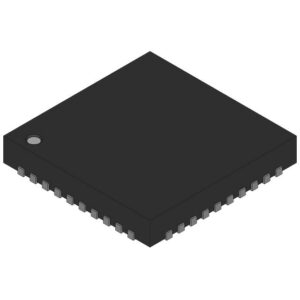 CYTMA445-48LQI36ABView Product
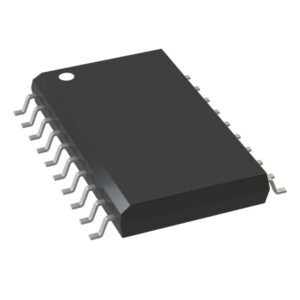 MTCH2120-V/SOView ProductCYAT81659-64AS48View Product
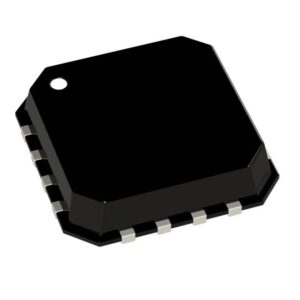 AD7879-1WACPZ-RL7View Product
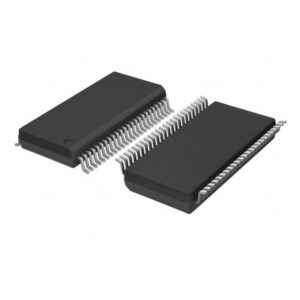 LM8300IMT9B/NOPBView Product
 ATMXT1296M1T-ATVAOView Product
May 4, 2026 — The global power semiconductor market is grappling with a worsening supply crunch, as lead times for key components have extended…
Read More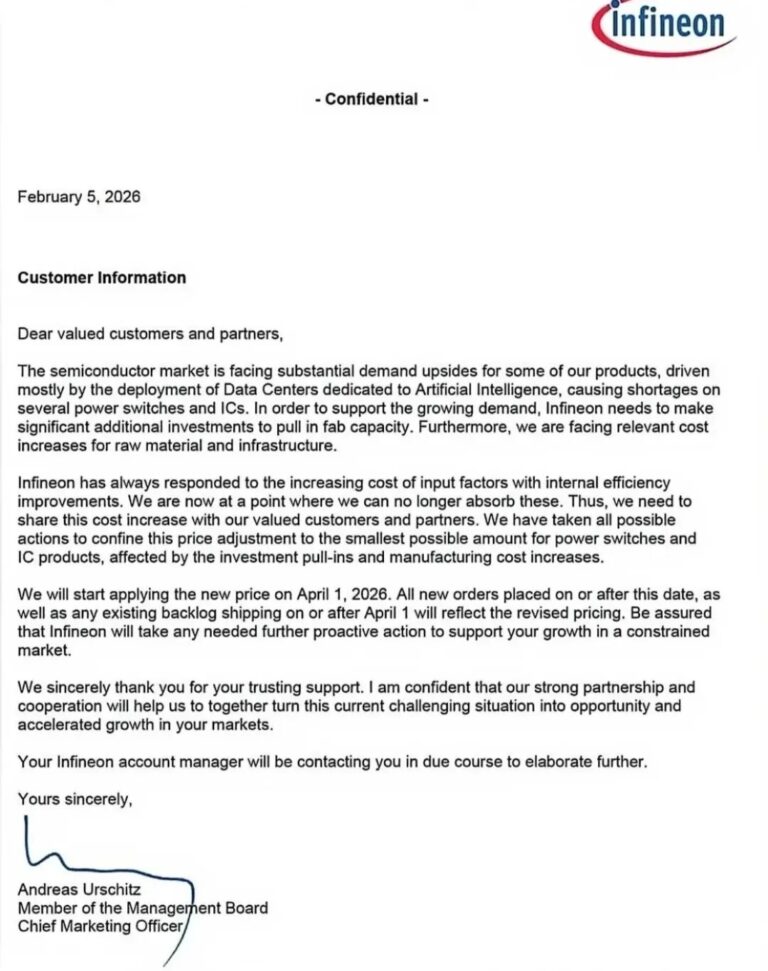
Munich, Germany – February 8, 2026 — Infineon Technologies, the German semiconductor giant, officially issued a price increase notice on February 5, announcing that…
Read More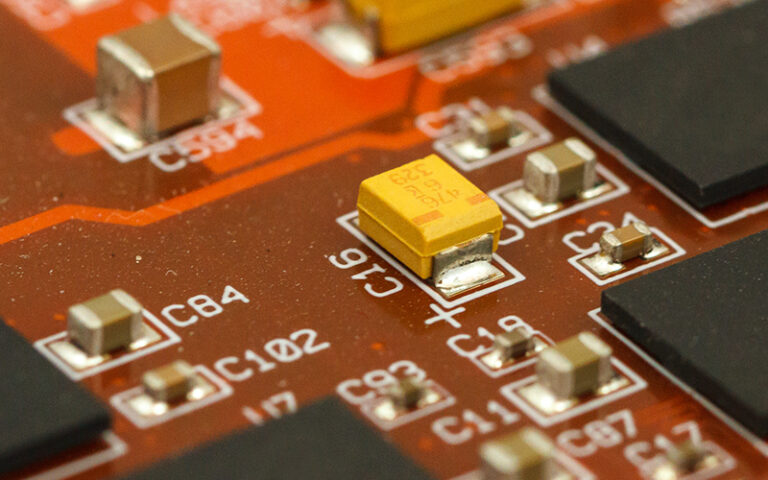
The global electronics industry is facing an escalating shortage of tantalum capacitors, a critical passive component, as surging demand from AI servers, automotive electronics,…
Read More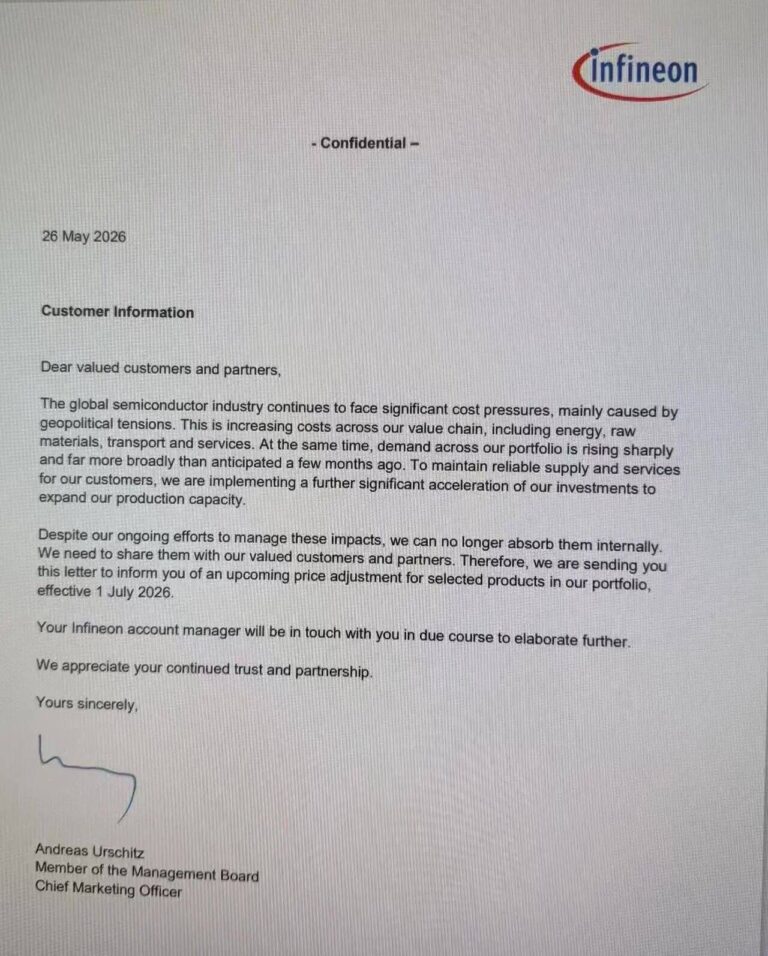
Munich, Germany – May 26, 2026 – Power semiconductor and automotive chip giant Infineon Technologies AG has formally notified customers worldwide of a second…
Read More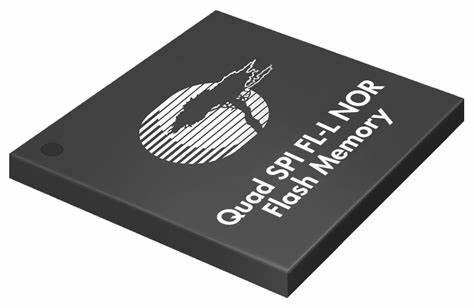
What Is NOR Flash? Why It Still Powers Critical Embedded Systems When your car’s engine control unit boots in milliseconds… When a medical device…
Read More
Over the past week, the global electronic components sector has witnessed dual transformations in policy and technology: Coupled with mounting pressure from a worsening…
Read More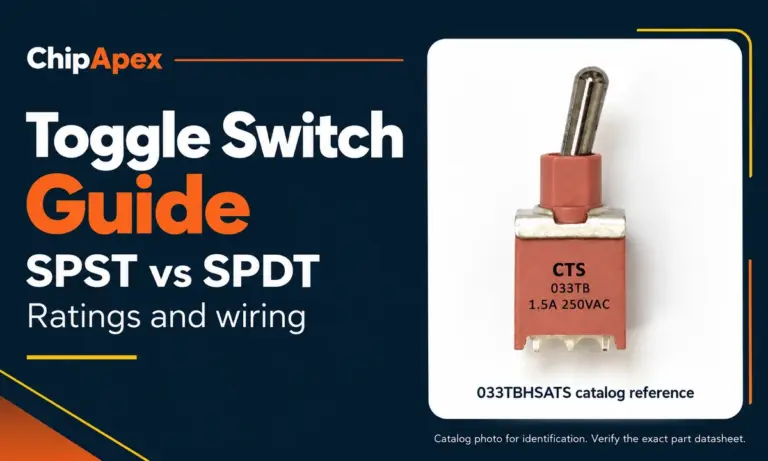
Compare SPST and SPDT toggle switches, understand AC/DC ratings, and follow wiring examples. Check contact action, mounting and parts in the ChipApex catalog.
Read More
Selecting the right microcontroller (MCU) isn’t just about specs—it’s about balancing performance, power, cost, and supply chain reliability. As an engineer, you’ve probably faced…
Read More
A perfect storm of surging demand and supply chain disruptions is roiling the global electronic components market, with advanced semiconductors and critical materials now…
Read More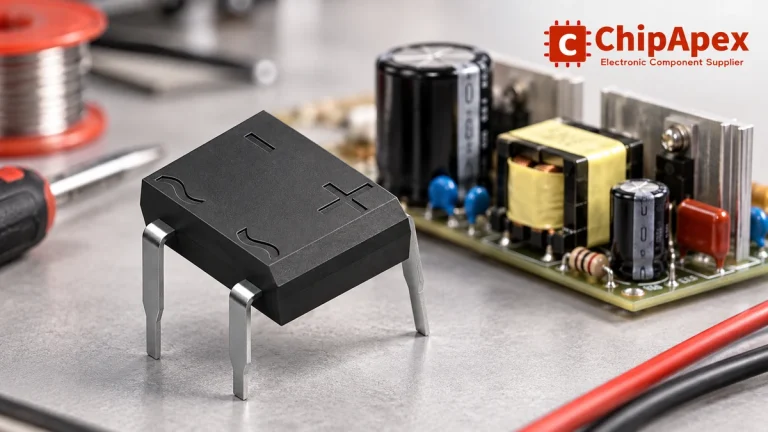
Select a bridge rectifier by reverse voltage, capacitor charging current, startup surge and cooling. Work through a stated DC voltage and ripple example.
Read More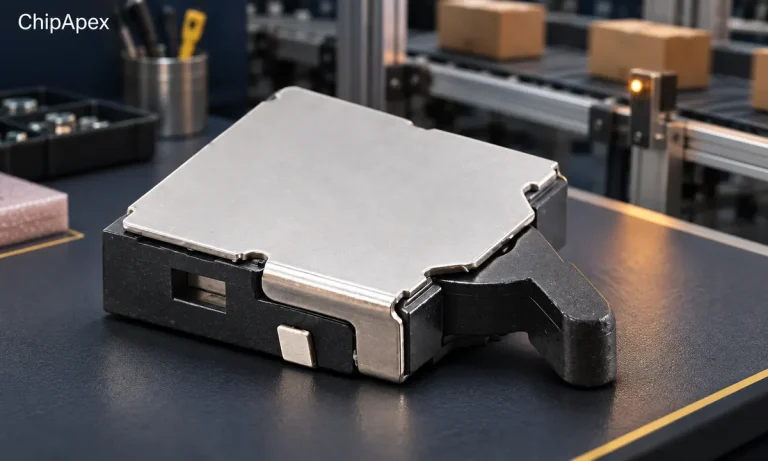
Choose a limit switch by actuator, travel, contact ratings and environment. Understand pretravel, overtravel and practical checks for machine integration.
Read More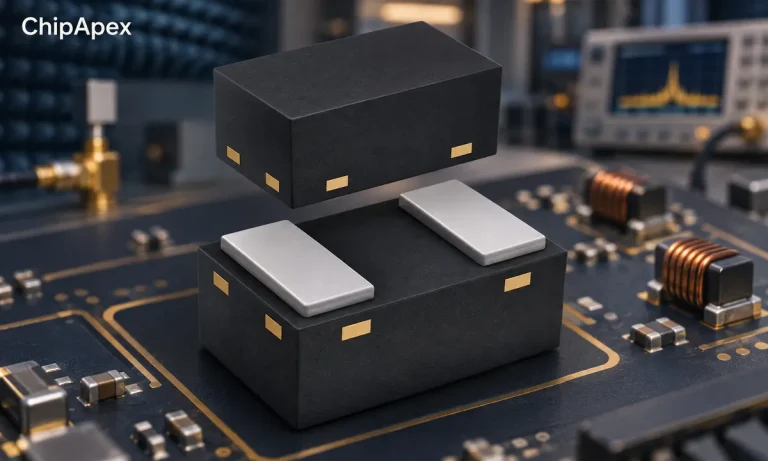
Compare variable capacitor types and varactor tuning. Understand capacitance-voltage curves, Q, bias and LC resonance before choosing a component.
Read More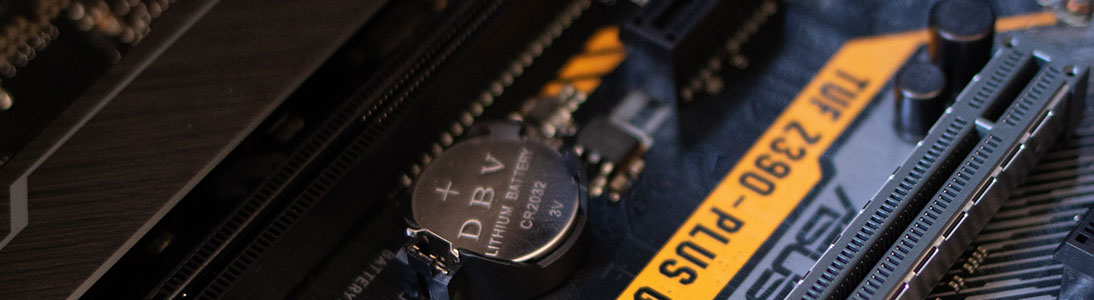
The activity of extra discounts on wholesale prices is in full swing…
Please fill in your contact information and we will send you the latest wholesale price list.