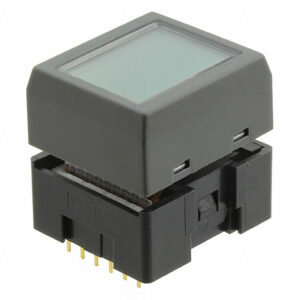
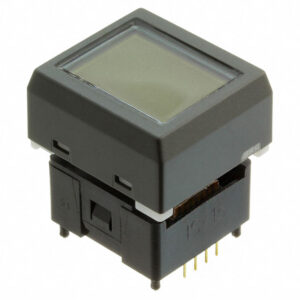
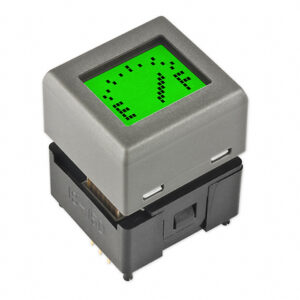
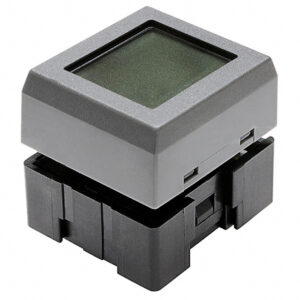
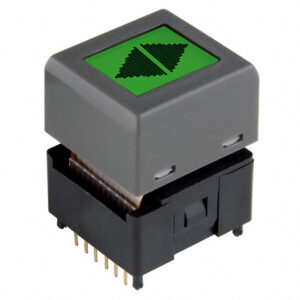
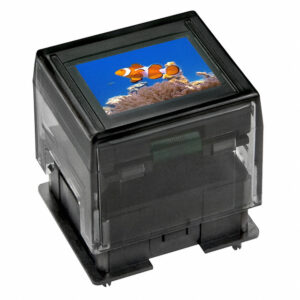
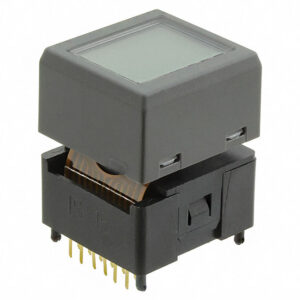
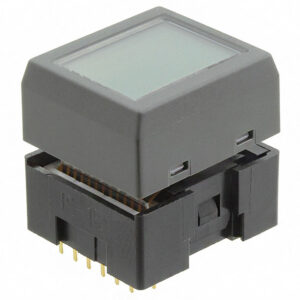
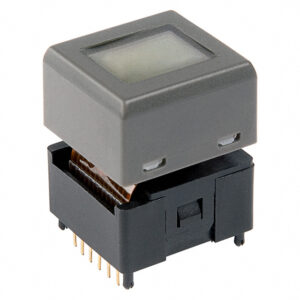
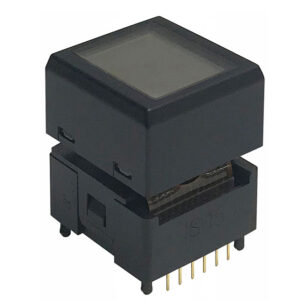
Products in the programmable display switch family combine display functionality in the form of an electrically controllable switch label or legend based on OLED, LCD, E-ink or similar visible display technology with a switch function for user interface purposes.
ScreenDefaultRankingPrice By Date
Programmable Display Switches: Features and Specifications
Function in the design. A programmable display switch combines an actuator and a changeable visual legend. Start with the role the component plays in the operator interface. Check display interface, pixel format, switch action and panel mounting. A related catalog entry helps explain the distinction. A limit switch changes state when a mechanism reaches a set position. Compare the role of each in the assembly before choosing between the two categories; a similar name does not necessarily describe the same job.
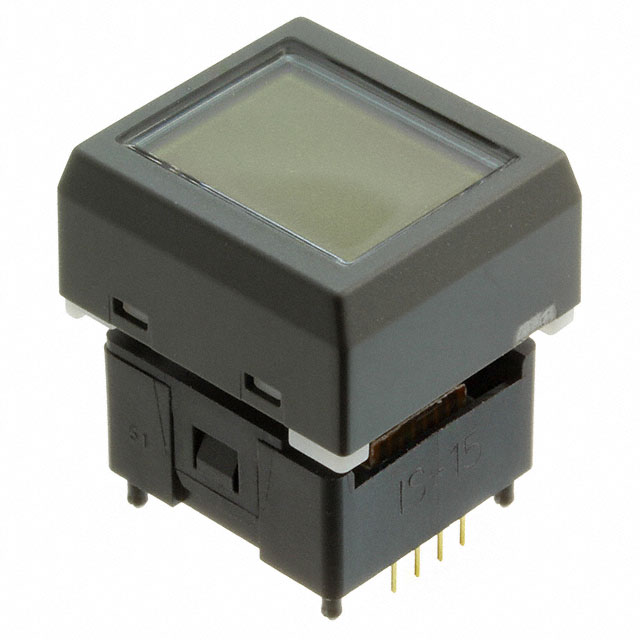
IS15EBFP4RGB at a glance. The listing for IS15EBFP4RGB gives type as Pushbutton, LCD, display mode as Black and White, FSTN Positive, led color as Red - Green - Blue. Read these entries together with the manufacturer’s description. They belong to this ordering code; another device in the same family can have a different implementation. Open the product record before copying a value into a bill of materials, and retain the units and any qualifiers alongside the number so that a later comparison uses the same definition.
Differences within the range. For viewing area, IS15EBFP4RGB is listed as 17.0mm L x 13.0mm W and IS15ESBFP4RGB as 14.5mm L x 11.8mm W. When comparing programmable display switches, distinguish a property shown for an individual model from a requirement shared by the whole design. Two rows can appear similar when only their short descriptions are visible. Look at the full entry, then use the manufacturer’s drawing or characteristic table to resolve any difference that would affect assembly, operation or the acceptance test.
Programmable Display Switches: Applications and Design Considerations
Typical operating conditions. It provides context-dependent controls in equipment panels. For this use, specify actuation method, contact arrangement, available travel and clearance around the moving parts. Write down the condition that matters to the finished equipment before narrowing the list of parts. A prototype that works at a single bench setting can still miss the requirement when installed. Include at least one representative operating case and the most demanding credible case in the comparison.
Integration example. The listing for IS15ESBFP4RGB gives display mode as Black and White, FSTN Positive, led color as Red - Green - Blue, viewing area as 14.5mm L x 11.8mm W. In an application review, mark which of these properties the surrounding design fixes and which can still change. A second catalog example gives another point of comparison. The listing for IS15EBFP4RGB-09YN gives face size as 23.13mm L x 20.59mm W, pixel format as 64 x 32, circuit as SPST-NO. When the design has to fit an established interface, use the documentation for that interface alongside the product record, and resolve discrepancies before committing the layout or ordering evaluation quantities.
Checks on the prototype. Check the contact state in every operating position. The appearance of an actuator alone does not establish whether a contact is momentary or maintained. Record the setup, the operating conditions and the observed result so another engineer can repeat the check. For programmable display switches, pay particular attention to the requirement behind this selection guidance: check display interface, pixel format, switch action and panel mounting. If the result is marginal, change one condition at a time and compare it with the original measurement before attributing the difference to the component.
Selection Criteria for Programmable Display Switches
Define the acceptance criteria. Check display interface, pixel format, switch action and panel mounting. Put the nonnegotiable requirements in a short comparison table before looking at price. For this category, useful starting columns from the catalog include type, display mode, led color, viewing area. Give each critical value a unit and an acceptable range. Where a catalog entry leaves a field blank, flag it for confirmation in the datasheet rather than assigning a value from another member of the family.
Compare exact ordering codes. The listing for IS15EBFP4RGB-09YN gives led color as Red - Green - Blue, viewing area as 17.0mm L x 13.0mm W, face size as 23.13mm L x 20.59mm W. Check the complete manufacturer part number, including suffixes, against the ordering table for the device you intend to buy. For face size, the respective entries for IS15ESBFP4RGB and IS15EBFP4RGB-09YN are 19.0mm L x 18.0mm W and 23.13mm L x 20.59mm W. Check which of these values the assembly drawing or design specification requires. A typical value measured under one set of conditions is a poor acceptance limit unless the manufacturer also specifies the relevant guarantee under your operating conditions.
Prepare the purchase specification. For a quotation, identify the required programmable display switches by manufacturer and complete part number. If alternatives are acceptable, state which differences require engineering approval. Include quantity, delivery requirements and any packaging constraint imposed by the assembly process. Before approving an alternative for the operator interface, compare it against the same acceptance criteria used for the original part and keep the comparison with the released bill of materials.
 ChipApex | Global Electronic Components Supplier