 ChipApex | Global Electronic Components Supplier

SEARCH
Search Product
Search Post
Search productSearch post
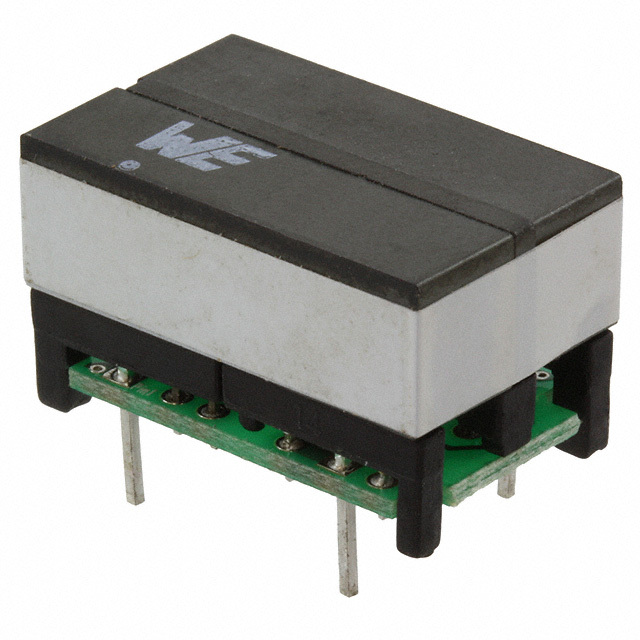
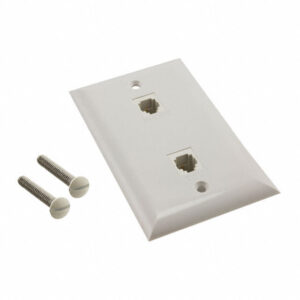
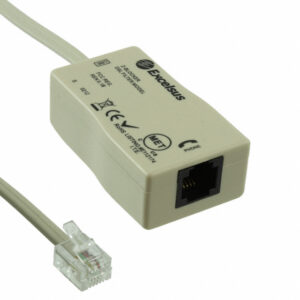
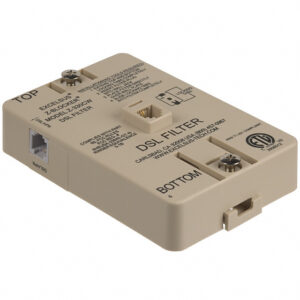
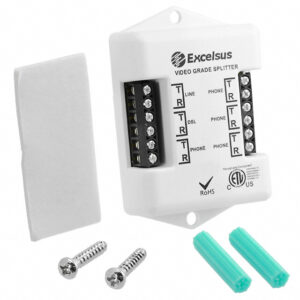
A DSL filter is an analog low-pass filter installed between analog devices (such as telephones or analog modems) and a plain old telephone service (POTS) line. The DSL filter prevents interference between such devices and a digital subscriber line (DSL) service connected to the same line. Without DSL filters, signals or echoes from analog devices at the top of their frequency range can reduce performance and create connection problems with DSL service, while those from the DSL service at the bottom of its range can cause line noise and other problems for analog devices.
Samsung Electronics, the world's largest memory chip manufacturer, has officially confirmed the end-of-life (EOL) for its LPDDR4 and LPDDR4X low-power DRAM products, marking a…
Read More
What Is NOR Flash? Why It Still Powers Critical Embedded Systems When your car’s engine control unit boots in milliseconds… When a medical device…
Read More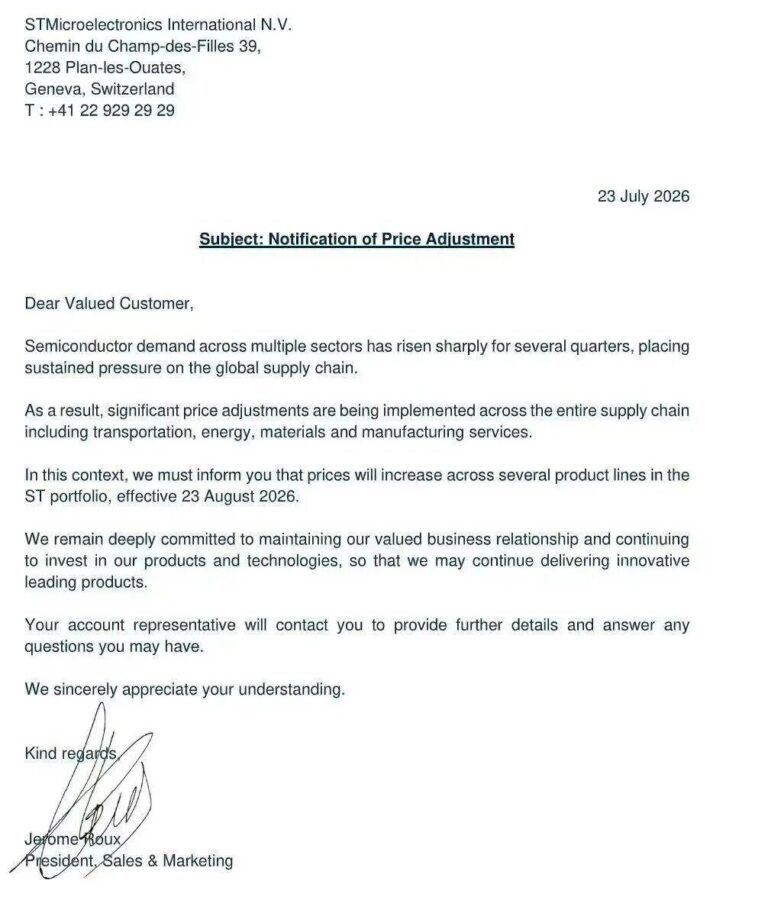
Geneva, Switzerland – August 20, 2026 – Global leading semiconductor manufacturer STMicroelectronics (ST) has officially issued a new global price adjustment notice to global…
Read More
Tokyo / Munich / Tessenderlo, December 24, 2025 As the global semiconductor industry enters the first year of the 2nm process era, international electronic…
Read More
Understand UART protocol framing, baud rate and electrical interfaces. Learn 8N1 timing, TX/RX wiring, buffering and practical troubleshooting steps.
Read More
TOKYO, April 15, 2026 – Taiyo Yuden Co., Ltd. (TAIYO YUDEN), a leading global manufacturer of passive electronic components, has officially notified its worldwide…
Read More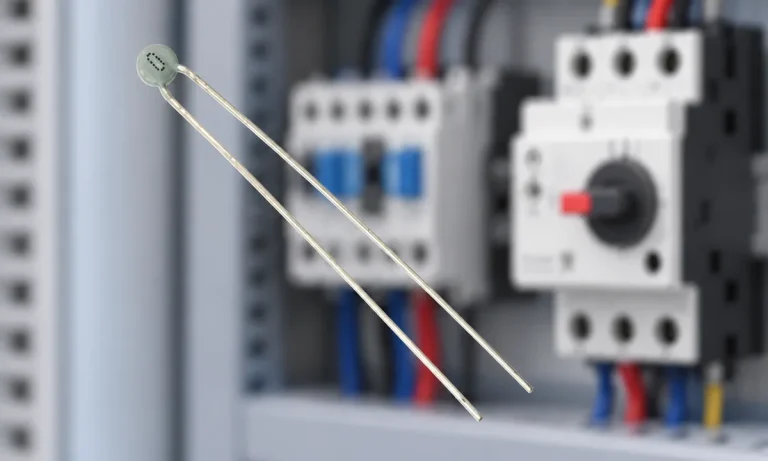
Learn why PTC resistance rises with temperature, how it differs from NTC, and which ratings matter for sensing and protection.
Read More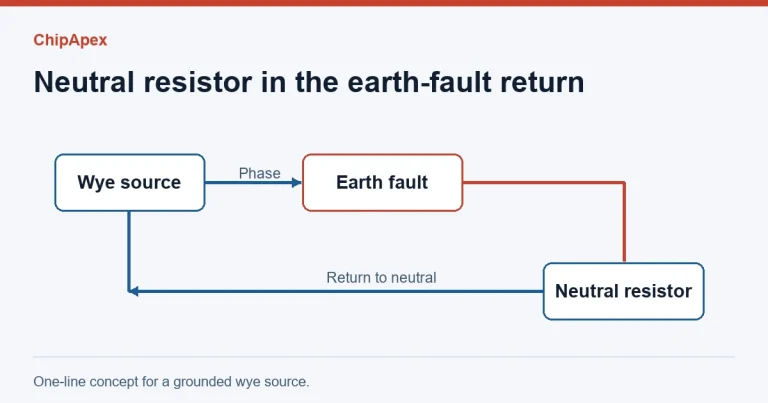
Learn how neutral earthing resistors limit fault current, estimate resistance from phase voltage, and specify voltage, current, duration and protection.
Read More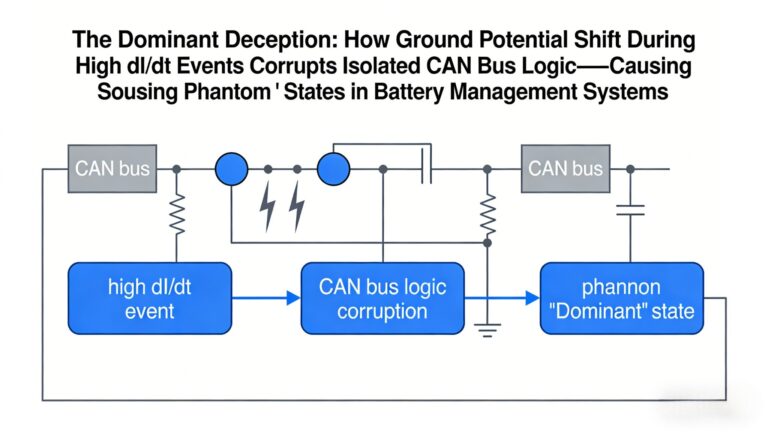
Stay ahead with ChipApex Insights — technical deep dives, market trends, and sourcing tips for memory, microcontrollers, power management, and industrial-grade components. Trusted by…
Read More
Identify a VGA DE-15 connector, check RGB, sync and DDC pin groups, and choose the right adapter direction for a legacy analog display or…
Read More
The Dutch government’s intervention in the control of Nexperia (Anshi Semiconductor) is triggering a chain reaction of turmoil in the global power semiconductor market.…
Read More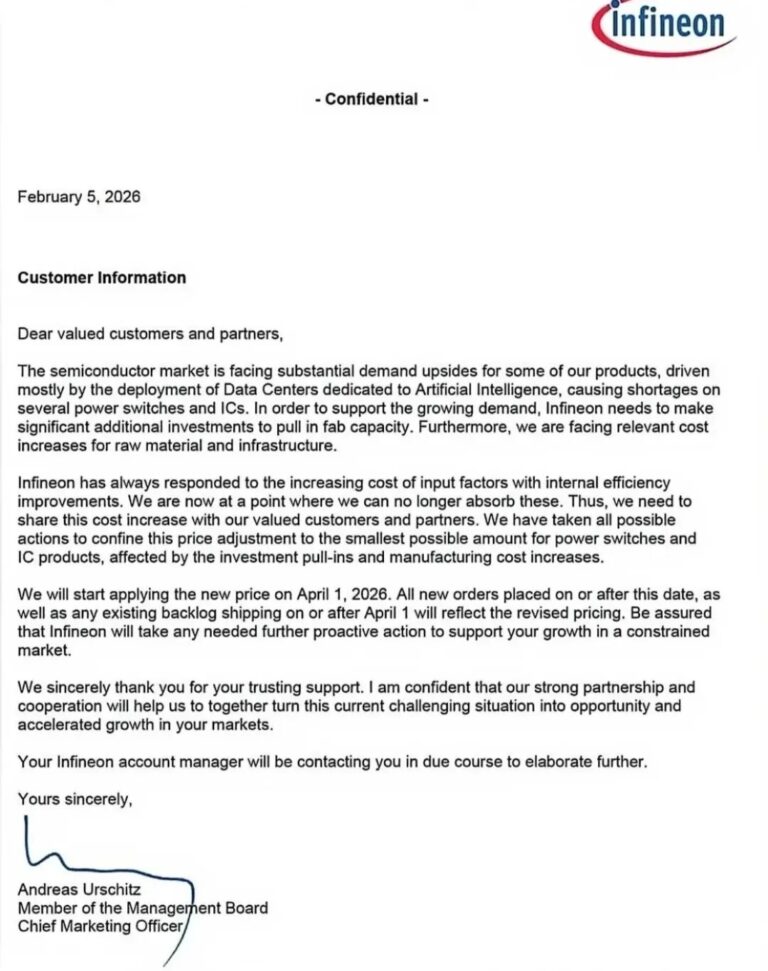
Munich, Germany – February 8, 2026 — Infineon Technologies, the German semiconductor giant, officially issued a price increase notice on February 5, announcing that…
Read More
The activity of extra discounts on wholesale prices is in full swing…
Please fill in your contact information and we will send you the latest wholesale price list.