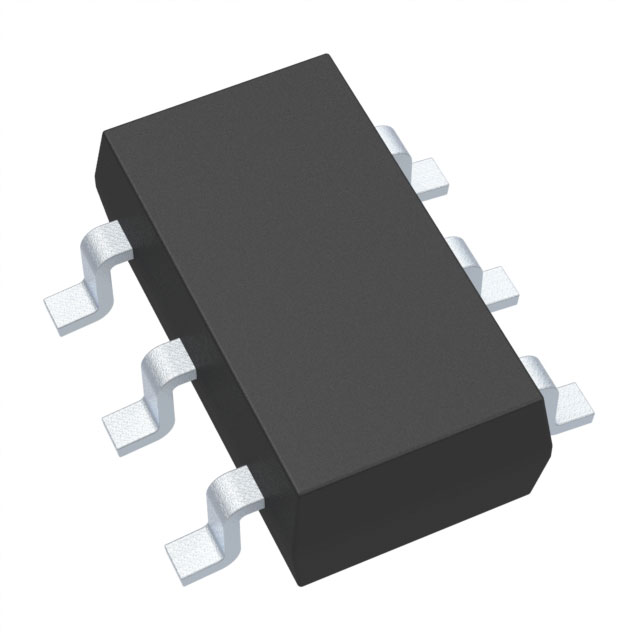
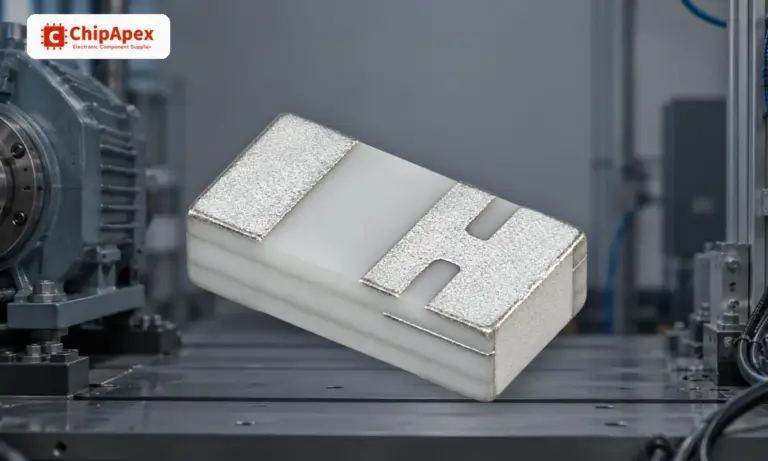
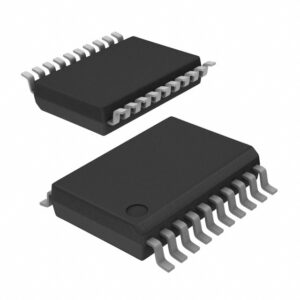
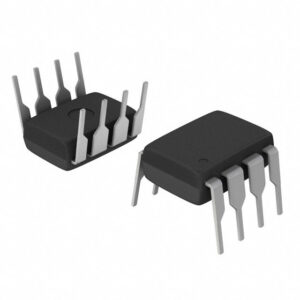
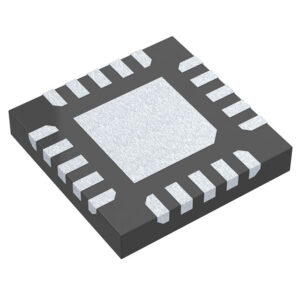
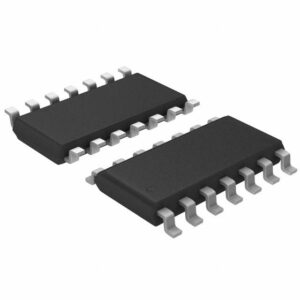
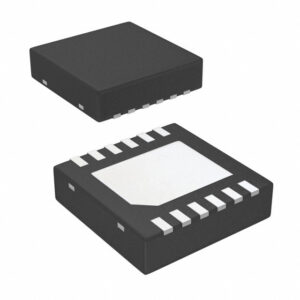
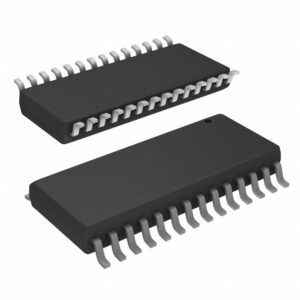
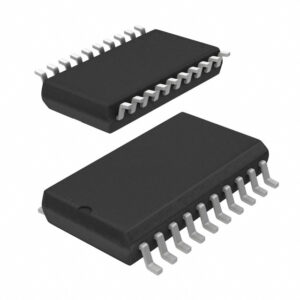
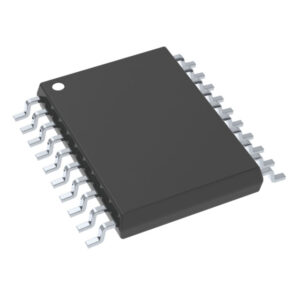
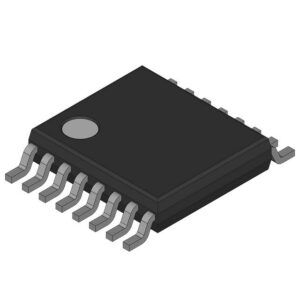
Products in this family provide the analog stimulus and measurement resources needed to operate a capacitance-based touch sensing transducer, and communicate information generated thereby in a format convenient for use with a microcontroller or similar device, such as an I2C or SPI serial interface, UART, or a simple logic signal. They are commonly used for human interface applications.
ScreenDefaultRankingPrice By Date
Capacitive Touch Controller: Features and Specifications
Function in the design. A capacitive touch controller detects changes in electrode capacitance. Start with the role the component plays in the board design. Check channel count, electrode layout, overlay thickness and noise tolerance. A direct digital synthesizer sets waveform frequency from a digital tuning word and a reference clock. On the assembly drawing, identify which part performs each function. That distinction is useful when two catalog categories have similar names.
604-00038 at a glance. The listing for 604-00038 gives type as Buttons, proximity detection as Yes, number of inputs as 1. These values apply to this ordering code. Check the manufacturer’s description before carrying them over to another member of the family. When you enter a rating in the bill of materials, copy its unit and the conditions attached to it. That gives the next engineer enough information to compare another part on the same basis.
Differences within the range. For type, 604-00038 is listed as Buttons and AD7148ACPZ-1500RL7 as Buttons, Slider, Wheel. When comparing sensor, capacitive touch, distinguish a property shown for an individual model from a requirement shared by the whole design. Short descriptions often omit the detail that decides whether a part fits. Check the drawing for differences that affect assembly. For differences in operation, find the corresponding row in the manufacturer’s characteristic table and read the test conditions.
Capacitive Touch Sensor: Applications and Design Considerations
Typical operating conditions. It can implement buttons, sliders and proximity controls behind an insulating cover. For this use, specify supply sequencing, signal interfaces, timing requirements and the state of the circuit during startup. Write down the conditions at the installation site. If the bench setup reproduces only one of them, record what still needs testing in the assembled equipment. Include at least one representative operating case and the most demanding credible case in the comparison.
Integration example. The listing for AD7148ACPZ-1500RL7 gives proximity detection as Yes, number of inputs as 8, interface as I2C. Which of those values does the existing design fix? Mark those first. The remaining values give you room to consider another part. The listing for AD7148ACPZ-1REEL gives resolution as 16 b, voltage - supply as 2.6V ~ 3.6V, operating temperature as -40°C ~ 85°C. For an existing interface, place its drawing next to the product record. Resolve any discrepancy while the layout can still change and before ordering parts for evaluation.
Checks on the prototype. Follow the signal through the surrounding circuitry. A compatible package and supply voltage do not establish that two devices have the same pin functions. Record how the part was installed and what you observed. Include the operating conditions so someone else can repeat the measurement. During the sensor, capacitive touch check, check channel count, electrode layout, overlay thickness and noise tolerance. If the reading is near the limit, repeat the original measurement. Then vary one condition at a time to see whether the component or the setup accounts for the difference.
Selection Criteria for Capacitive Touch Controller
Define the acceptance criteria. Check channel count, electrode layout, overlay thickness and noise tolerance. Set a pass or fail limit for each critical requirement before comparing prices. For this category, useful starting columns from the catalog include type, proximity detection, number of inputs, resolution. Give each critical value a unit and an acceptable range. A blank field leaves an open question. Check the datasheet for that particular ordering code before entering a value in the comparison table.
Compare exact ordering codes. The listing for AD7148ACPZ-1REEL gives number of inputs as 8, interface as I2C, resolution as 16 b. Check the complete manufacturer part number, including suffixes, against the ordering table for the device you intend to buy. Read the notes attached to any rating used in your decision. If the table gives only a typical value, look for a guaranteed limit at your operating conditions. The typical figure alone gives you little basis for rejecting a delivered part.
Prepare the purchase specification. For a quotation, identify the required sensor, capacitive touch by manufacturer and complete part number. If alternatives are acceptable, state which differences require engineering approval. Tell purchasing how many pieces you need, when they must arrive and which packing formats the assembly line can accept. Before approving an alternative for the board design, compare it against the same acceptance criteria used for the original part and keep the comparison with the released bill of materials.
 ChipApex | Global Electronic Components Supplier