 ChipApex | Global Electronic Components Supplier

SEARCH
Search Product
Search Post
Search productSearch post
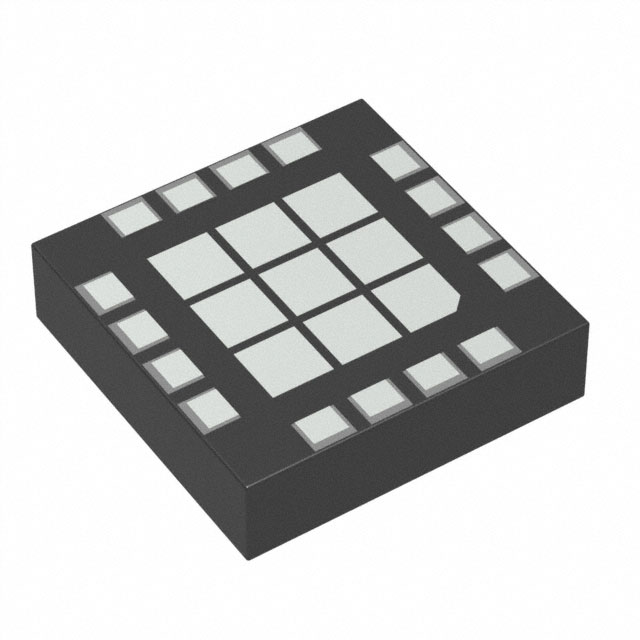
Products in this family are integrated circuits that integrate one or more of the functions commonly found in the portion of a radio frequency (RF) signal chain that is connected to the system\'s antenna, such as a low-noise amplifier (LNA) and programmable amplifier (PA). The actual functionality incorporated into any given device varies, with devices targeting relatively narrow applications typically integrating a larger portion of the requisite signal chain than those intended to be more flexible in their application.
| Select products | Mfr | Description | Package | Supplier Device Package | Mounting Type | Series | Operating Temperature |
|---|---|---|---|---|---|---|---|
 8TR1111 $1.58 | BeRex Inc | Sub-GHz ISM Band FEM, PA_Bypass | Tape & Reel (TR),Cut Tape (CT) | 16-QFN (3x3) | - | ||
 8TR1211 $0.99 | BeRex Inc | Bluetooth FEM_BLE_PA, Bypass | Tape & Reel (TR),Cut Tape (CT) | 16-QFN (2x2) | - | ||
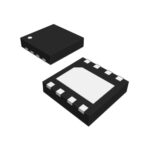 8TR1212 $1.07 | BeRex Inc | BLE/BT-EDR, INTEGRATED PA, BYPAS | Tape & Reel (TR),Cut Tape (CT) | 8-DFN (2x2) | - | ||
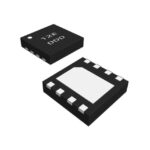 8TR1218 $0.99 | BeRex Inc | Bluetooth FEM_BLE PA, Bypass | Tape & Reel (TR),Cut Tape (CT) | 8-DFN (2x2) | - | ||
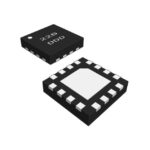 8TR2211 $0.91 | BeRex Inc | Bluetooth FEM_LNA,Bypass | Tape & Reel (TR),Cut Tape (CT) | 16-QFN (2x2) | - | ||
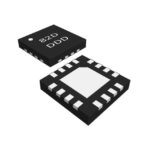 8TR8201 $0.86 | BeRex Inc | Bluetooth FEM_BLE,Tx-Rx-Bypass | Tape & Reel (TR),Cut Tape (CT) | 16-QFN (3x3) | - | ||
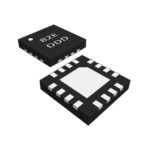 8TR8202 $0.94 | BeRex Inc | Bluetooth FEM_BLE,Tx-Rx-Bypass | Tape & Reel (TR),Cut Tape (CT) | 16-QFN (3x3) | - | ||
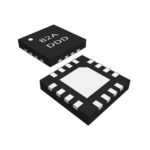 8TR8210 $1.31 | BeRex Inc | Bluetooth FEM_BLE,Tx-Rx-ByPass | Tape & Reel (TR),Cut Tape (CT) | 16-QFN (3x3) | - |
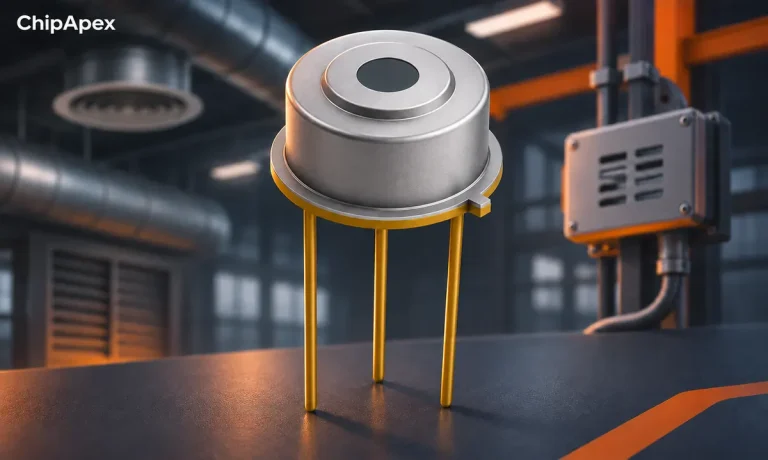
Compare gas sensor technologies, cross-sensitivity and calibration needs. Define the gas, range and environment before choosing a sensing component.
Read More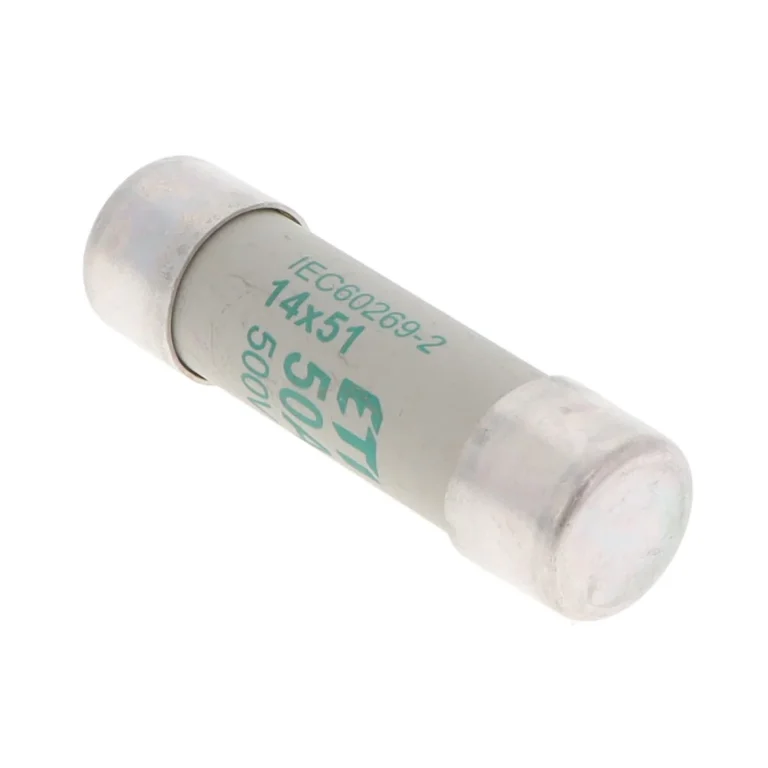
Understand HRC fuse breaking capacity, voltage and current ratings, time-current curves, and the checks needed for motor, feeder and converter protection.
Read More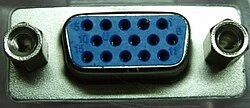
Identify a VGA DE-15 connector, check RGB, sync and DDC pin groups, and choose the right adapter direction for a legacy analog display or…
Read More
Learn how to use a breadboard properly: map 5-hole terminal rows, spot split power rails with a continuity meter, and build a safe 5…
Read More
Embedded Integrated Circuit Modules: The Backbone of Modern Technology Embedded Integrated Circuit Modules (EICMs) have become an indispensable part of modern technology. Serving as…
Read More
Choose an ADC converter by resolution, sample rate, noise and input design. Review practical tradeoffs and prepare component requirements for ChipApex.
Read More
Learn what an IMU measures, how accelerometers and gyroscopes work together, why orientation estimates drift, and what to compare.
Read More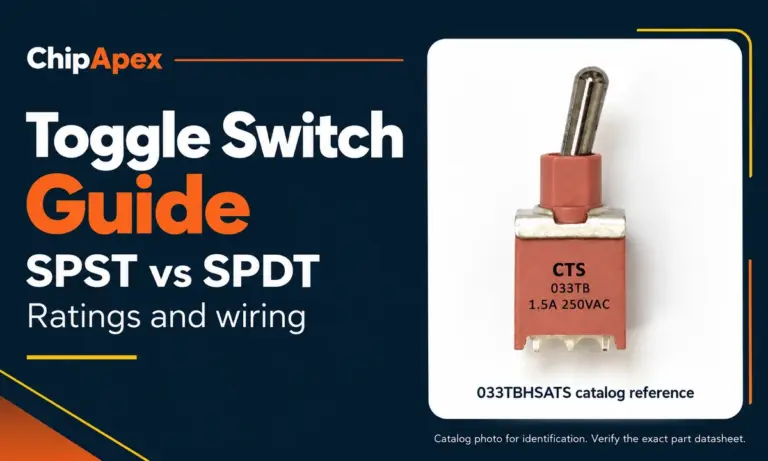
Compare SPST and SPDT toggle switches, understand AC/DC ratings, and follow wiring examples. Check contact action, mounting and parts in the ChipApex catalog.
Read More
What Is NAND Flash? A Practical Guide for Engineers & Procurement Teams In today’s data-driven world—from smartphones and SSDs to industrial IoT devices—NAND flash…
Read More
Learn how CPLDs implement hardware logic, compare them with FPGAs and MCUs, and check timing, I/O voltage, startup behavior and programming requirements.
Read More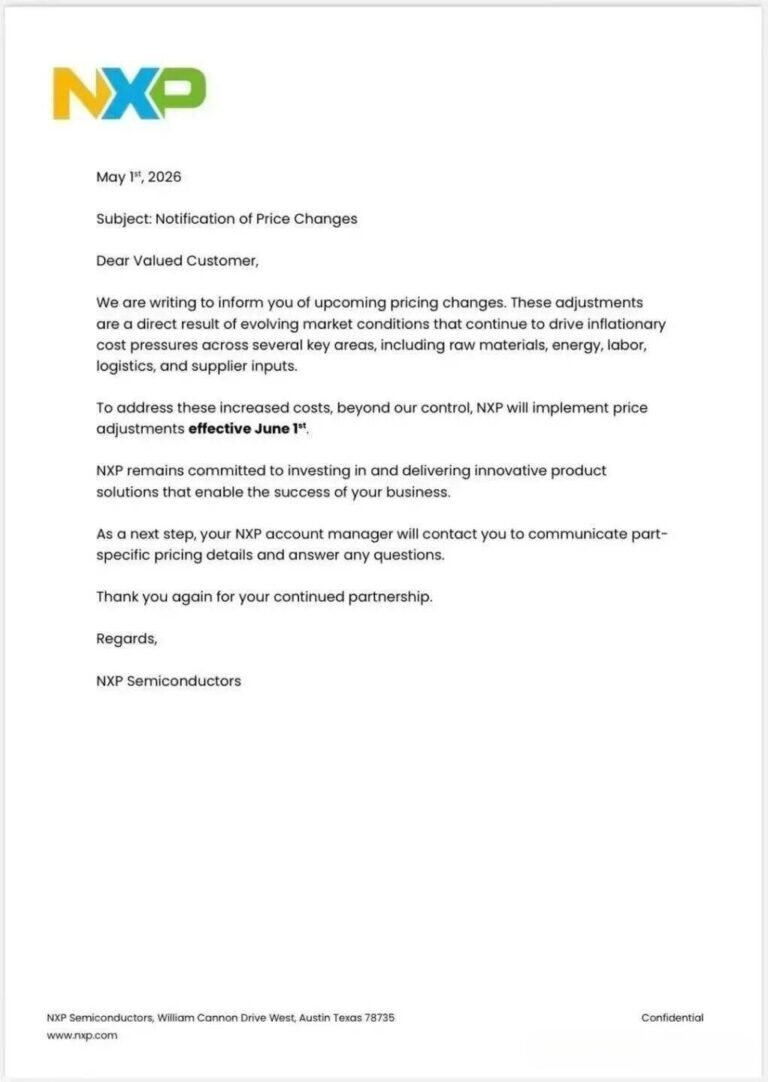
May 8, 2026 – Eindhoven, Netherlands NXP Semiconductors (NXPI), a global leader in automotive and industrial semiconductor solutions, has officially notified its worldwide channel…
Read More
Learn what RMS voltage means by calculating resistive heating for 10 Vp sine waves vs PWM pulses, and avoid crest-factor, AC-coupling, and bandwidth errors.
Read More
The activity of extra discounts on wholesale prices is in full swing…
Please fill in your contact information and we will send you the latest wholesale price list.