 ChipApex | Global Electronic Components Supplier

SEARCH
Search Product
Search Post
Search productSearch post

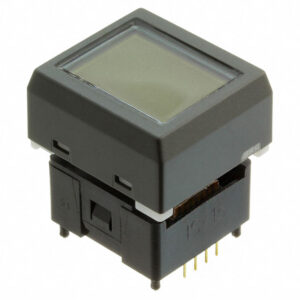
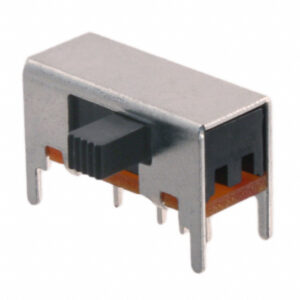
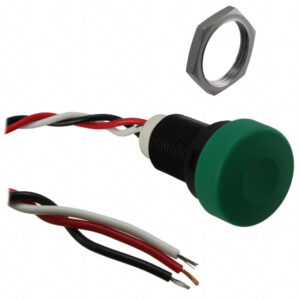
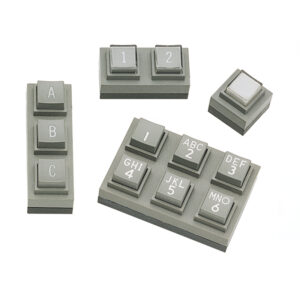
Safety and Emergency Switches Cable Pull Switch: Used in conveyor or industrial systems, these switches allow users to shut down equipment by pulling a cable from any point along its length. Emergency Stop Switch: A large, easily accessible pushbutton designed to immediately stop machinery in an emergency. Disconnect Switch: Completely isolates electrical equipment from its power source for safety during maintenance. Interlock Switch: Prevents equipment from operating when a guard or door is open; often used for safety compliance. Mechanical Control Switches Pushbutton Switch: A basic, momentary or latching switch activated by pressing a button; common in machinery and user controls. Toggle Switch: A manual lever-style switch for simple on/off control; widely used in panels and power controls. Rocker Switch: A switch that rocks back and forth; commonly found in power strips and appliances. Rotary Switch: Allows selection between multiple positions or settings by rotating a knob. Selector Switch: Similar to rotary switches but often used with key or lever mechanisms for mode selection. Slide Switch: Small, compact switch activated by sliding a button; used in handheld electronics and small devices. Input and Interface Switches DIP Switch: A set of small switches on a circuit board used to configure settings manually, such as in computer hardware. Keypad Switch: A grid of switches beneath buttons that allows multi-key input, as seen on telephones or entry systems. Programmable Display Switch: Combines a digital display and switch, allowing customized visual feedback and input. Tactile Switch: A small, surface-mount switch that provides a physical click when pressed; common in keyboards and control panels. Thumbwheel Switch: A rotary-style switch operated by the thumb, often used to set numerical values directly.
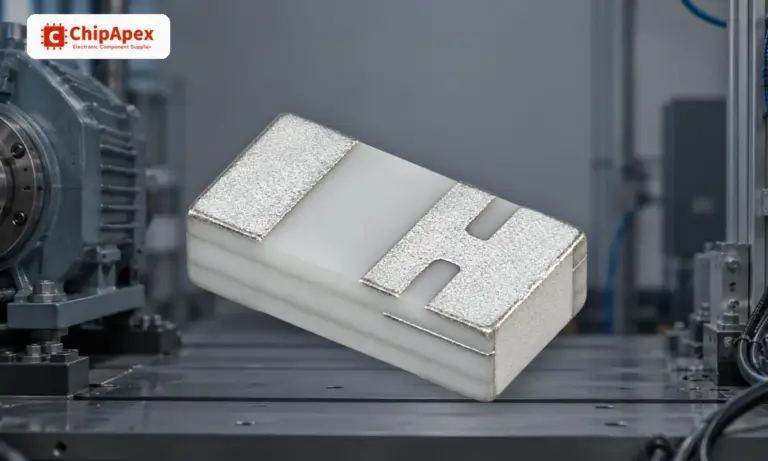
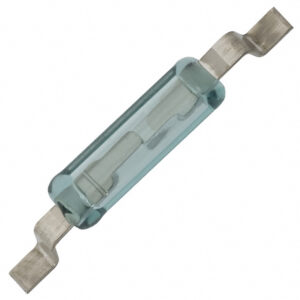
Find out when a bare shock switch needs a pull resistor, when an MCU internal pull-up is enough, and why sensor modules and piezo…
Read More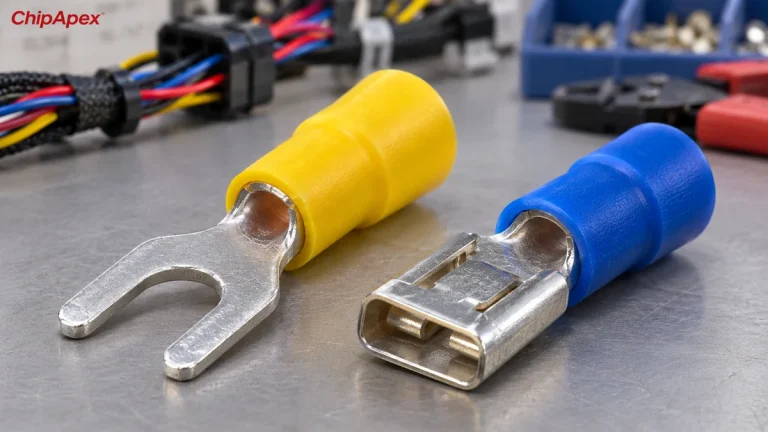
Identify fork terminals and flat-blade spade connectors. Match wire size, tab thickness, insulation and crimp tooling before selecting a replacement.
Read More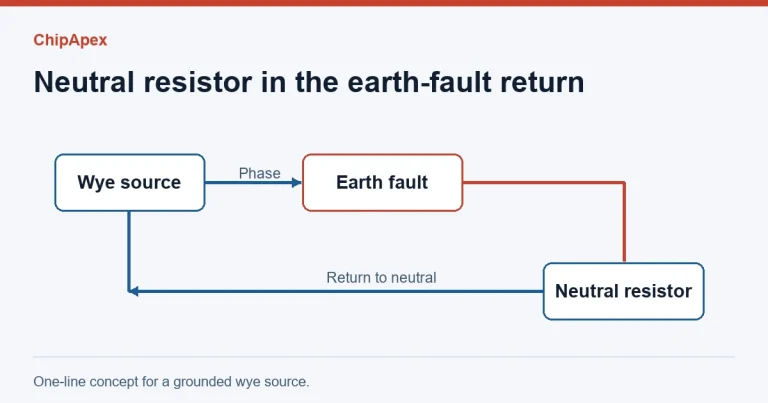
Learn how neutral earthing resistors limit fault current, estimate resistance from phase voltage, and specify voltage, current, duration and protection.
Read More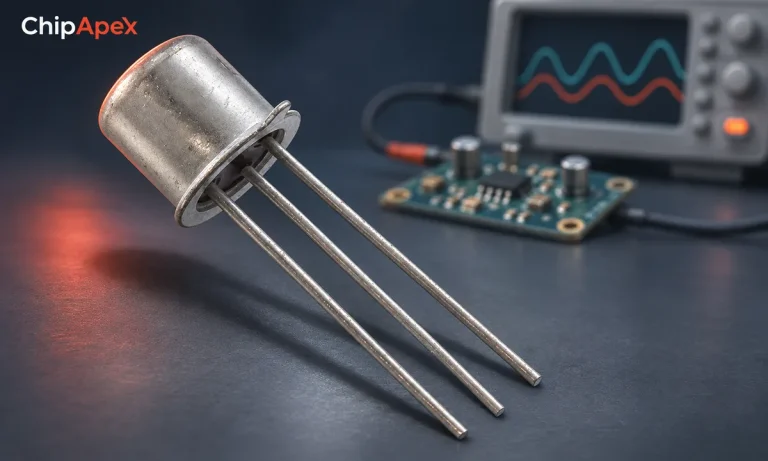
Learn what a transistor does in a circuit. Compare switching and amplification, BJT and MOSFET drive, operating limits and practical component selection.
Read More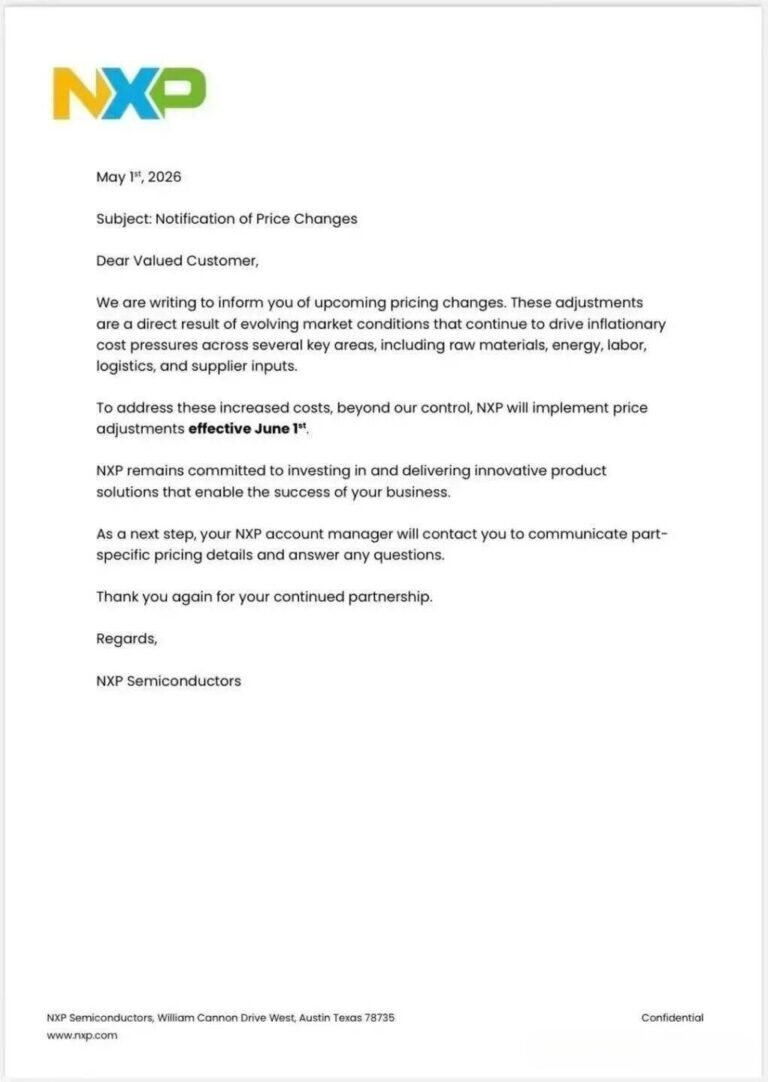
May 8, 2026 – Eindhoven, Netherlands NXP Semiconductors (NXPI), a global leader in automotive and industrial semiconductor solutions, has officially notified its worldwide channel…
Read More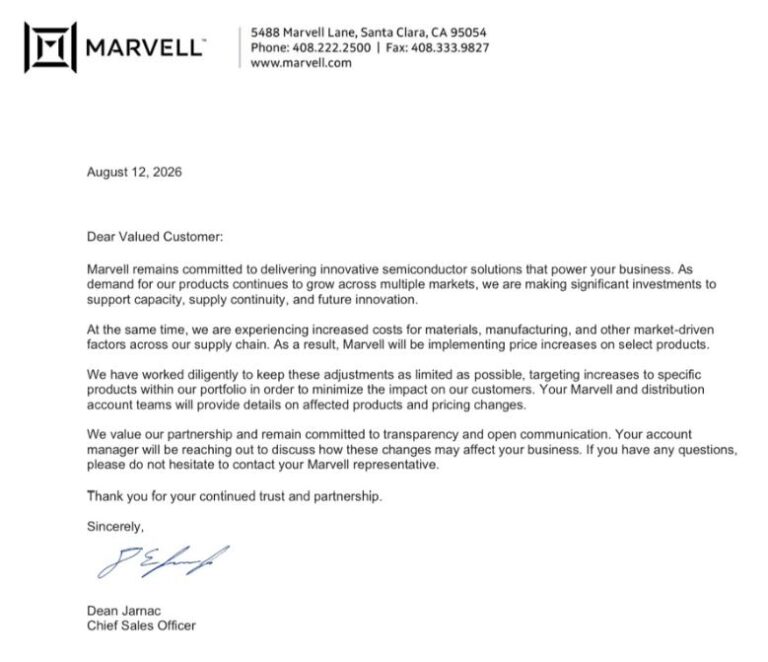
SANTA CLARA, Calif. — Leading semiconductor solution provider Marvell Technology (NASDAQ: MRVL) officially rolled out a selective price adjustment for its core electronic component…
Read More
Identify a VGA DE-15 connector, check RGB, sync and DDC pin groups, and choose the right adapter direction for a legacy analog display or…
Read More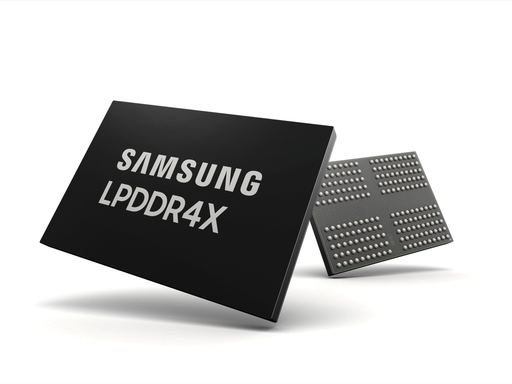
Samsung Electronics, the world's largest memory chip manufacturer, has officially confirmed the end-of-life (EOL) for its LPDDR4 and LPDDR4X low-power DRAM products, marking a…
Read More
Embedded Integrated Circuit Modules: The Backbone of Modern Technology Embedded Integrated Circuit Modules (EICMs) have become an indispensable part of modern technology. Serving as…
Read More
Understand RF detector response, dynamic range and calibration. Compare envelope, logarithmic and RMS behavior before choosing a measurement component.
Read More
Compare gas sensor technologies, cross-sensitivity and calibration needs. Define the gas, range and environment before choosing a sensing component.
Read More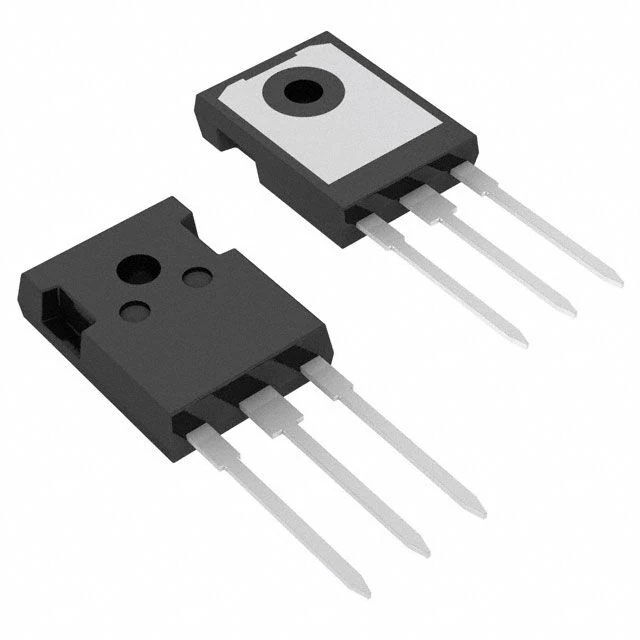
Learn how an IGBT works, compare MOSFET and IGBT losses, and check switching energy, gate drive, thermal limits and protection using a worked example.
Read More
The activity of extra discounts on wholesale prices is in full swing…
Please fill in your contact information and we will send you the latest wholesale price list.