 ChipApex | Global Electronic Components Supplier

SEARCH
Search Product
Search Post
Search productSearch post
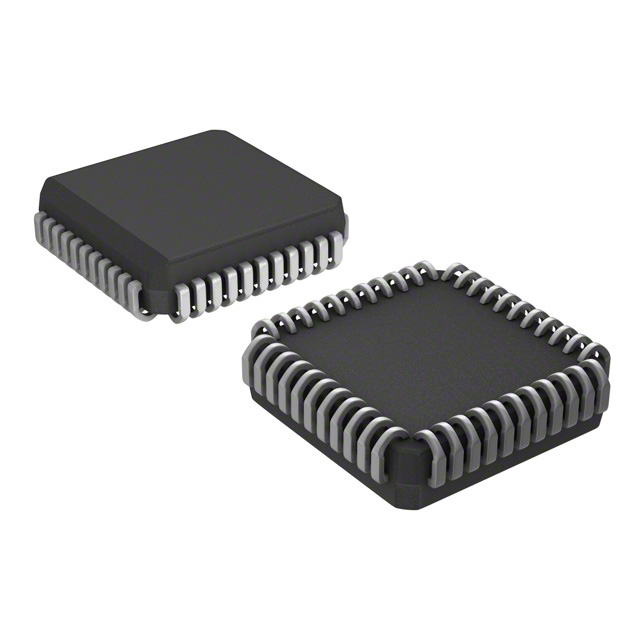
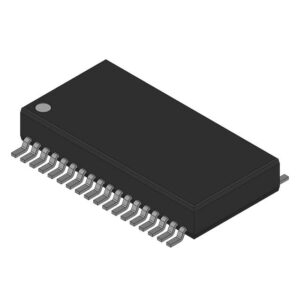
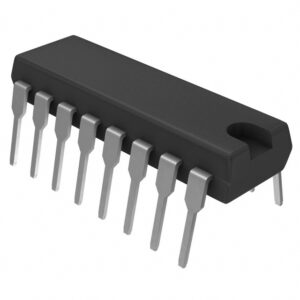
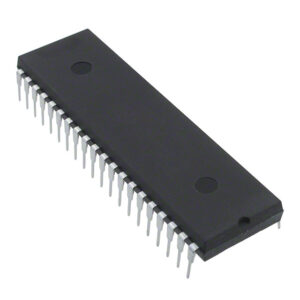
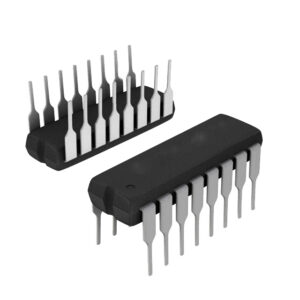
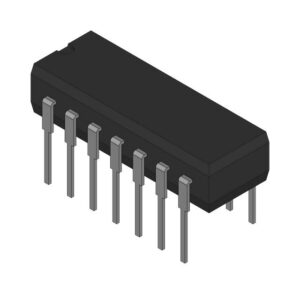
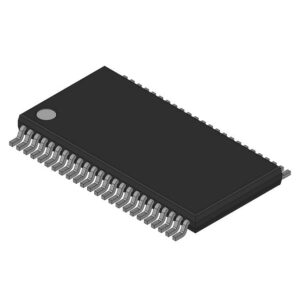
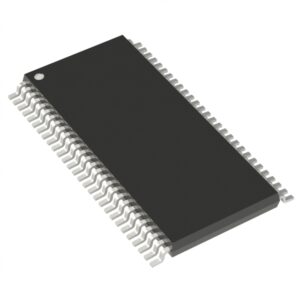
Display drivers are integrated circuits (ICs) that provide translation, interface and control between a microprocessor (MPU), microcontroller (MCU) or other circuitry system for displays such as LCD, LED, OLED, DLP, vacuum fluorescent and AMOLED. Possible interfaces and protocols for communication include analog, BCD, I2C, parallel, serial, SMBus, SPI and QSPI.
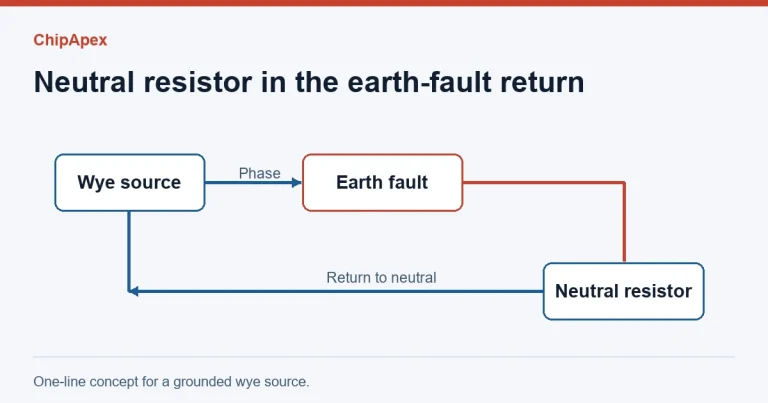
Learn how neutral earthing resistors limit fault current, estimate resistance from phase voltage, and specify voltage, current, duration and protection.
Read More
Choose LED drivers by current, string voltage, dimming and thermal limits. Understand constant-current operation and the checks needed for your load.
Read More
Understand UART protocol framing, baud rate and electrical interfaces. Learn 8N1 timing, TX/RX wiring, buffering and practical troubleshooting steps.
Read More
Over the past week, the global electronic components sector has witnessed dual transformations in policy and technology: Coupled with mounting pressure from a worsening…
Read More
Learn the relay definition, coil and contact operation, NO and NC forms, load ratings and suppression choices. Compare mechanical, reed and solid-state types.
Read More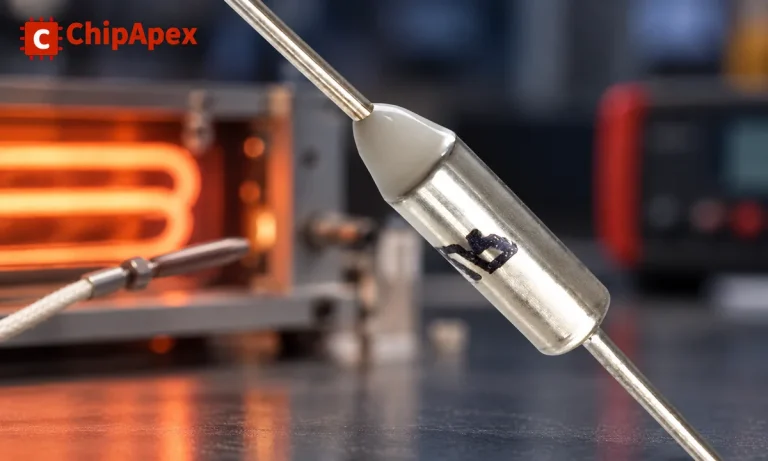
Understand thermal fuse operation, Tf, Th and Tm, electrical ratings and mounting. Check temperature limits and replacement requirements for your design.
Read More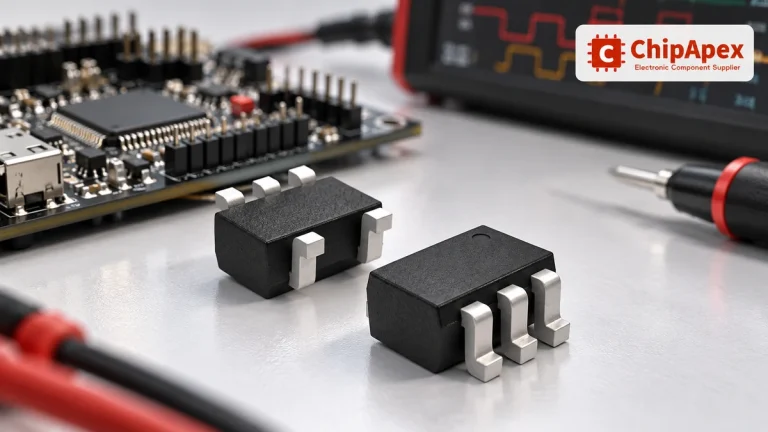
Choose logic inverter ICs by thresholds, supply, output drive and delay. Compare standard and Schmitt-trigger inputs, power sequencing and replacement checks.
Read More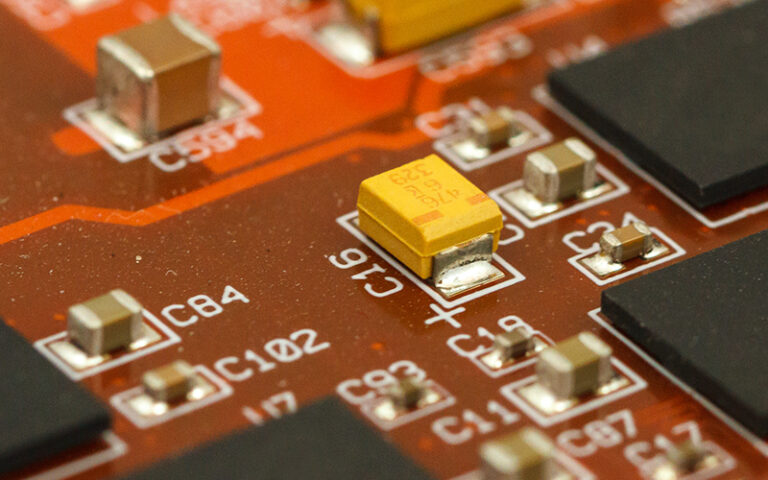
The global electronics industry is facing an escalating shortage of tantalum capacitors, a critical passive component, as surging demand from AI servers, automotive electronics,…
Read More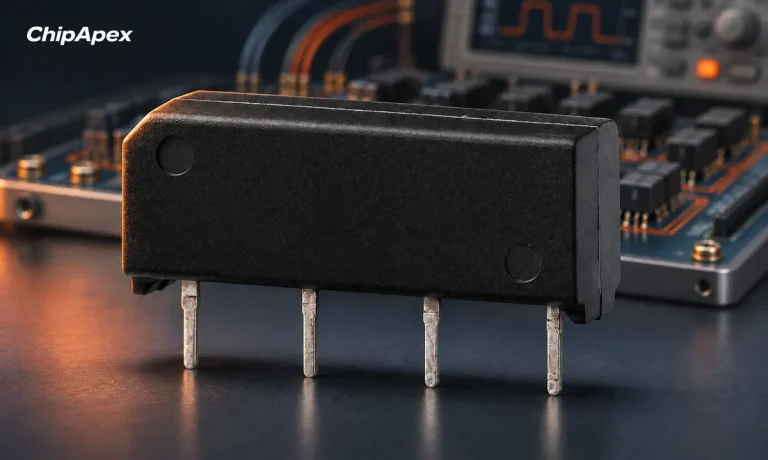
Choose a reed relay for signal switching. Understand hot and cold switching, leakage, contact resistance, isolation and measurement settling requirements.
Read More
Hsinchu, Taiwan – April 18, 2026 – United Microelectronics Corporation (UMC, NYSE: UMC), a leading global semiconductor foundry specializing in mature process technologies, has…
Read More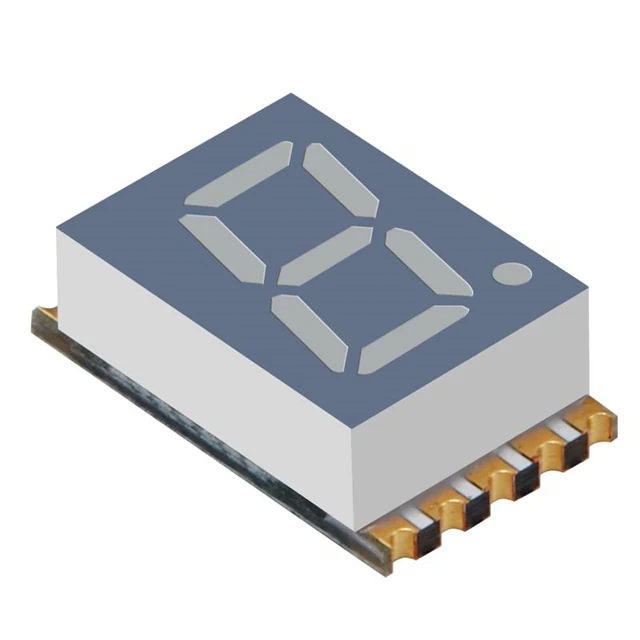
Identify common-anode and common-cathode seven-segment displays, calculate segment resistors and check driver current and four-digit multiplex timing.
Read More
CHICAGO, USA – May 27, 2026 – Global leading interconnect manufacturer Molex officially issued a global distributor price adjustment notice on May 27, confirming…
Read More
The activity of extra discounts on wholesale prices is in full swing…
Please fill in your contact information and we will send you the latest wholesale price list.