 ChipApex | Global Electronic Components Supplier

SEARCH
Search Product
Search Post
Search productSearch post
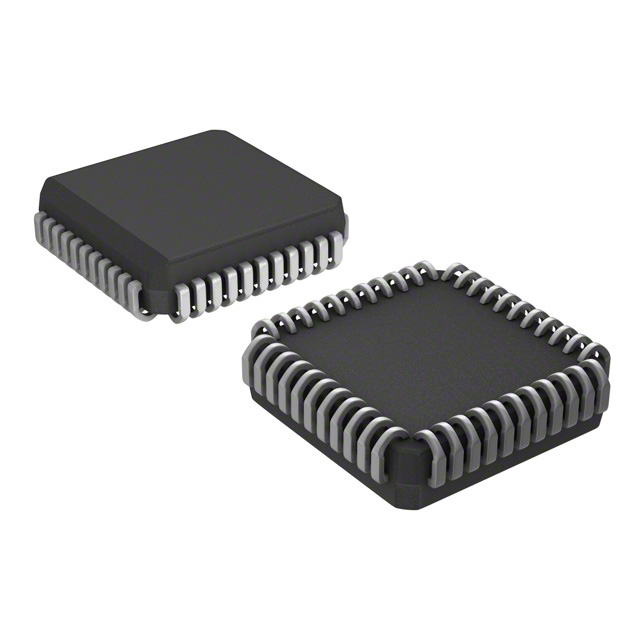
Display drivers are integrated circuits (ICs) that provide translation, interface and control between a microprocessor (MPU), microcontroller (MCU) or other circuitry system for displays such as LCD, LED, OLED, DLP, vacuum fluorescent and AMOLED. Possible interfaces and protocols for communication include analog, BCD, I2C, parallel, serial, SMBus, SPI and QSPI.
| Select products | Mfr | Description | Package | Supplier Device Package | Mounting Type | Series | Operating Temperature |
|---|---|---|---|---|---|---|---|
| onsemi | IC DRVR 76 SEGMENT DIE | Bulk | Die | Surface Mount | - | -40°C ~ 85°C | |
 C75854WHS-USV-LE $1.29 | onsemi | IC LCD DISPLAY DRIVER | Bulk | - | - | * | - |
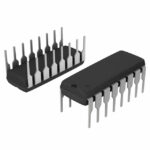 CD4511BCN $2.45 | onsemi | IC DRVR 7 SEGMENT 16DIP | Bag | 16-PDIP | Through Hole | - | -55°C ~ 125°C |
DM7446AN $1.50 | onsemi | IC DRVR 7 SEGMENT 16DIP | Tube | 16-PDIP | Through Hole | 7400 | 0°C ~ 70°C |
DM7447AN $1.50 | onsemi | IC DRVR 7 SEGMENT 16DIP | Tube | 16-PDIP | Through Hole | - | 0°C ~ 70°C |
DM9368N $23.51 | onsemi | IC DRVR 7 SEGMENT 16DIP | Bulk,Tube | 16-PDIP | Through Hole | - | 0°C ~ 70°C |
DM9374N $3.22 | onsemi | IC DRVR 7 SEGMENT 16DIP | Bag | 16-PDIP | Through Hole | 7400 | 0°C ~ 70°C |
LA7858-E $1.50 | onsemi | VERY HIGH RESOLUTION CRT DISPLAY | Bulk | - | - | * | - |
 MAX17065ETI+View Product
 LC75827E-E-SYView Product
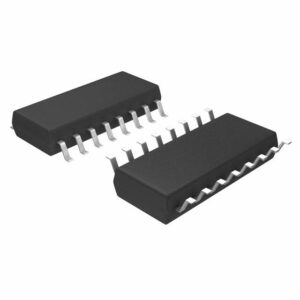 CD4056BNSRView Product
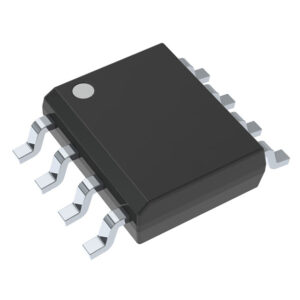 LM9022M/NOPBView Product
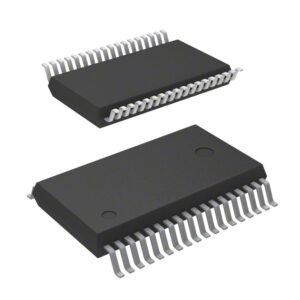 LC75844MHS-MPB-EView Product
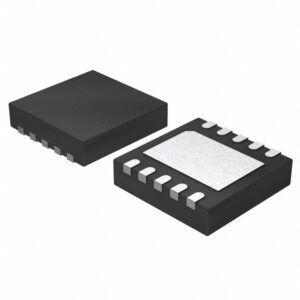 ISL45043IRZ-TView Product
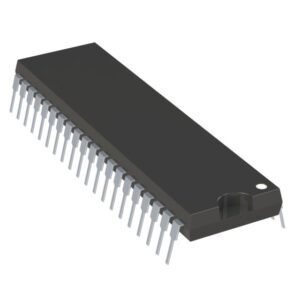 MAX7231BFIPL+View Product
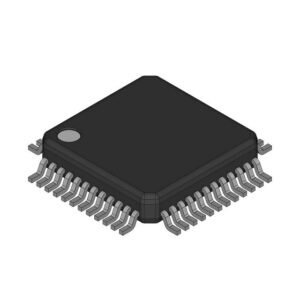 LC75833WHS-UDO-EView Product
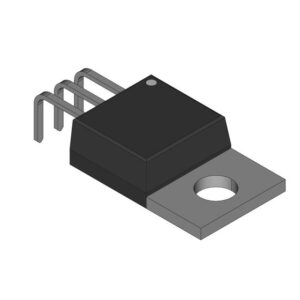 CD22105AEView Product
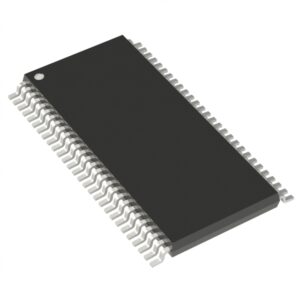 PCF8536AT/1,118View Product
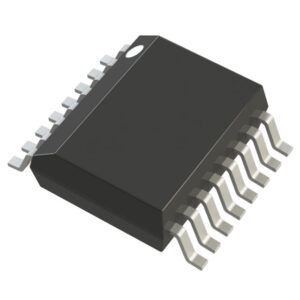 MAX6959AAEE+View Product
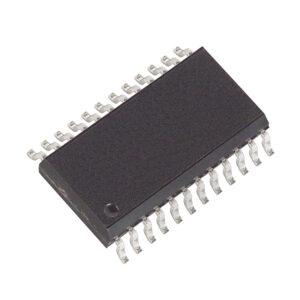 MAX7219CWG+TG002View Product
Tokyo / Munich / Tessenderlo, December 24, 2025 As the global semiconductor industry enters the first year of the 2nm process era, international electronic…
Read More
Understand how an LDO regulates voltage. Check dropout, noise, PSRR, output capacitors and heat before selecting a low-dropout regulator for your circuit.
Read More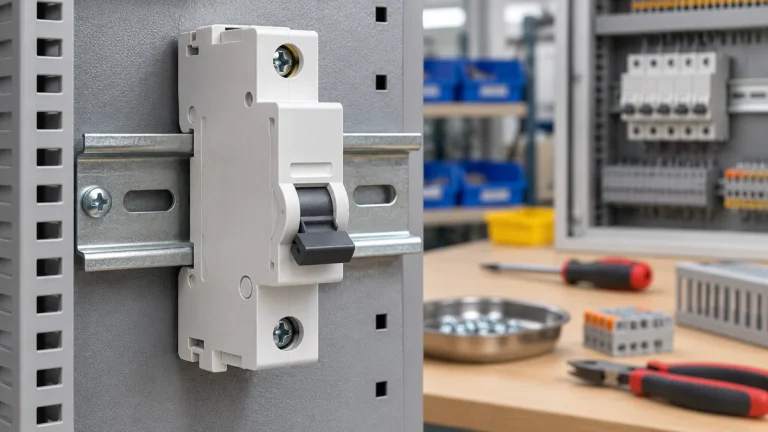
Choose a miniature circuit breaker for a control panel. Compare trip curves, startup duration, interrupting capacity and branch protection requirements.
Read More
Learn how a thermostat in a heater works. Check hysteresis, reset mode, thermal placement and contact ratings before selecting a mechanical control.
Read More
Learn how rectifiers convert AC to DC, compare half-wave and bridge circuits, and select voltage, current, recovery and thermal ratings for your design.
Read More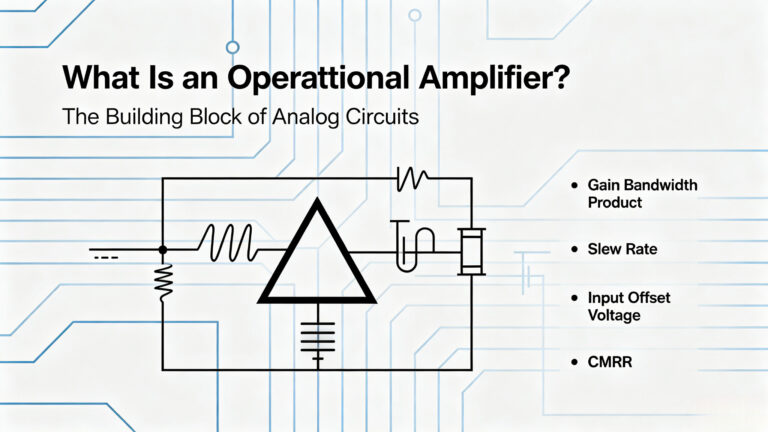
If you’ve spent any time staring at a schematic, you’ve seen the triangle. Two inputs, one output, and a gain symbol that looks deceptively…
Read More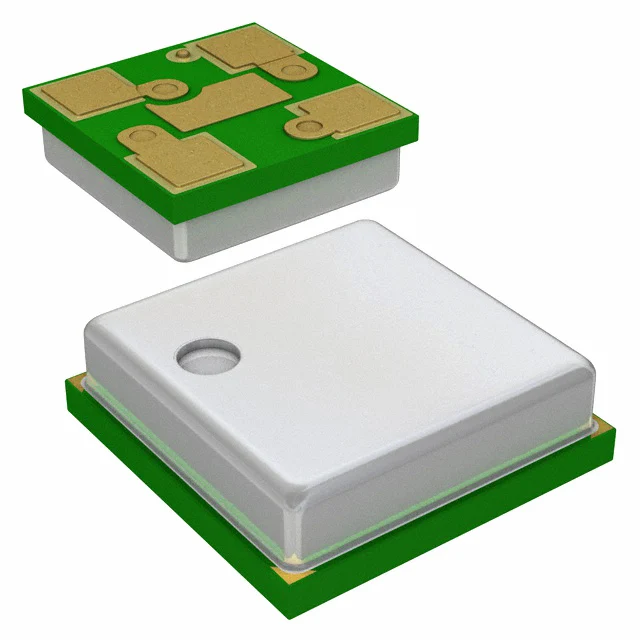
Interpret MAP sensor readings using local atmospheric pressure, convert a ratiometric signal to kPa and distinguish a pressure change from a signal fault.
Read More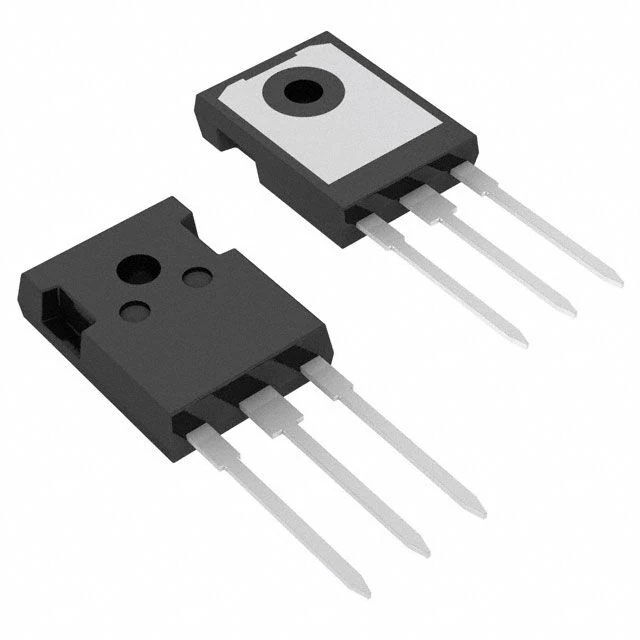
Learn how an IGBT works, compare MOSFET and IGBT losses, and check switching energy, gate drive, thermal limits and protection using a worked example.
Read More
Dutch authorities announced on November 7 the lifting of control measures on Nexperia (formerly NXP Semiconductors' Standard Products division), marking the end of a…
Read More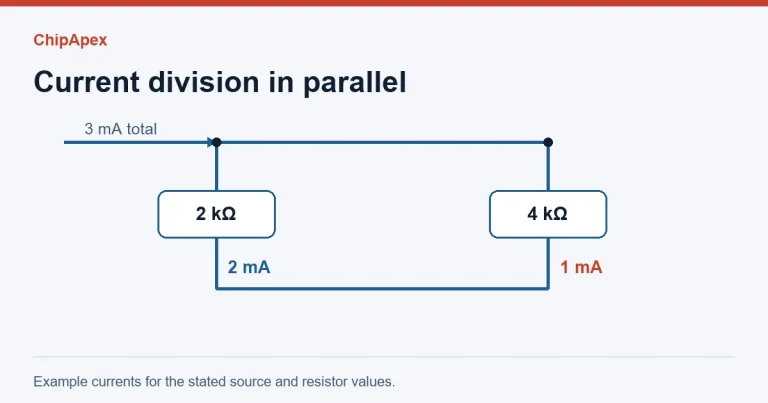
Use current and voltage divider formulas with worked two- and three-resistor examples. See how a 4 kΩ load changes an ideal 4 V output…
Read More
Find out when a bare shock switch needs a pull resistor, when an MCU internal pull-up is enough, and why sensor modules and piezo…
Read More
September 16, 2026 – Global — Leading semiconductor manufacturer ON Semiconductor (onsemi, NASDAQ: ON) has officially issued a formal price adjustment letter to global…
Read More
The activity of extra discounts on wholesale prices is in full swing…
Please fill in your contact information and we will send you the latest wholesale price list.