 ChipApex | Global Electronic Components Supplier

SEARCH
Search Product
Search Post
Search productSearch post
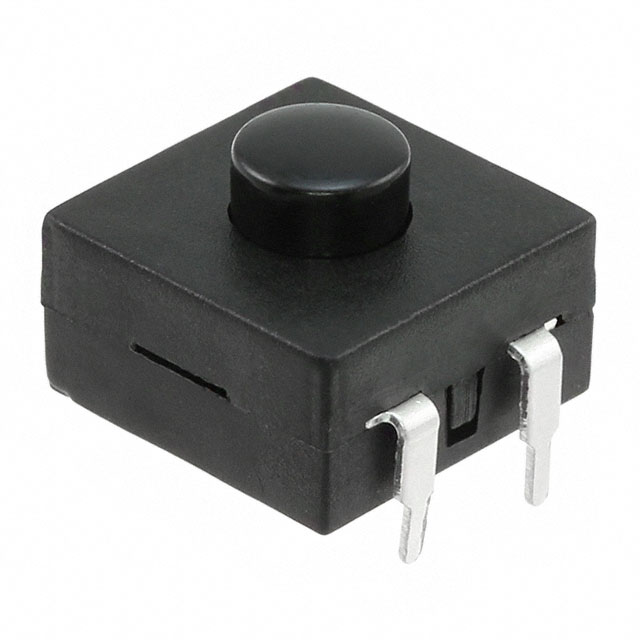
Pushbutton switches are mechanical devices that make or break an electrical connection by the closing or opening electrical contacts or solid state circuitry when actuated by human or mechanical interaction. Pushbutton switches are selected by mounting type, switching type, contact configuration, function, color, and current and voltage ratings. Some switches include built-in illumination.
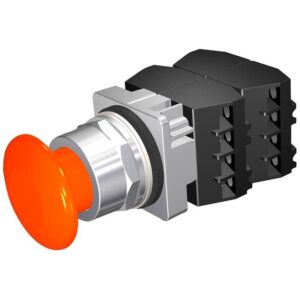 52PM9W8DView Product
 1241.6664.1122000View Product
 LW6L-M1C22MRView ProductA22NN-MPM-UWA-P202-NNView Product
 A22NN-RPM-NGA-G100-NNView ProductA22NL-BNA-TGA-G202-GDView ProductLB3L-M1T24GView Product50HA109660View Product
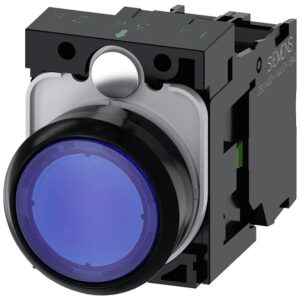 3SU11020AB501BA0View ProductLW7L-A1C23VSView Product
 LP37OACGGView ProductLBW7B-M1T7BView Product
In an era dominated by AI accelerators with terabytes of HBM memory and consumer devices racing toward LPDDR5X bandwidth, it’s easy to wonder: why…
Read More
TOKYO, July 31, 2026 — Renesas Electronics Corporation has officially announced a major domestic manufacturing restructuring, confirming plans to gradually discontinue all wafer fabrication…
Read More
The rapid advancement of artificial intelligence (AI) is transforming industries across the globe, and the world of electronic components is no exception. From smarter…
Read More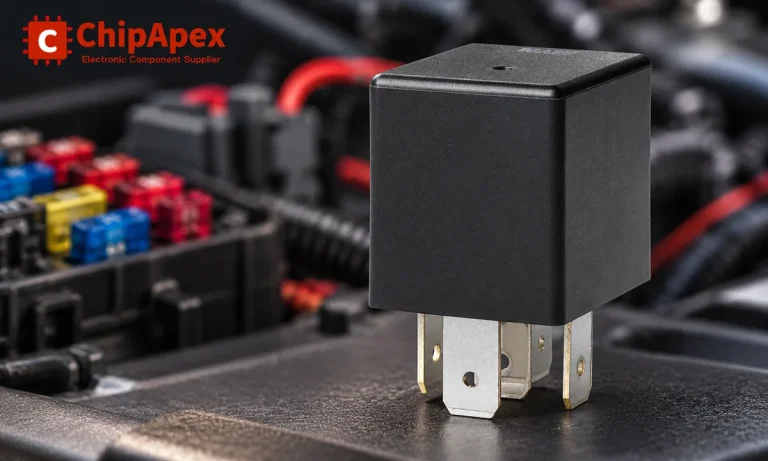
Learn the relay definition, coil and contact operation, NO and NC forms, load ratings and suppression choices. Compare mechanical, reed and solid-state types.
Read More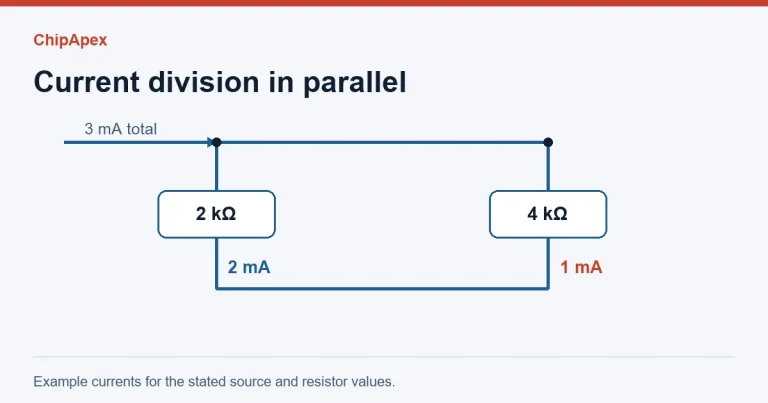
Use current and voltage divider formulas with worked two- and three-resistor examples. See how a 4 kΩ load changes an ideal 4 V output…
Read More
SANTA CLARA, Calif. — Leading semiconductor solution provider Marvell Technology (NASDAQ: MRVL) officially rolled out a selective price adjustment for its core electronic component…
Read More
Understand RF detector response, dynamic range and calibration. Compare envelope, logarithmic and RMS behavior before choosing a measurement component.
Read More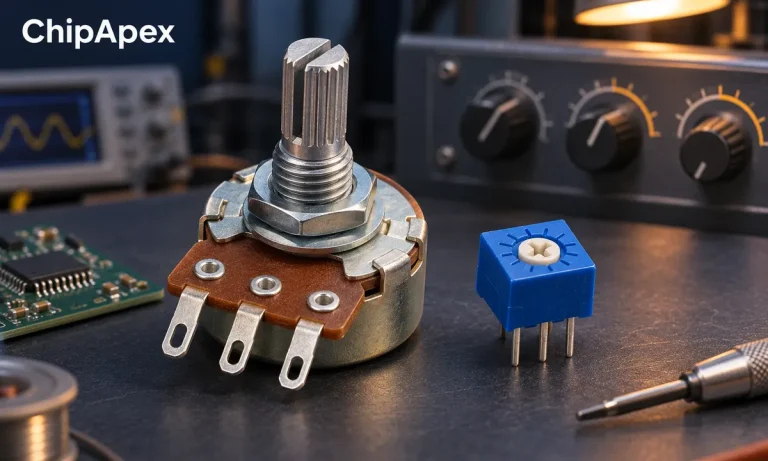
Compare rheostat and potentiometer wiring and functions. Understand divider loading, wiper current, track power and practical component selection.
Read More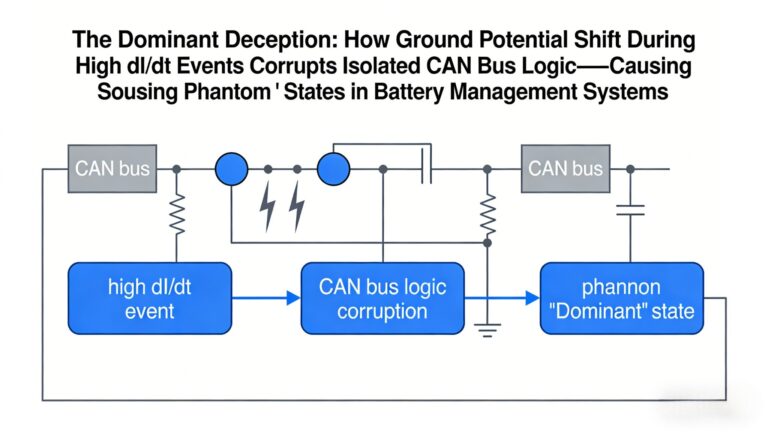
Stay ahead with ChipApex Insights — technical deep dives, market trends, and sourcing tips for memory, microcontrollers, power management, and industrial-grade components. Trusted by…
Read More
Vishay Intertechnology, Inc., a global leader in discrete semiconductors and passive electronic components, has officially announced a price adjustment for its Metal-Oxide-Semiconductor Field-Effect Transistors…
Read More
TOKYO, April 15, 2026 – Taiyo Yuden Co., Ltd. (TAIYO YUDEN), a leading global manufacturer of passive electronic components, has officially notified its worldwide…
Read More
Learn why PTC resistance rises with temperature, how it differs from NTC, and which ratings matter for sensing and protection.
Read More
The activity of extra discounts on wholesale prices is in full swing…
Please fill in your contact information and we will send you the latest wholesale price list.