 ChipApex | Global Electronic Components Supplier

SEARCH
Search Product
Search Post
Search productSearch post
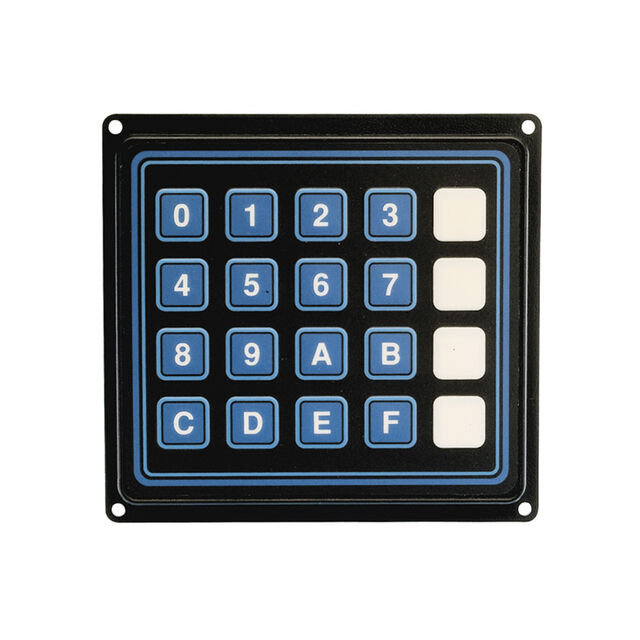
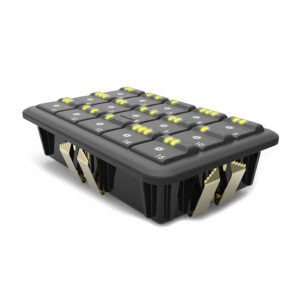
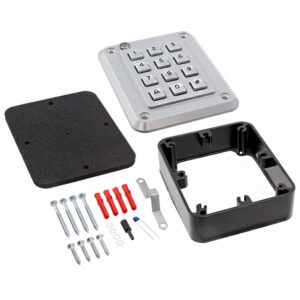
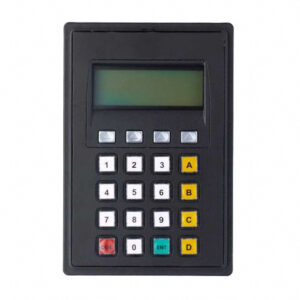
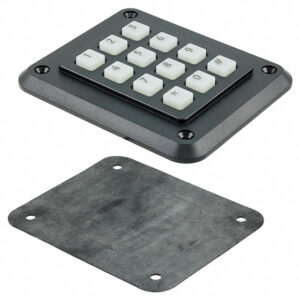
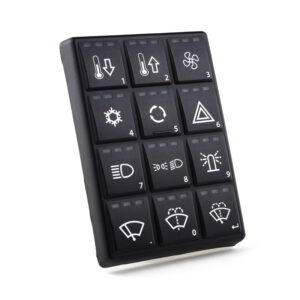
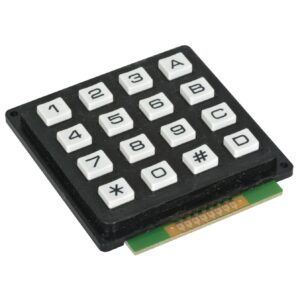
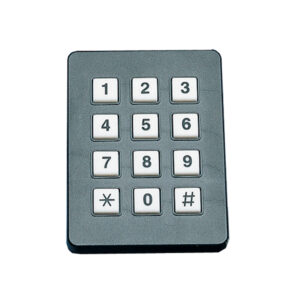
Keypad switches are human interface modules with a button switch matrix for direct user input to a CPU, microcontroller or keypad controller and may include a display for user information and instruction. Keypads are selected by the column and row matrix, number of keys, legend, dimension and mounting type. Output types include CAN Bus, matrix, independent switch contact (parallel), onboard controller output, USB and Weigand.
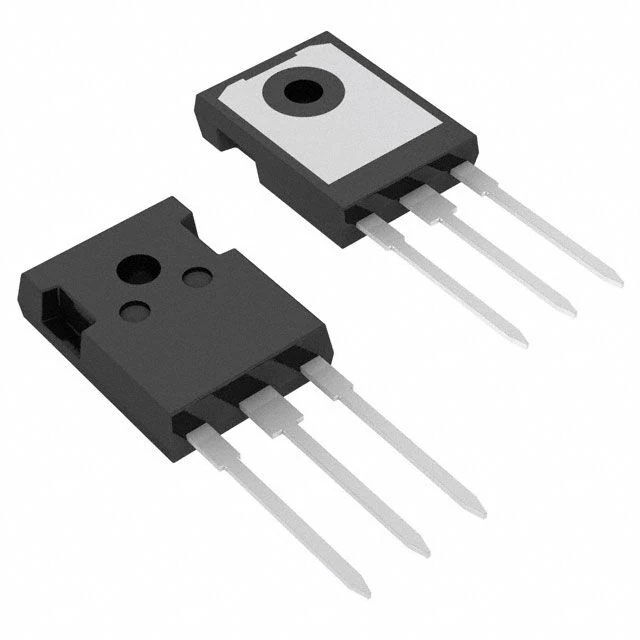
Learn how an IGBT works, compare MOSFET and IGBT losses, and check switching energy, gate drive, thermal limits and protection using a worked example.
Read More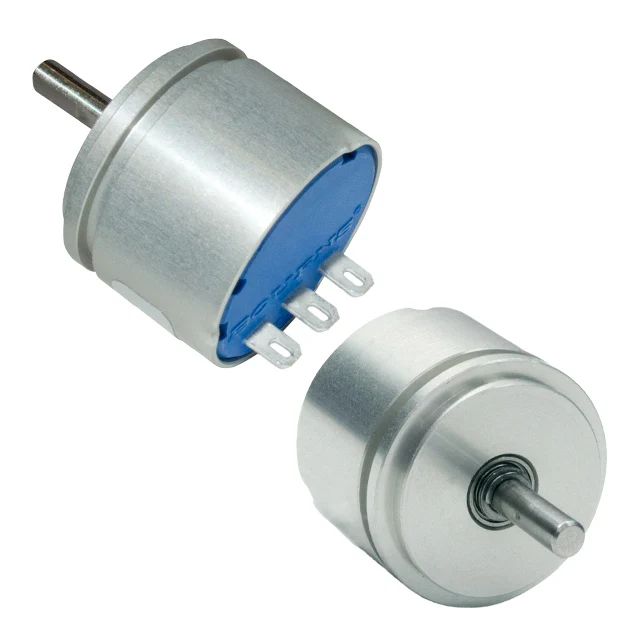
Learn how a TPS reports throttle angle to the ECU, compare potentiometer and magnetic sensors, and see what to verify before diagnosing or replacing…
Read More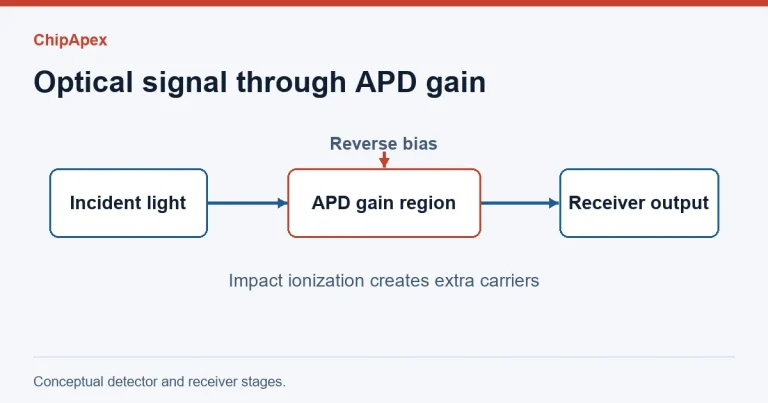
See how avalanche photodiodes multiply photocurrent and compare APD and PIN detectors by gain, noise, bias, bandwidth and operating temperature.
Read More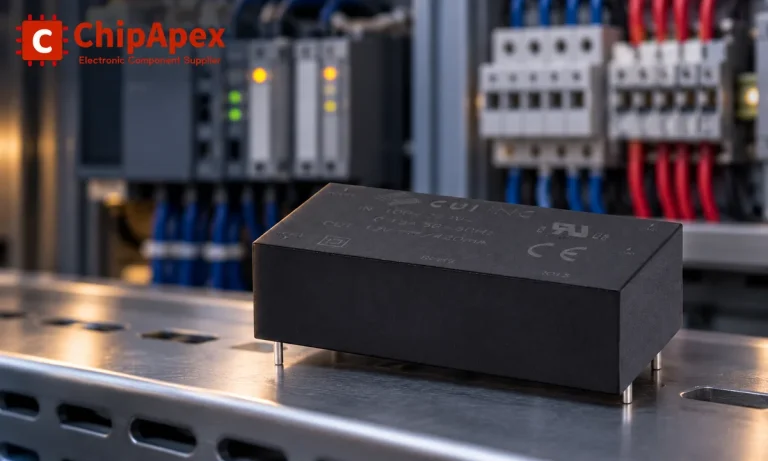
Choose an AC to DC converter by input range, output demand, isolation, efficiency and thermal derating. Compare architectures and check installation needs.
Read More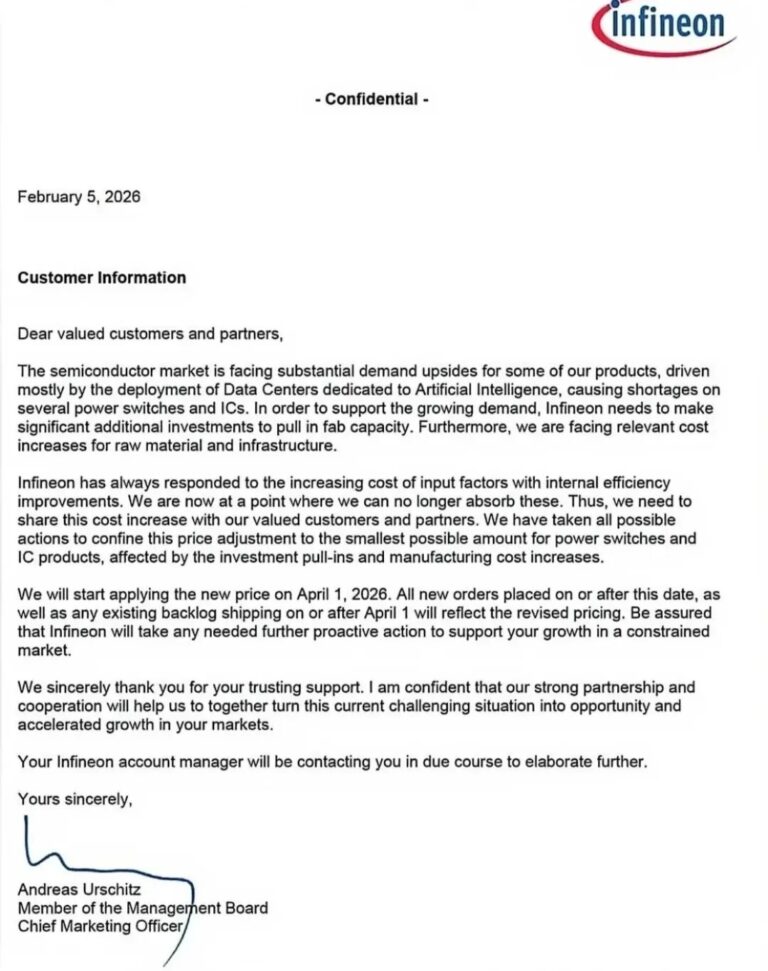
Munich, Germany – February 8, 2026 — Infineon Technologies, the German semiconductor giant, officially issued a price increase notice on February 5, announcing that…
Read More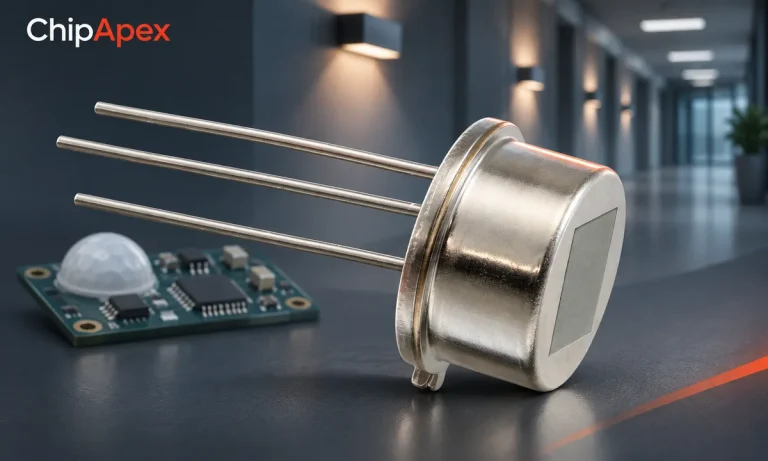
Understand how motion sensors work. Compare PIR, radar and ultrasonic sensing, then check presence detection, false triggers, optics and signal conditioning.
Read More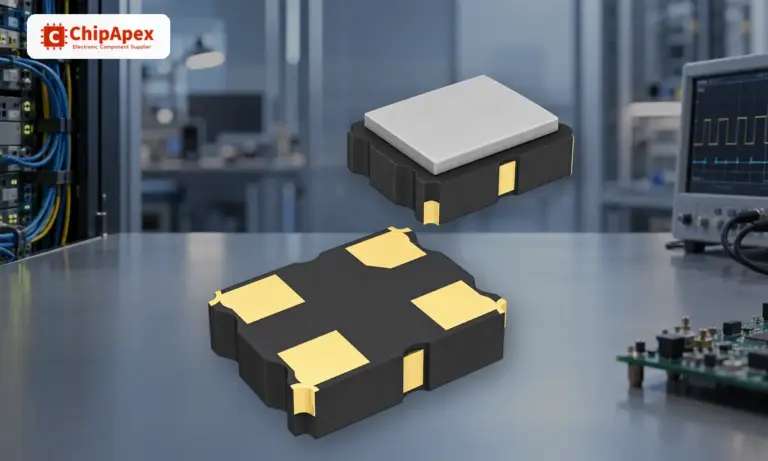
Understand how oscillators generate timing signals, how they differ from crystals, and which frequency, output and stability specs matter when choosing one.
Read More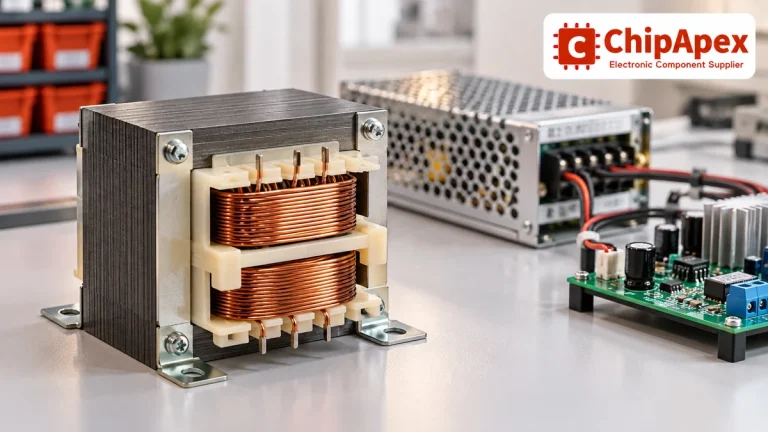
Select power transformers by input frequency, secondary VA, rectifier load, isolation, regulation and inrush. Build a clearer specification for your next RFQ.
Read More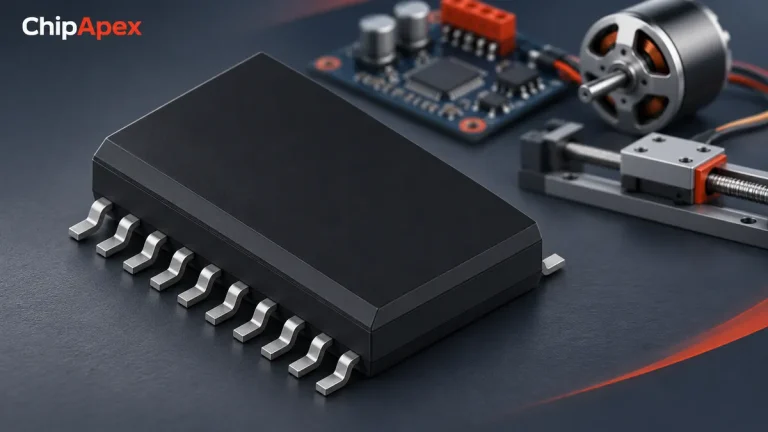
Understand motor controller types, driver functions, startup current, feedback and braking. Use practical checks to match control electronics to your motor.
Read More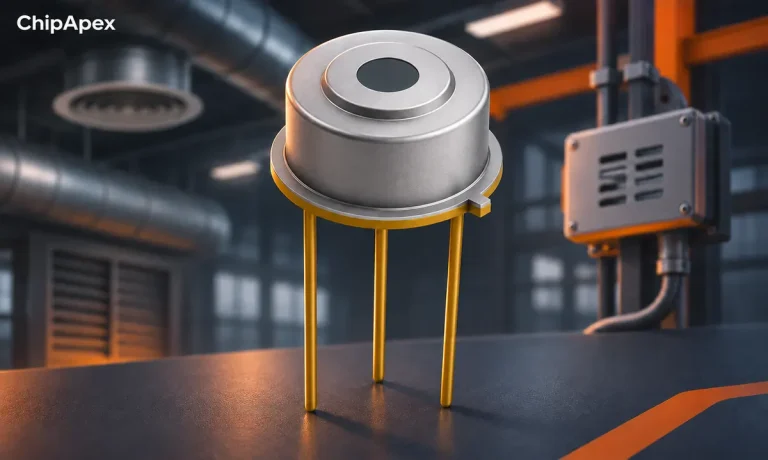
Compare gas sensor technologies, cross-sensitivity and calibration needs. Define the gas, range and environment before choosing a sensing component.
Read More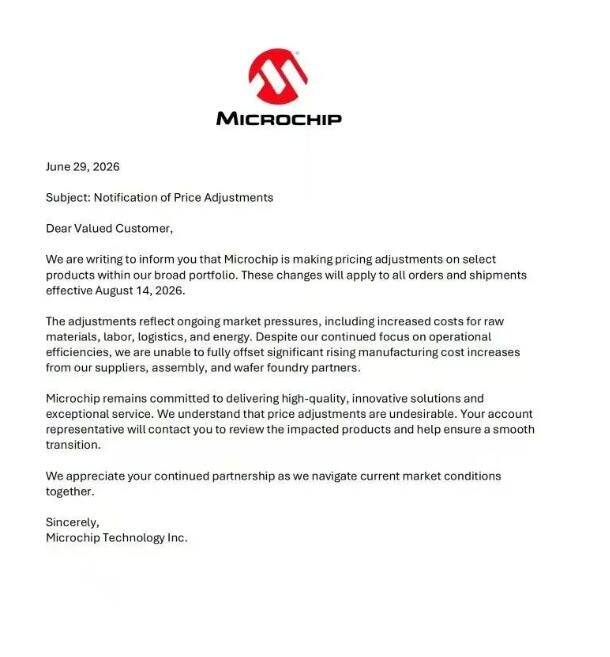
Tempe, Arizona‑based semiconductor giant Microchip Technology has formally rolled out selective product price increases across its MCU, power‑management IC, memory controller and analog component…
Read More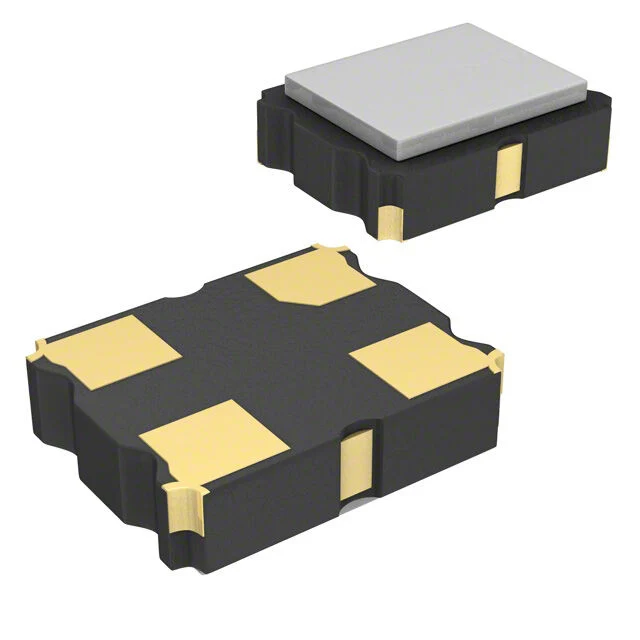
Calculate high-side and low-side local oscillator frequencies, locate the receiver image and check how much LO drive reaches the RF mixer input port.
Read More
The activity of extra discounts on wholesale prices is in full swing…
Please fill in your contact information and we will send you the latest wholesale price list.