 ChipApex | Global Electronic Components Supplier

SEARCH
Search Product
Search Post
Search productSearch post
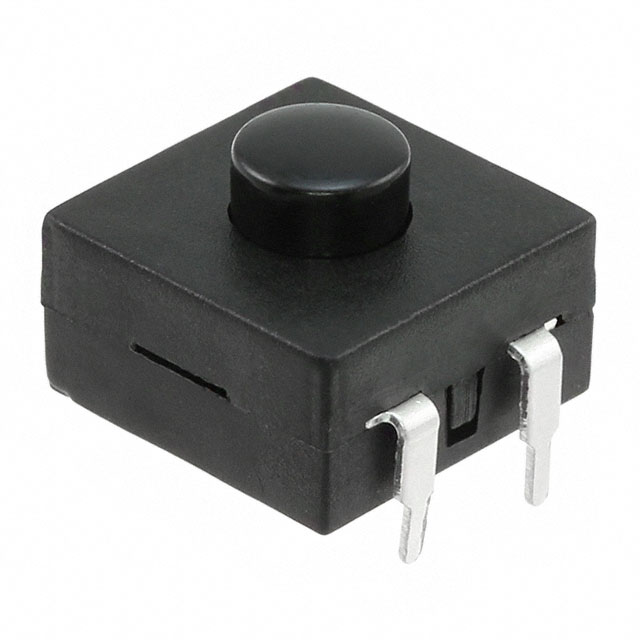
Pushbutton switches are mechanical devices that make or break an electrical connection by the closing or opening electrical contacts or solid state circuitry when actuated by human or mechanical interaction. Pushbutton switches are selected by mounting type, switching type, contact configuration, function, color, and current and voltage ratings. Some switches include built-in illumination.
 UB26SKW036B-JBView Product
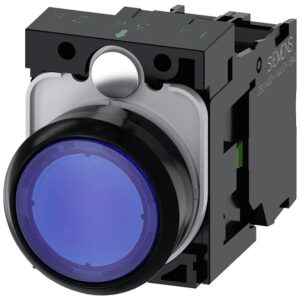 3SU11020AB501BA0View Product
 LW7GL-A1C26GView ProductA22NL-BNA-TGA-G202-GDView Product4831A02View ProductYB15RKW03-2CF02-JBView ProductLW6ML-A2C63MGView ProductRP8100B1M1CEBLKGRNYELView ProductALFD29902DN-S-120VView ProductLB6ML-A1T63SView Product
 ELUMOATHQ2C22View Product
 PVA6LRE21101View Product
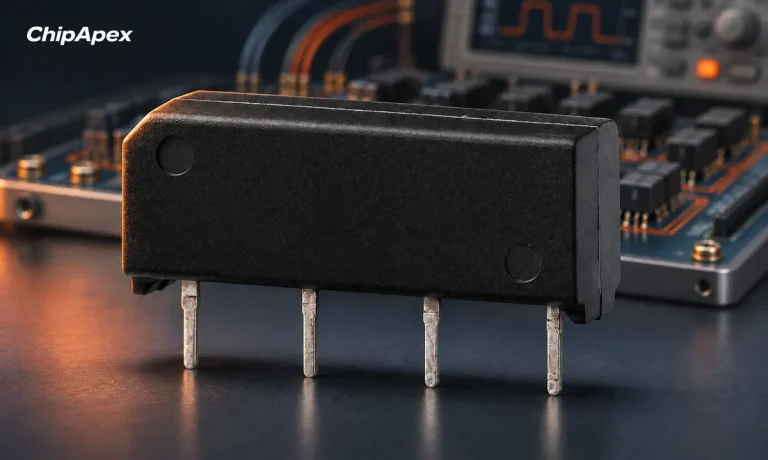
Choose a reed relay for signal switching. Understand hot and cold switching, leakage, contact resistance, isolation and measurement settling requirements.
Read More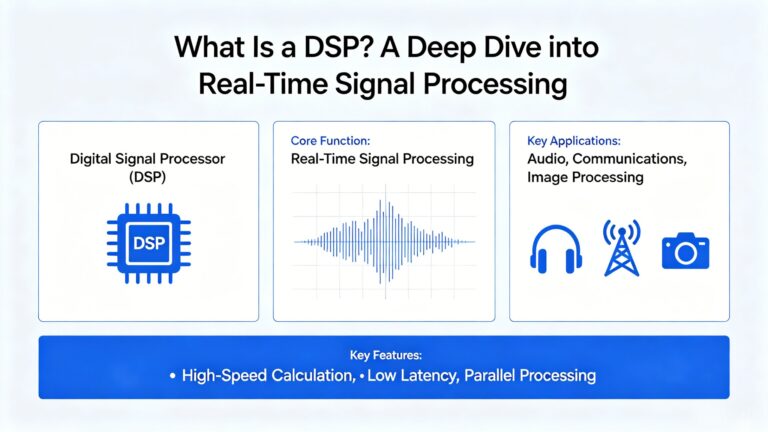
In the embedded world, general-purpose CPUs are great at running operating systems, and MCUs excel at logic control. But when you need to process…
Read More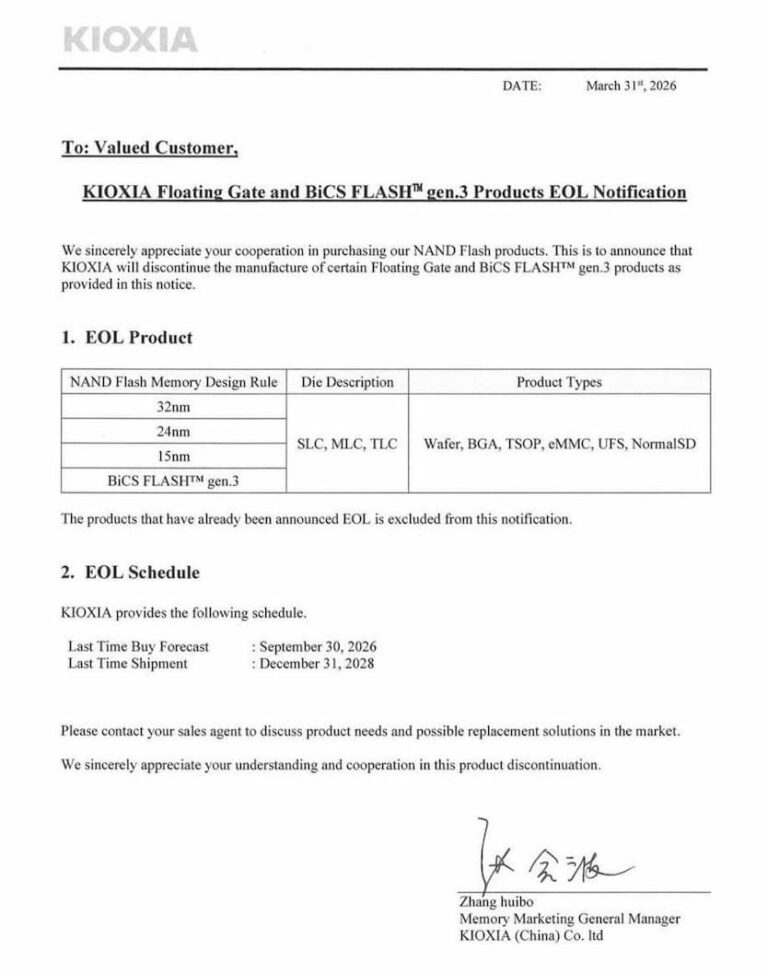
TOKYO, April 1, 2026 – Kioxia Corporation (formerly Toshiba Memory Corporation), a global leader in flash memory and storage solutions, has officially issued a…
Read More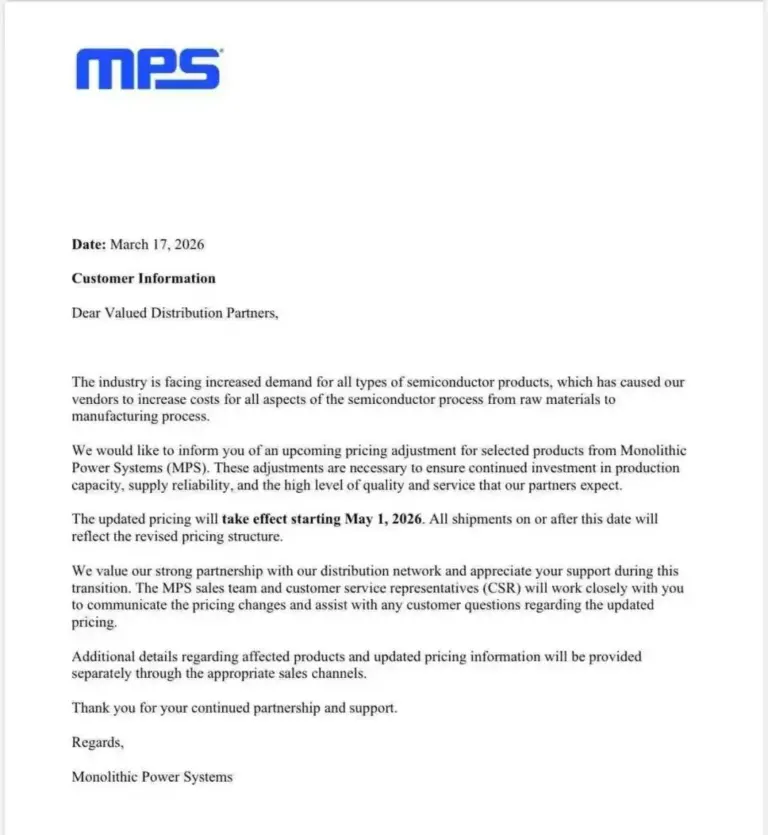
Monolithic Power Systems (MPS), a global leader in analog and mixed-signal semiconductors, has notified its distribution partners of an upcoming price increase for selected…
Read More
Understand RF detector response, dynamic range and calibration. Compare envelope, logarithmic and RMS behavior before choosing a measurement component.
Read More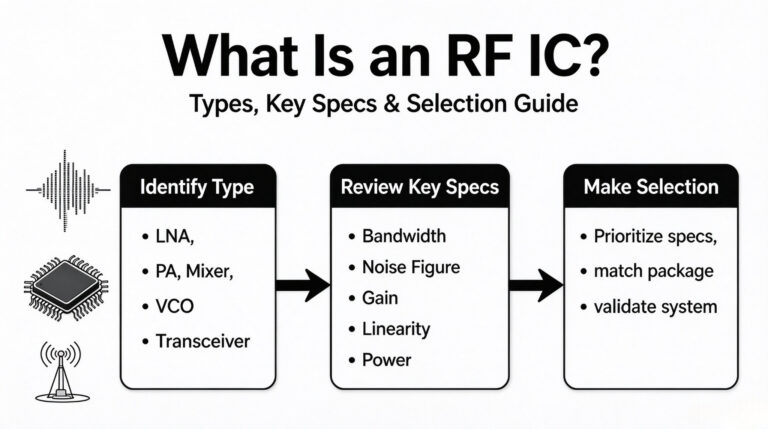
An RF IC, or radio-frequency integrated circuit, is a chip that processes wireless signals between the antenna and the baseband processor. Instead of building…
Read More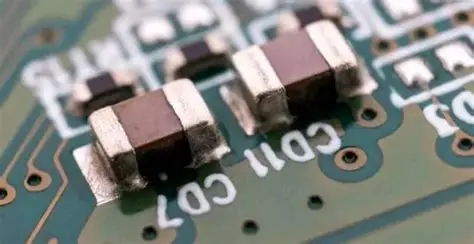
Recently, a survey by the Electronic Components Industry Association (ECIA) revealed that the sales sentiment of global electronic components remained optimistic in the third…
Read More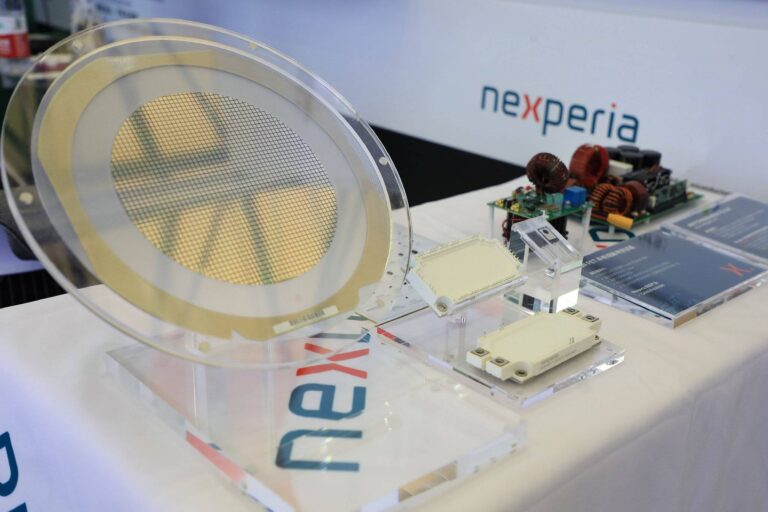
Dutch authorities announced on November 7 the lifting of control measures on Nexperia (formerly NXP Semiconductors' Standard Products division), marking the end of a…
Read More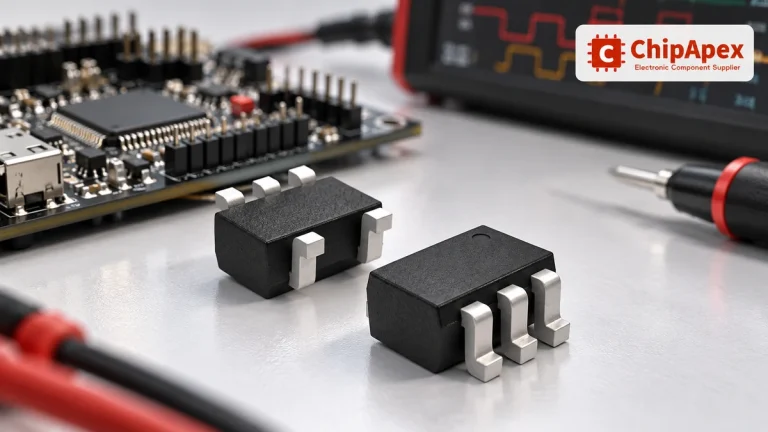
Choose logic inverter ICs by thresholds, supply, output drive and delay. Compare standard and Schmitt-trigger inputs, power sequencing and replacement checks.
Read More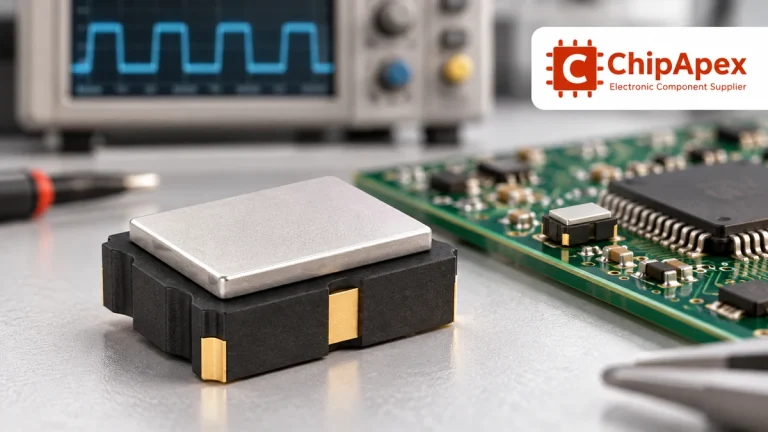
Compare RC, crystal and MEMS oscillator circuits. Check ppm, jitter, load capacitance, startup margin and output compatibility before choosing a clock source.
Read More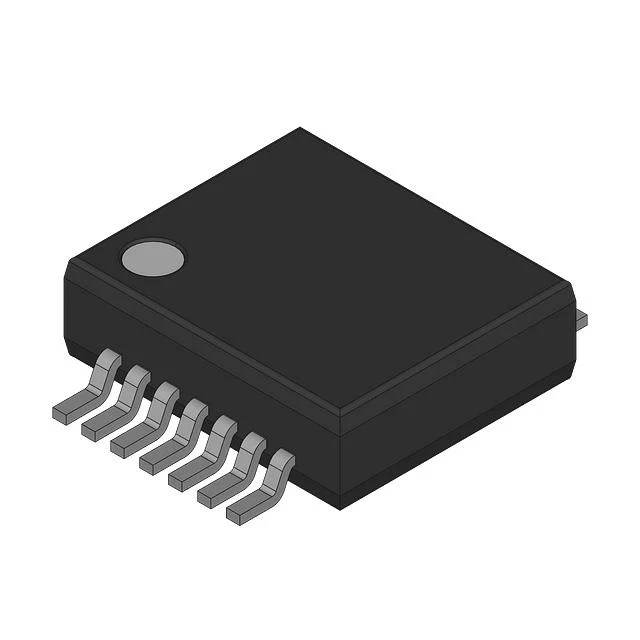
Learn how logic gates work, read AND, NAND and XOR truth tables, and choose a gate IC by input thresholds, output levels, propagation delay…
Read More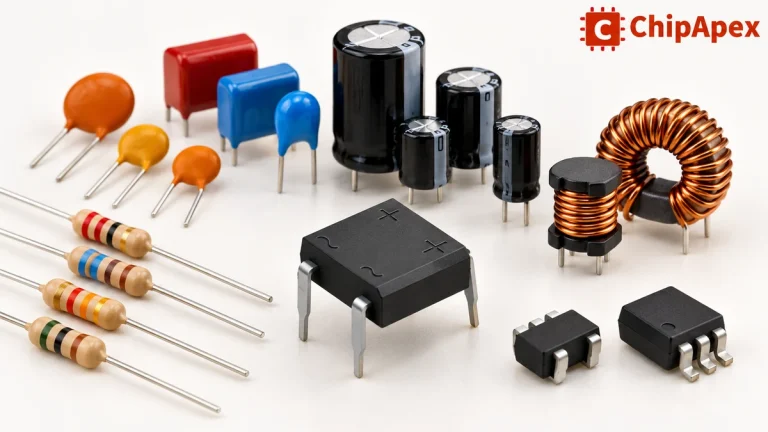
Explore electronic component types, functions, packages and datasheets. Learn selection, replacement and BOM checks before ordering parts for your PCB.
Read More
The activity of extra discounts on wholesale prices is in full swing…
Please fill in your contact information and we will send you the latest wholesale price list.