 ChipApex | Global Electronic Components Supplier

SEARCH
Search Product
Search Post
Search productSearch post
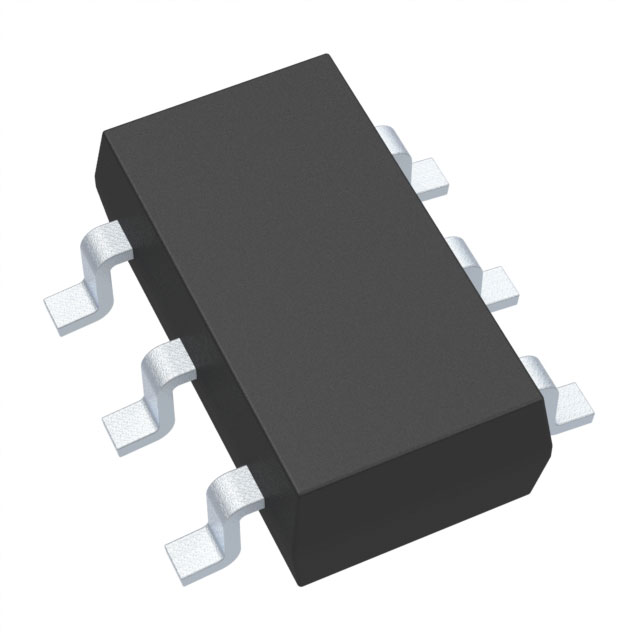
Products in this family provide the analog stimulus and measurement resources needed to operate a capacitance-based touch sensing transducer, and communicate information generated thereby in a format convenient for use with a microcontroller or similar device, such as an I2C or SPI serial interface, UART, or a simple logic signal. They are commonly used for human interface applications.
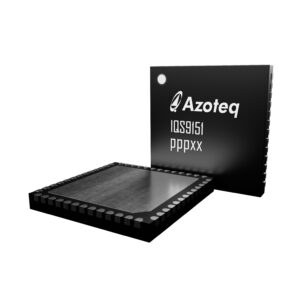 IQS9151-000QFRView Product
 ATMXT224S-CCURView Product
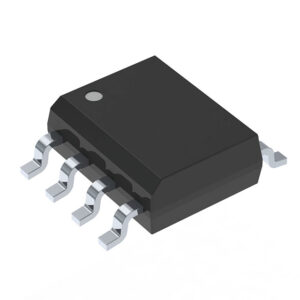 TCA355GXLLA1View Product
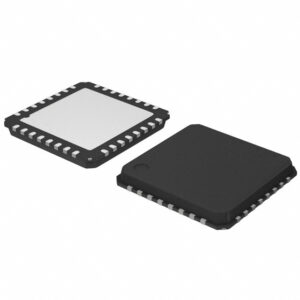 CAP1114-1-EZK-TRView Product
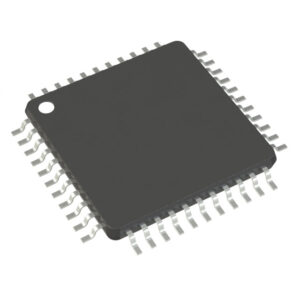 AT42QT1481-ANView Product
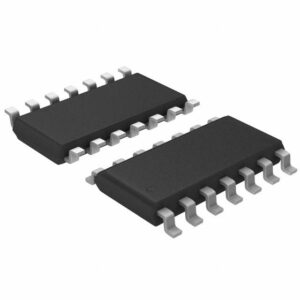 QT401-ISGView Product
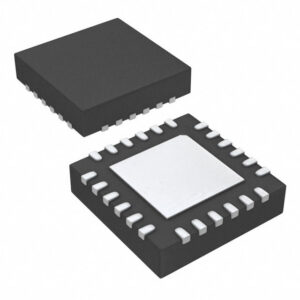 IS31SE5117A-QFLS3-TRView ProductATMXT1188S-CUView Product
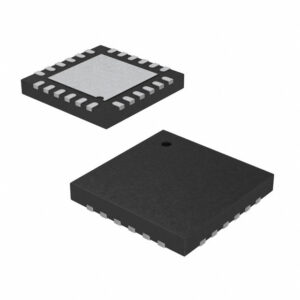 CY8CMBR3106S-LQXIView Product
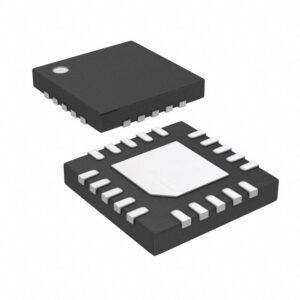 MTCH108-I/GZView Product
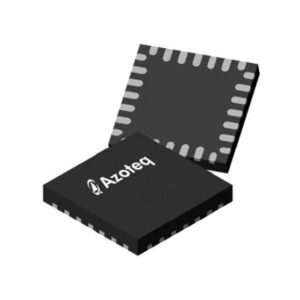 IQS572BLQNRView Product
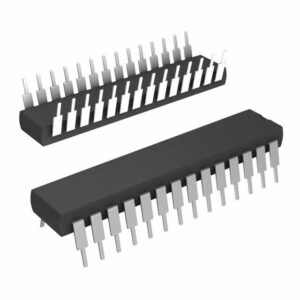 QT160-DGView Product
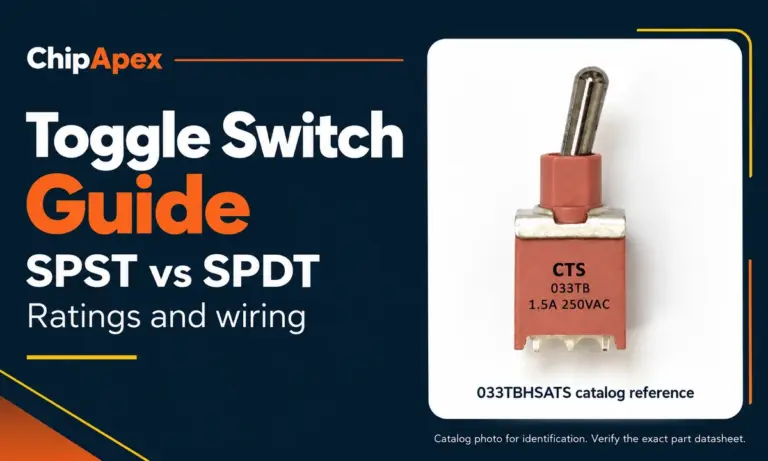
Compare SPST and SPDT toggle switches, understand AC/DC ratings, and follow wiring examples. Check contact action, mounting and parts in the ChipApex catalog.
Read More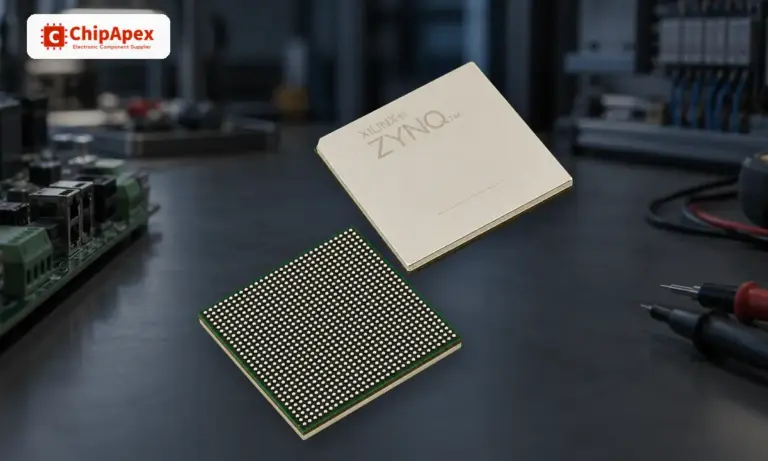
Learn what an integrated circuit is, how ICs work, the main types and the specs to check before choosing a part for your design…
Read More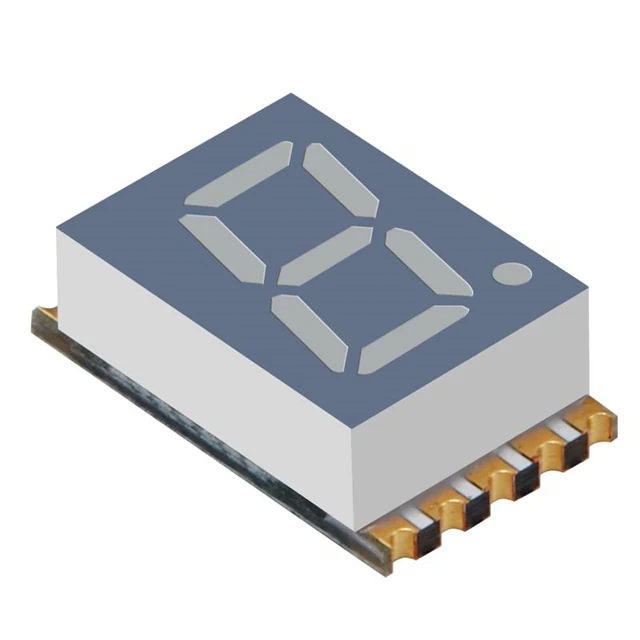
Identify common-anode and common-cathode seven-segment displays, calculate segment resistors and check driver current and four-digit multiplex timing.
Read More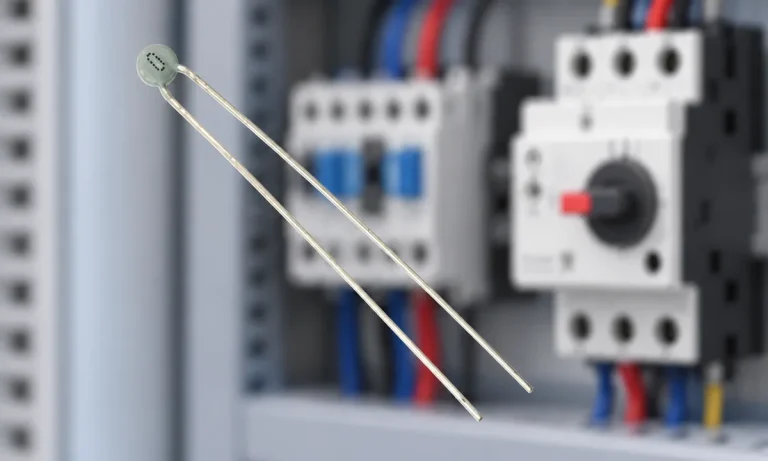
Learn why PTC resistance rises with temperature, how it differs from NTC, and which ratings matter for sensing and protection.
Read More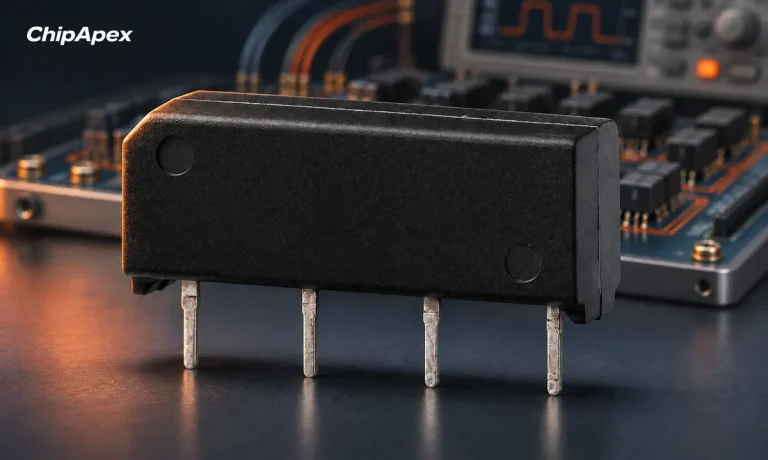
Choose a reed relay for signal switching. Understand hot and cold switching, leakage, contact resistance, isolation and measurement settling requirements.
Read More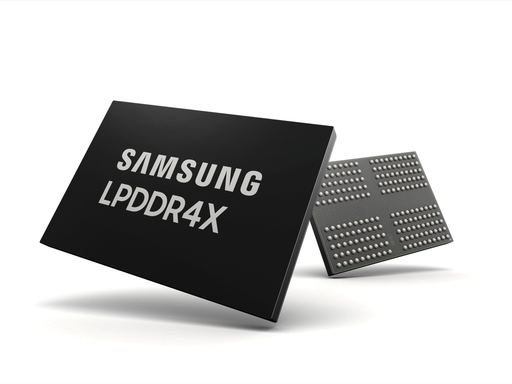
Samsung Electronics, the world's largest memory chip manufacturer, has officially confirmed the end-of-life (EOL) for its LPDDR4 and LPDDR4X low-power DRAM products, marking a…
Read More
CHICAGO, USA – May 27, 2026 – Global leading interconnect manufacturer Molex officially issued a global distributor price adjustment notice on May 27, confirming…
Read More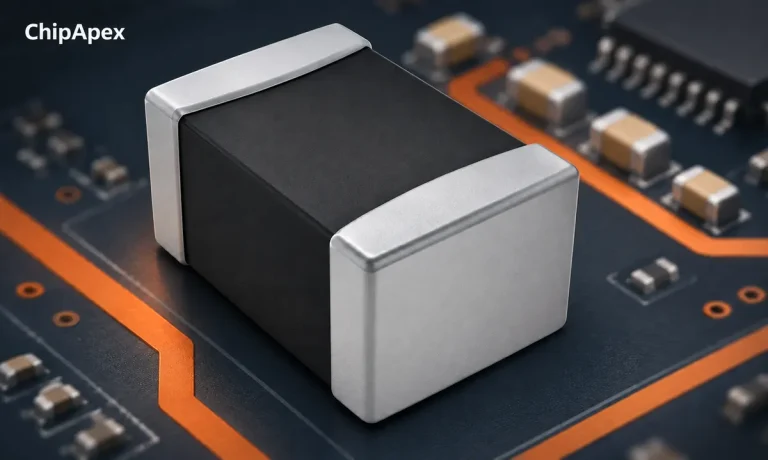
Learn how to use ferrite beads for noise filtering. Check impedance, DC bias, placement, resonance and load-step behavior before selecting a part.
Read More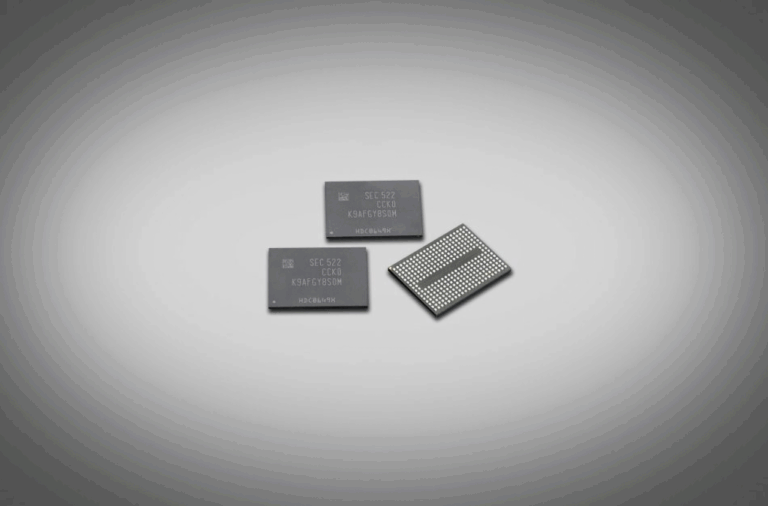
Date: May 13, 2026 The global memory industry is facing an unprecedented supply crunch in legacy MLC NAND Flash. Leading manufacturers including Samsung Electronics…
Read More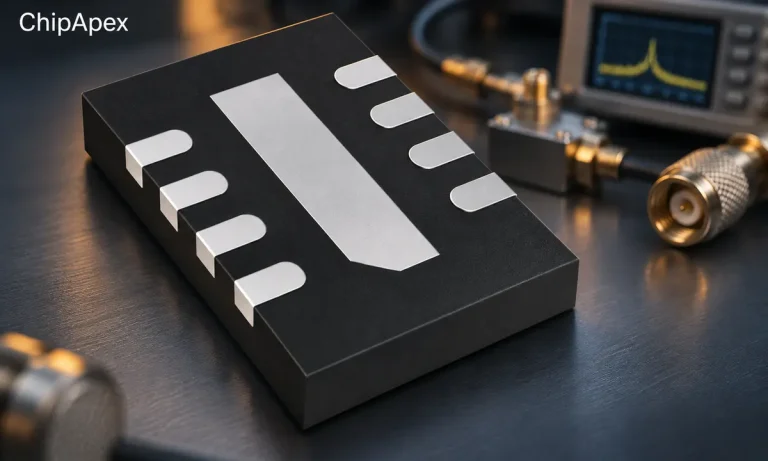
Understand RF detector response, dynamic range and calibration. Compare envelope, logarithmic and RMS behavior before choosing a measurement component.
Read More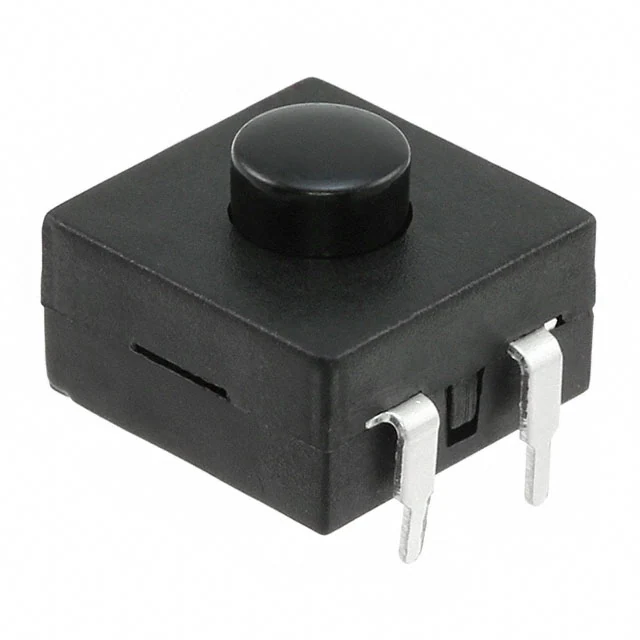
Compare momentary and latching push button switches. Check NO/NC contacts, micro-load current, illumination terminals, panel fit and replacement requirements.
Read More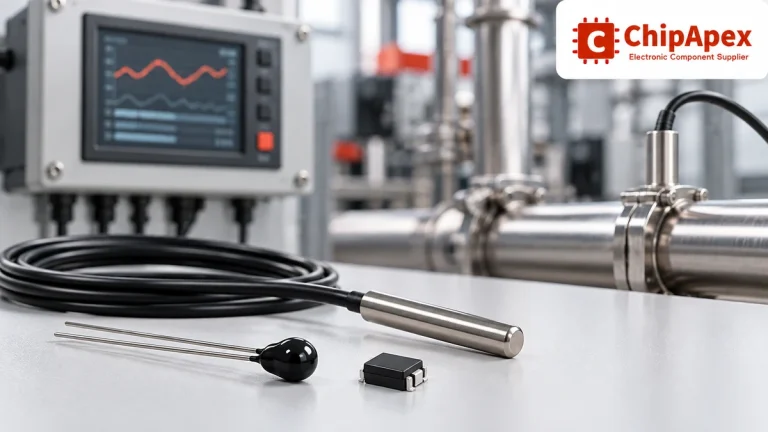
Compare thermistors, RTDs, thermocouples and temperature ICs. Learn how range, accuracy, response, interfaces and mounting affect component selection.
Read More
The activity of extra discounts on wholesale prices is in full swing…
Please fill in your contact information and we will send you the latest wholesale price list.