 ChipApex | Global Electronic Components Supplier

SEARCH
Search Product
Search Post
Search productSearch post
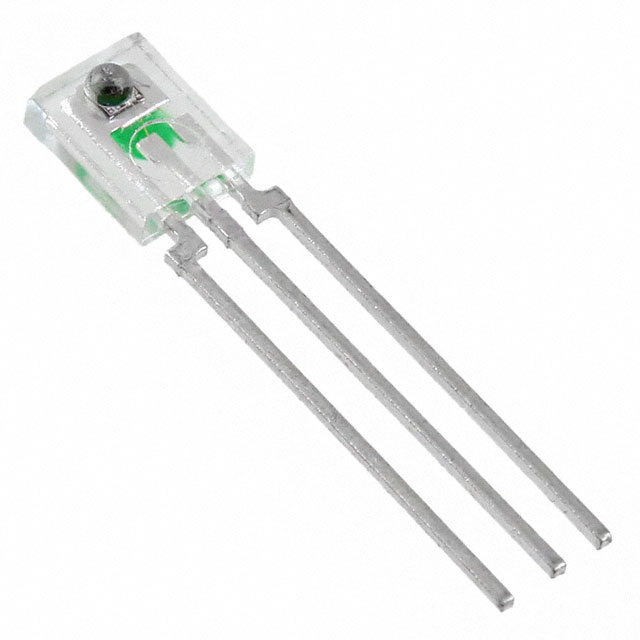
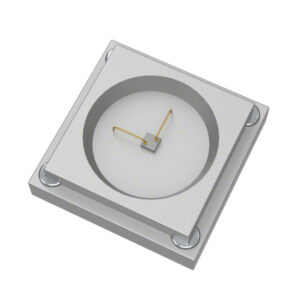
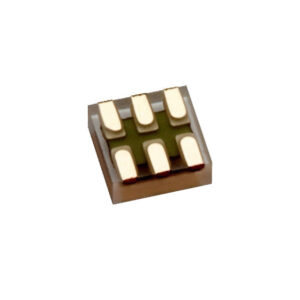
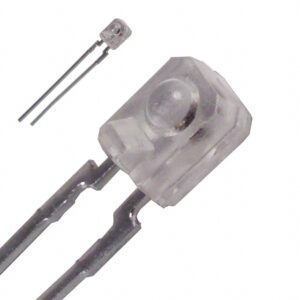
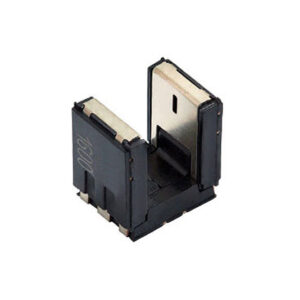
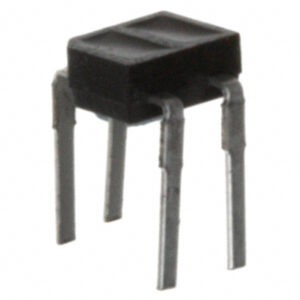
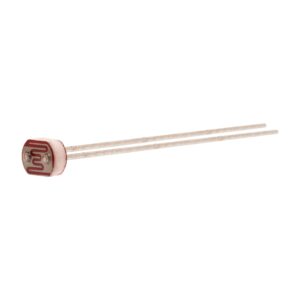
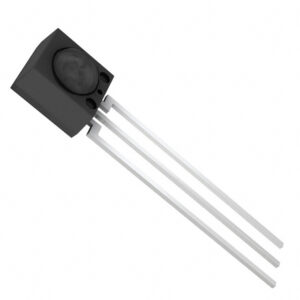
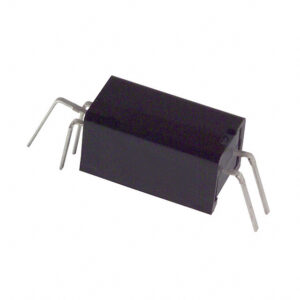
Optical Sensors are components that detect light and convert it into an electronic signal. Devices in this category include ambient light sensors, IR sensors, UV sensors, camera modules, distance measuring sensors, image and camera sensors, photo detectors (CdS cells, logic output, remote receivers), photodiodes, industrial photoelectric, photointerrupters (slot type - logic output, transistor output), photonics (counters, detectors, single photon counting modules), phototransistors, reflective (analog output, logic output), and more.
Choose an ADC converter by resolution, sample rate, noise and input design. Review practical tradeoffs and prepare component requirements for ChipApex.
Read More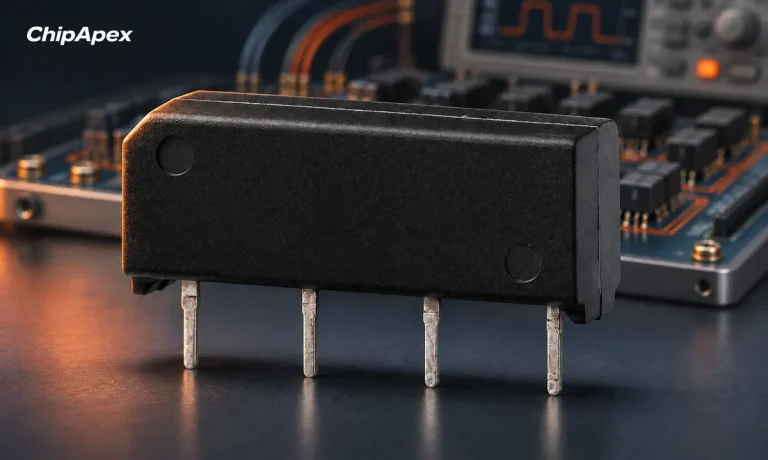
Choose a reed relay for signal switching. Understand hot and cold switching, leakage, contact resistance, isolation and measurement settling requirements.
Read More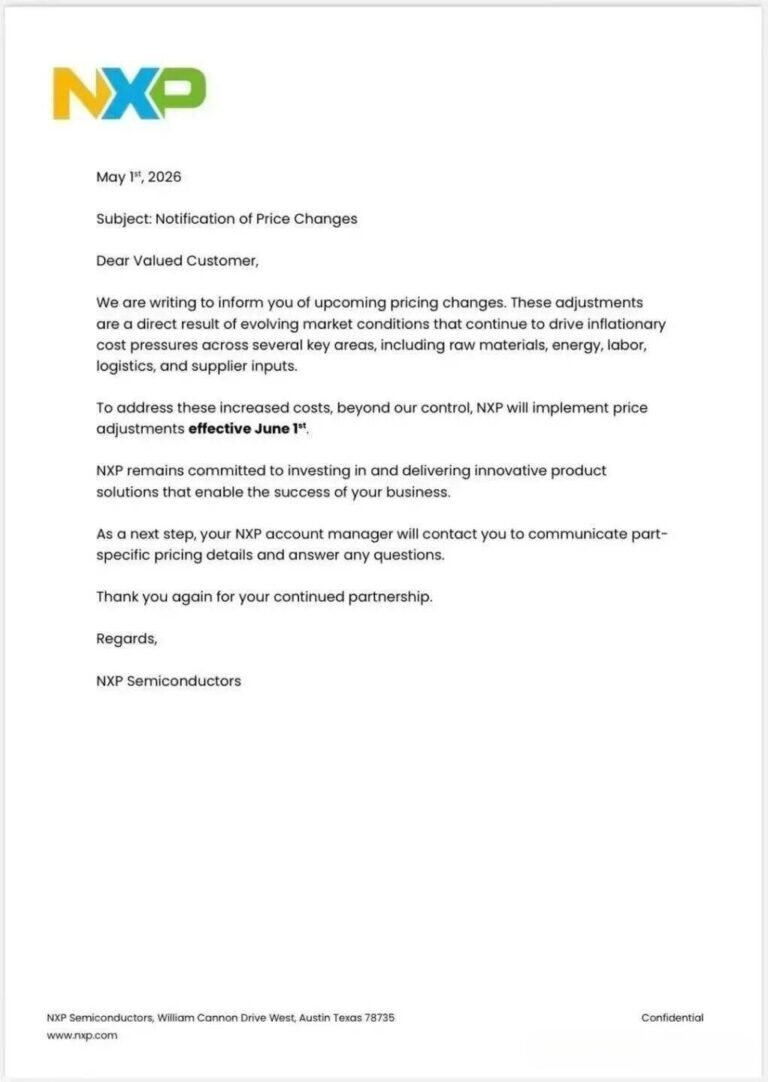
May 8, 2026 – Eindhoven, Netherlands NXP Semiconductors (NXPI), a global leader in automotive and industrial semiconductor solutions, has officially notified its worldwide channel…
Read More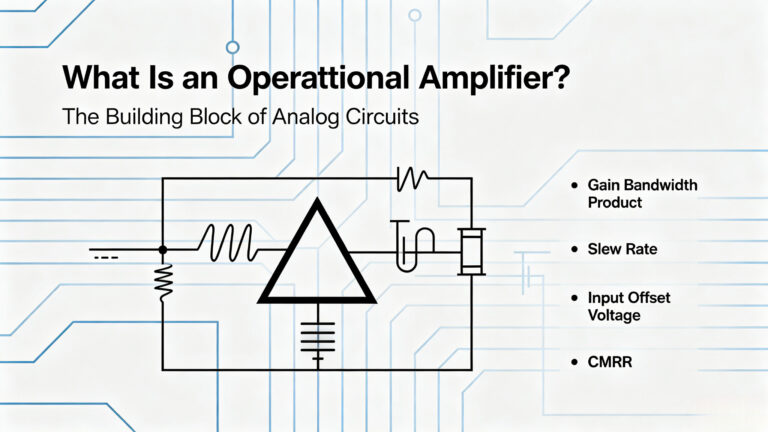
If you’ve spent any time staring at a schematic, you’ve seen the triangle. Two inputs, one output, and a gain symbol that looks deceptively…
Read More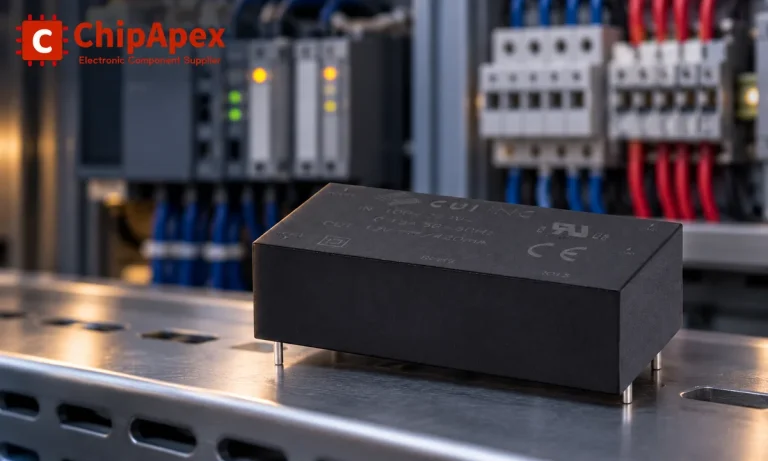
Choose an AC to DC converter by input range, output demand, isolation, efficiency and thermal derating. Compare architectures and check installation needs.
Read More
ChipApex – May 8, 2026 Texas Instruments (TI), the global leader in analog and embedded semiconductors, has officially notified customers of an upcoming company-wide…
Read More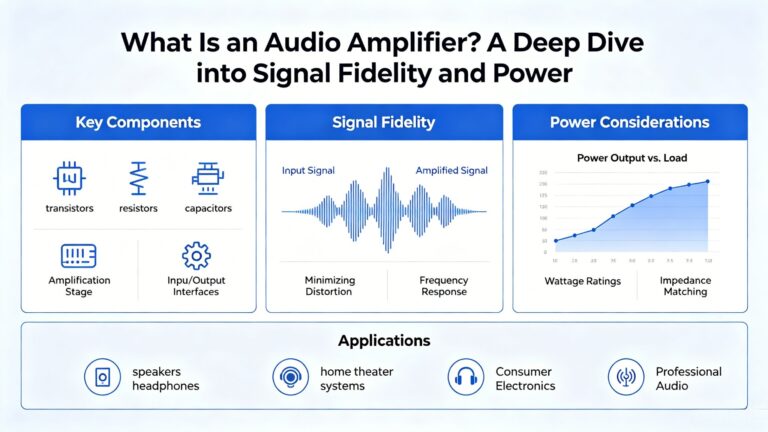
In the world of embedded electronics, getting a device to "think" is only half the battle. The other half is getting it to communicate…
Read More
Recently, global semiconductor manufacturers have been constantly making moves in aspects such as technological cooperation, product manufacturing processes, and market layout, demonstrating the rapid…
Read More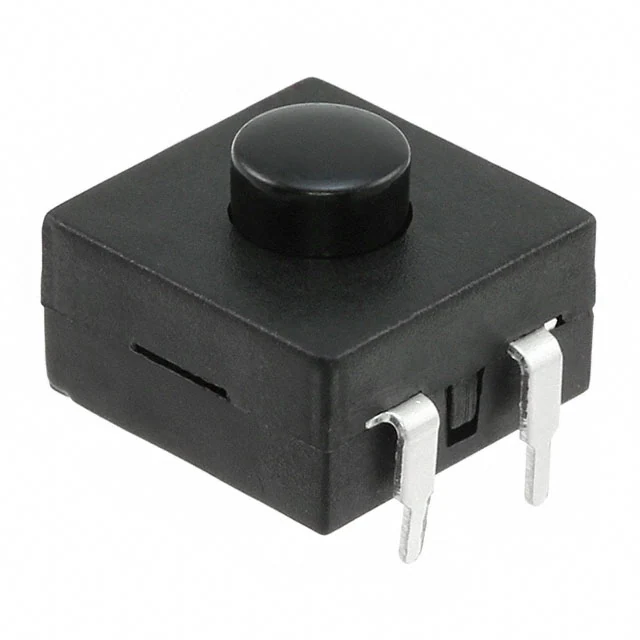
Compare momentary and latching push button switches. Check NO/NC contacts, micro-load current, illumination terminals, panel fit and replacement requirements.
Read More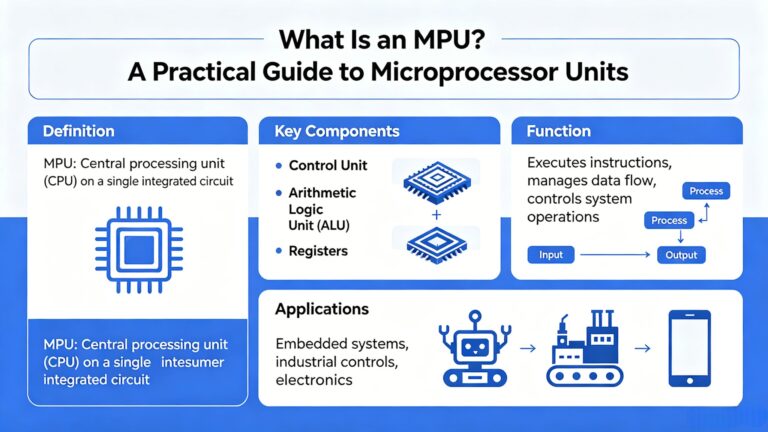
In embedded design, the tug-of-war between cost and performance is constant. On one side, you have Microcontrollers (MCUs)—cheap, simple, and efficient. On the other,…
Read More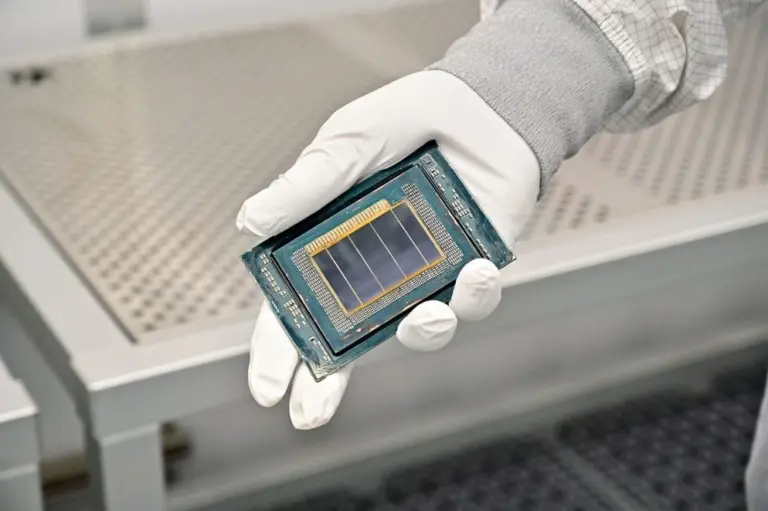
Recently, global semiconductor manufacturers have been constantly taking actions and presenting numerous new developments in aspects such as process technology and product research and…
Read More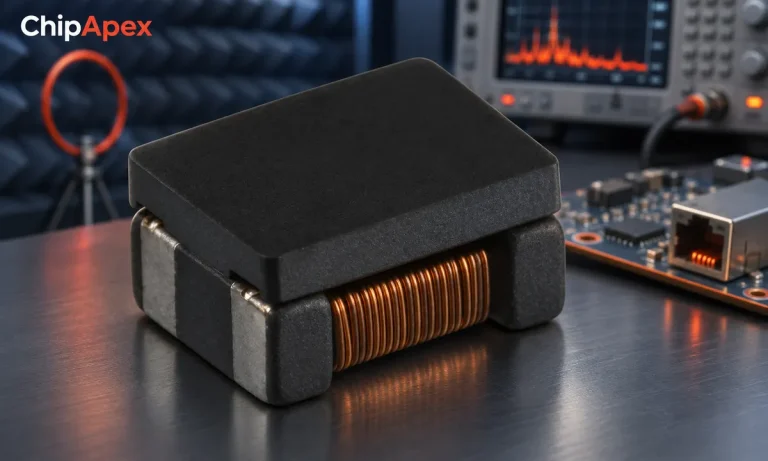
Select a common mode choke using noise frequency, current, insulation and signal integrity. Understand impedance curves, layout and filter limitations.
Read More
The activity of extra discounts on wholesale prices is in full swing…
Please fill in your contact information and we will send you the latest wholesale price list.