 ChipApex | Global Electronic Components Supplier

SEARCH
Search Product
Search Post
Search productSearch post
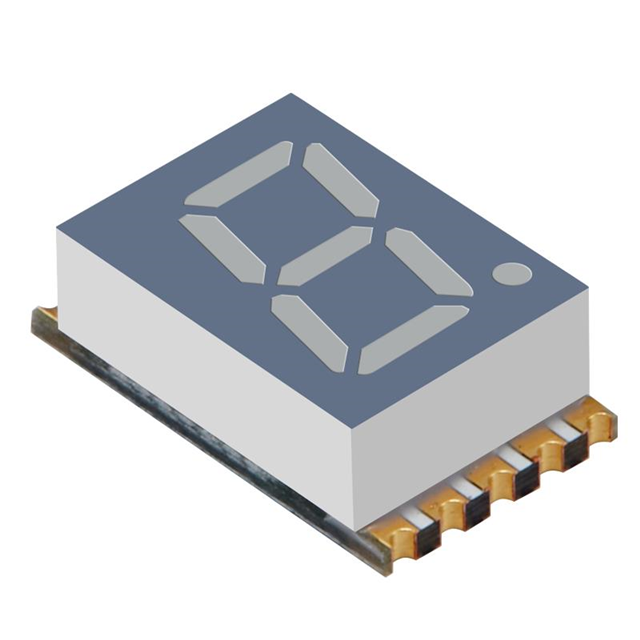
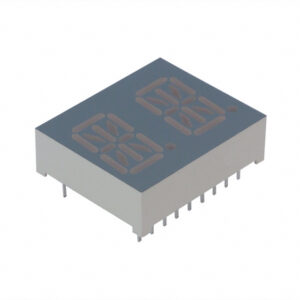
Display Modules - LED Character and Numeric are devices that can display characters and numbers by individually illuminating segments of LEDs. Commonly referred to as “7 segment displays” they are most often used to display numbers either individually or with multiple displays joined together, units with more segments (14 or 16) can also display alphabetic characters as well.
 LTM-8530PView Product
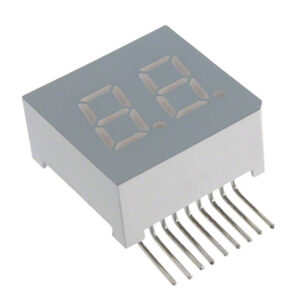 LDD-E302NI-RAView Product
 XDUY09A3View Product
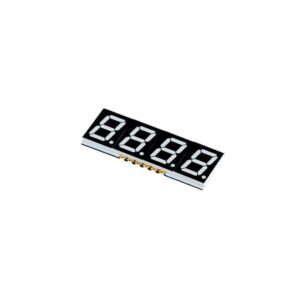 OPS-Q391-3SE-STT(R)-1.5-BWView Product
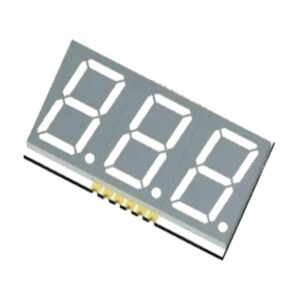 OPS-T7011W-STT(R)-1.5-GWView Product
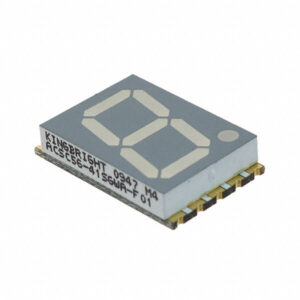 ACSC56-41SGWA-F01View Product
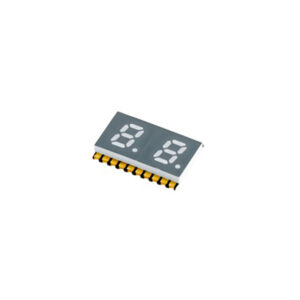 OPS-D2040SB-ST-BWView Product
 MAN4610AView Product
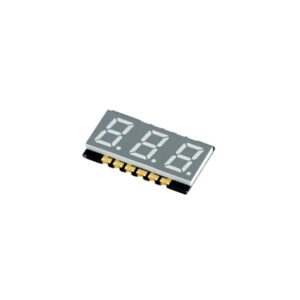 OPS-T3050LR-STT(R)-1.5-GWView Product
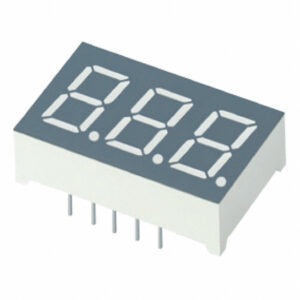 XDMDK09A3View ProductLTS-313APView Product
 LTP-3786EView Product
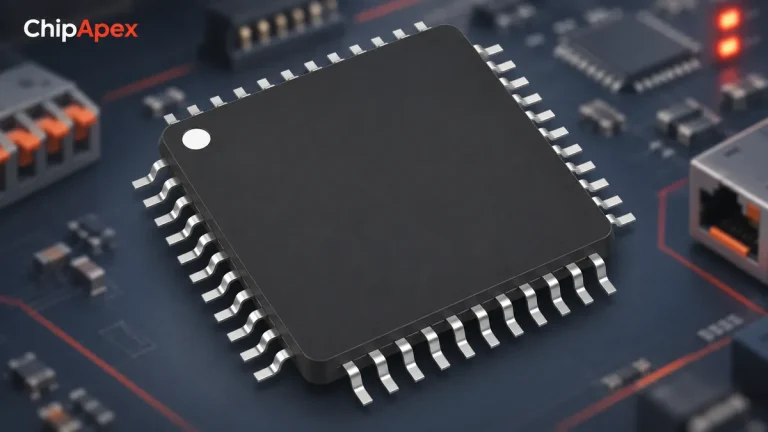
Learn how CPLDs implement hardware logic, compare them with FPGAs and MCUs, and check timing, I/O voltage, startup behavior and programming requirements.
Read More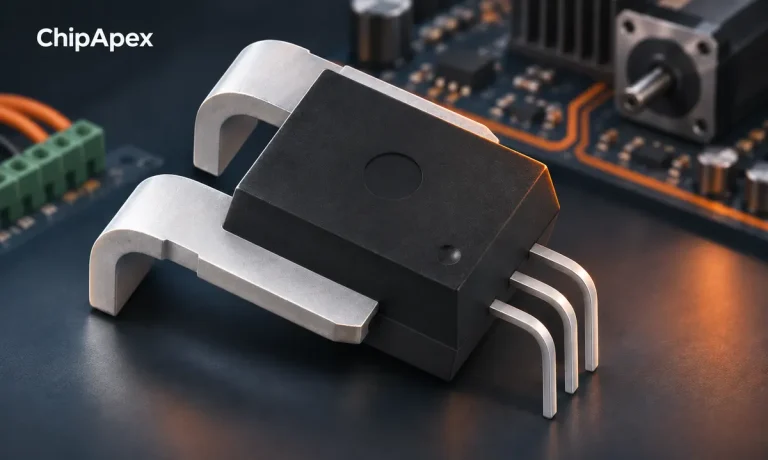
Compare Hall, shunt, current transformer and Rogowski sensing. Check AC/DC capability, accuracy, isolation, heat and response before selecting a sensor.
Read More
Learn why PTC resistance rises with temperature, how it differs from NTC, and which ratings matter for sensing and protection.
Read More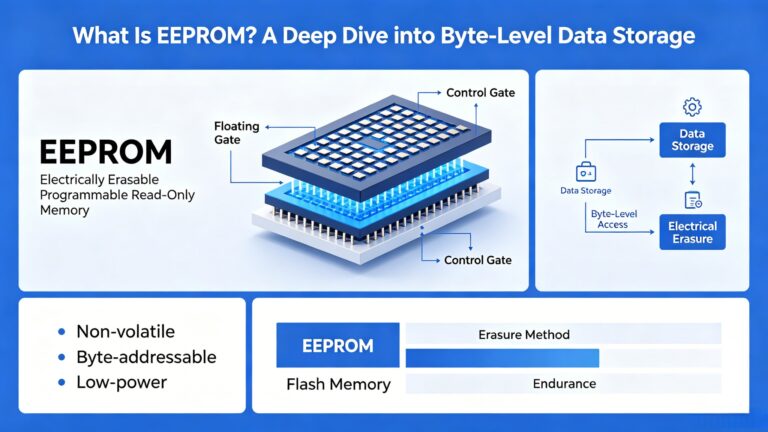
In the vast landscape of memory technology, EEPROM (Electrically Erasable Programmable Read-Only Memory) often plays the unsung hero. While NAND Flash grabs headlines for…
Read More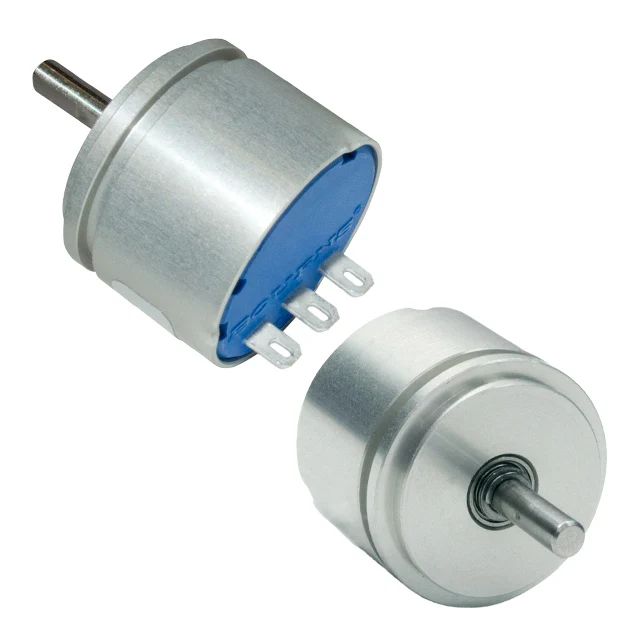
Learn how a TPS reports throttle angle to the ECU, compare potentiometer and magnetic sensors, and see what to verify before diagnosing or replacing…
Read More
Learn how an analog front end conditions sensor signals. Compare gain, noise, filtering, ADC settling and integration options before selecting components.
Read More
Learn how a diode conducts, how to identify anode and cathode, and when to choose rectifier, TVS, Zener or photodiode types for a circuit.
Read More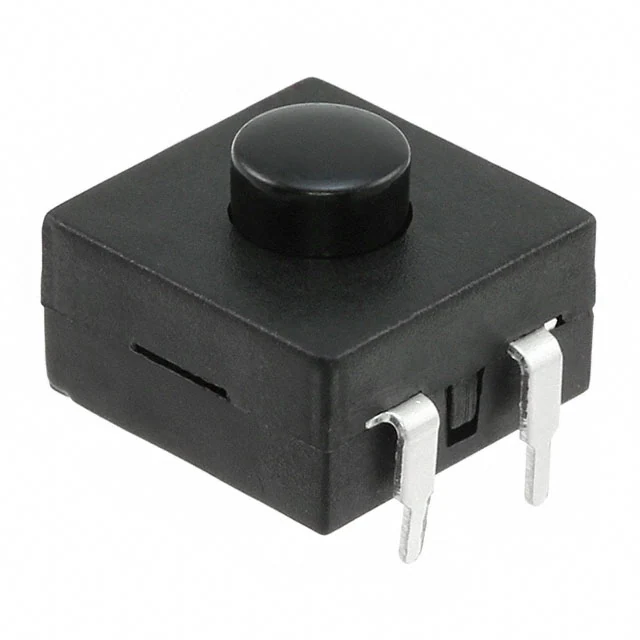
Compare momentary and latching push button switches. Check NO/NC contacts, micro-load current, illumination terminals, panel fit and replacement requirements.
Read More
Understand voltage controlled oscillator tuning, phase noise and PLL operation. Check supply noise, output loading and requirements before selection.
Read More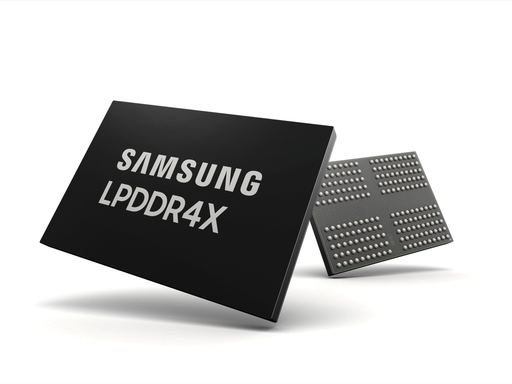
Samsung Electronics, the world's largest memory chip manufacturer, has officially confirmed the end-of-life (EOL) for its LPDDR4 and LPDDR4X low-power DRAM products, marking a…
Read More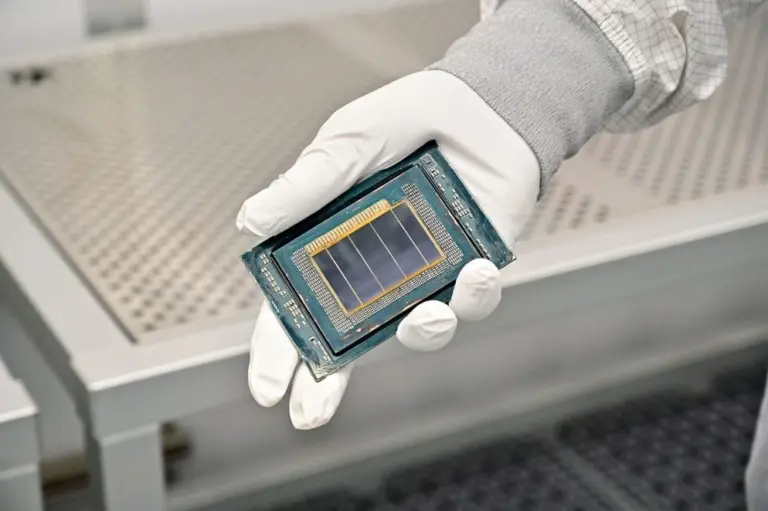
Recently, global semiconductor manufacturers have been constantly taking actions and presenting numerous new developments in aspects such as process technology and product research and…
Read More
TOKYO, July 31, 2026 — Renesas Electronics Corporation has officially announced a major domestic manufacturing restructuring, confirming plans to gradually discontinue all wafer fabrication…
Read More
The activity of extra discounts on wholesale prices is in full swing…
Please fill in your contact information and we will send you the latest wholesale price list.