 ChipApex | Global Electronic Components Supplier

SEARCH
Search Product
Search Post
Search productSearch post
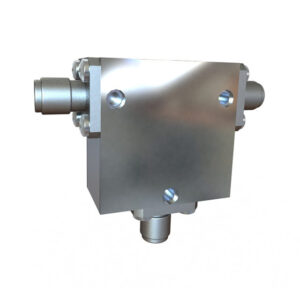
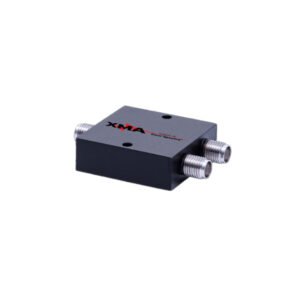
Radio Frequency and Intermediate Frequency (RF/IF) products are used for wireless transmission of information by means of electromagnetic radiation. Radio Frequency Identification (RFID) is a specific subset of general RF applications, characterized by use of small, inexpensive devices known as \\\"tags\\\" capable of containing a limited amount of information, that can be wirelessly retrieved (and in some cases modified) through the use of a specialized device known as a \\\"reader\\\" and which are commonly used for object or material tracking, inventory, and similar purposes. Products found within this category may range from finished units for end use, to component-level products and materials from which such finished goods are assembled.
| Select products | Mfr | Description | Package | Supplier Device Package | Mounting Type | Series | Operating Temperature |
|---|---|---|---|---|---|---|---|
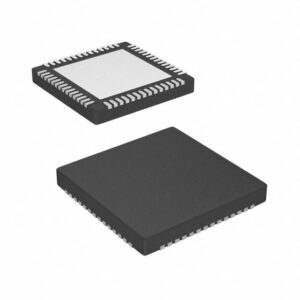
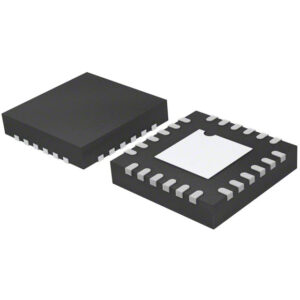
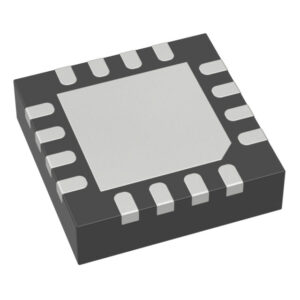
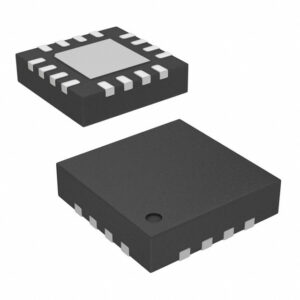
 LT5528EUF#PBF $7.22 | Linear Technology | LT5528 - 2GHZ DIRECT QUADRATURE | Bulk | 16-QFN (4x4) | Surface Mount | - | |
 LT5568EUF#PBF $6.77 | Linear Technology | LT5568 - 900MHZ DIRECT QUADRATUR | Bulk | 16-QFN (4x4) | Surface Mount | - | |
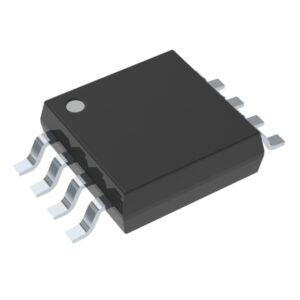
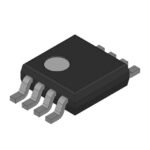 LTC4403-1EMS8#PBF $1.77 | Linear Technology | LTC4403 - MULTIBAND RF POWER CON | Bulk | 8-MSOP | - | ||
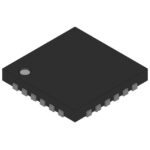 LTC5598IUF $5.72 | Linear Technology | LTC5598 - 5MHZ TO 1600MHZ HIGH L | Bulk | - | - | * |
Learn what a shift register does, how bits move and when to use SIPO or PISO devices. Review latch timing, logic levels, output drive…
Read More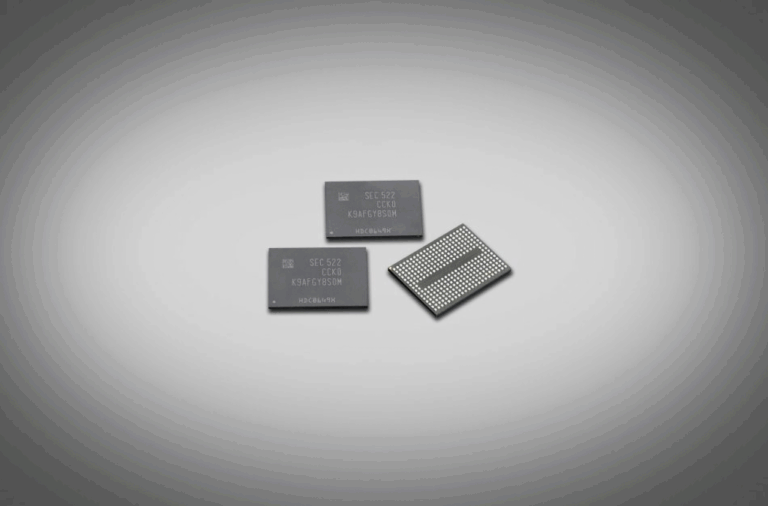
Date: May 13, 2026 The global memory industry is facing an unprecedented supply crunch in legacy MLC NAND Flash. Leading manufacturers including Samsung Electronics…
Read More
Choose logic inverter ICs by thresholds, supply, output drive and delay. Compare standard and Schmitt-trigger inputs, power sequencing and replacement checks.
Read More
Choose an ADC converter by resolution, sample rate, noise and input design. Review practical tradeoffs and prepare component requirements for ChipApex.
Read More
The global memory market is entering an unprecedented supply-constrained phase as soaring demand from artificial intelligence (AI) infrastructure collides with strategic capacity reallocations by…
Read More
CHICAGO, USA – May 27, 2026 – Global leading interconnect manufacturer Molex officially issued a global distributor price adjustment notice on May 27, confirming…
Read More
TOKYO, July 31, 2026 — Renesas Electronics Corporation has officially announced a major domestic manufacturing restructuring, confirming plans to gradually discontinue all wafer fabrication…
Read More
Choose a miniature circuit breaker for a control panel. Compare trip curves, startup duration, interrupting capacity and branch protection requirements.
Read More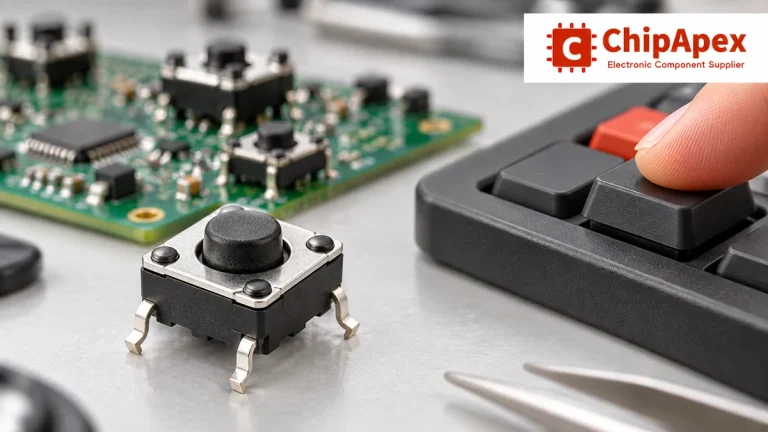
Understand tactile switches, PCB and keyboard differences, four-pin wiring, debounce, force, travel and replacement checks for reliable control inputs.
Read More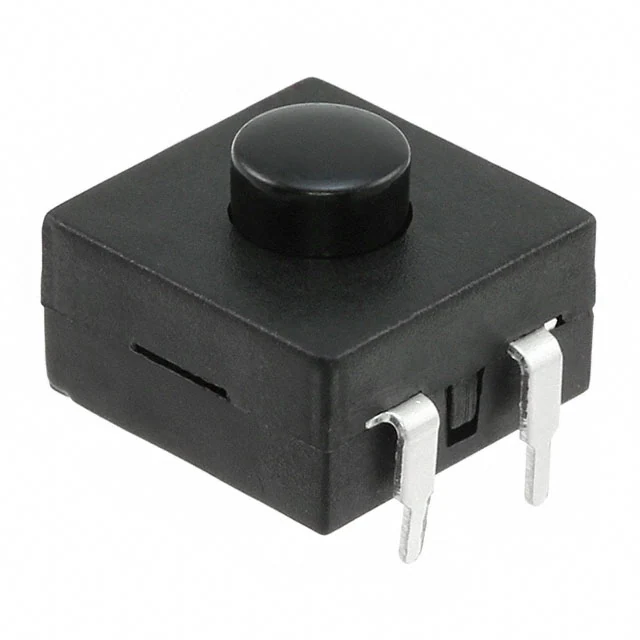
Compare momentary and latching push button switches. Check NO/NC contacts, micro-load current, illumination terminals, panel fit and replacement requirements.
Read More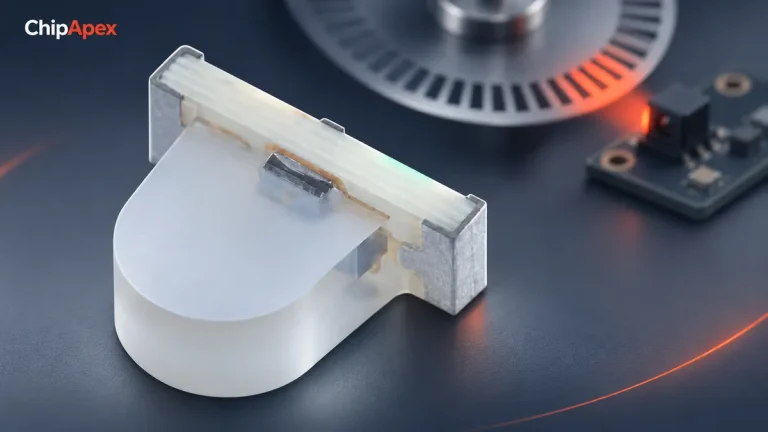
Understand phototransistor operation, load-resistor selection, saturation and response time. Compare detector types and prepare component sourcing requirements.
Read More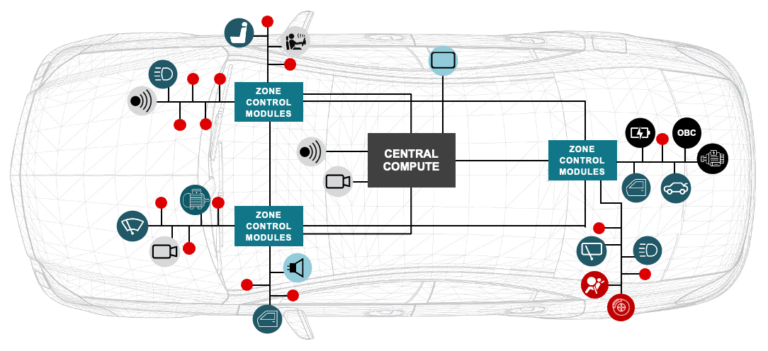
Las Vegas, January 6, 2026 — At the Consumer Electronics Show (CES) 2026, Texas Instruments (TI) (NASDAQ: TXN) announced a suite of next-generation semiconductor…
Read More
The activity of extra discounts on wholesale prices is in full swing…
Please fill in your contact information and we will send you the latest wholesale price list.